Web Design
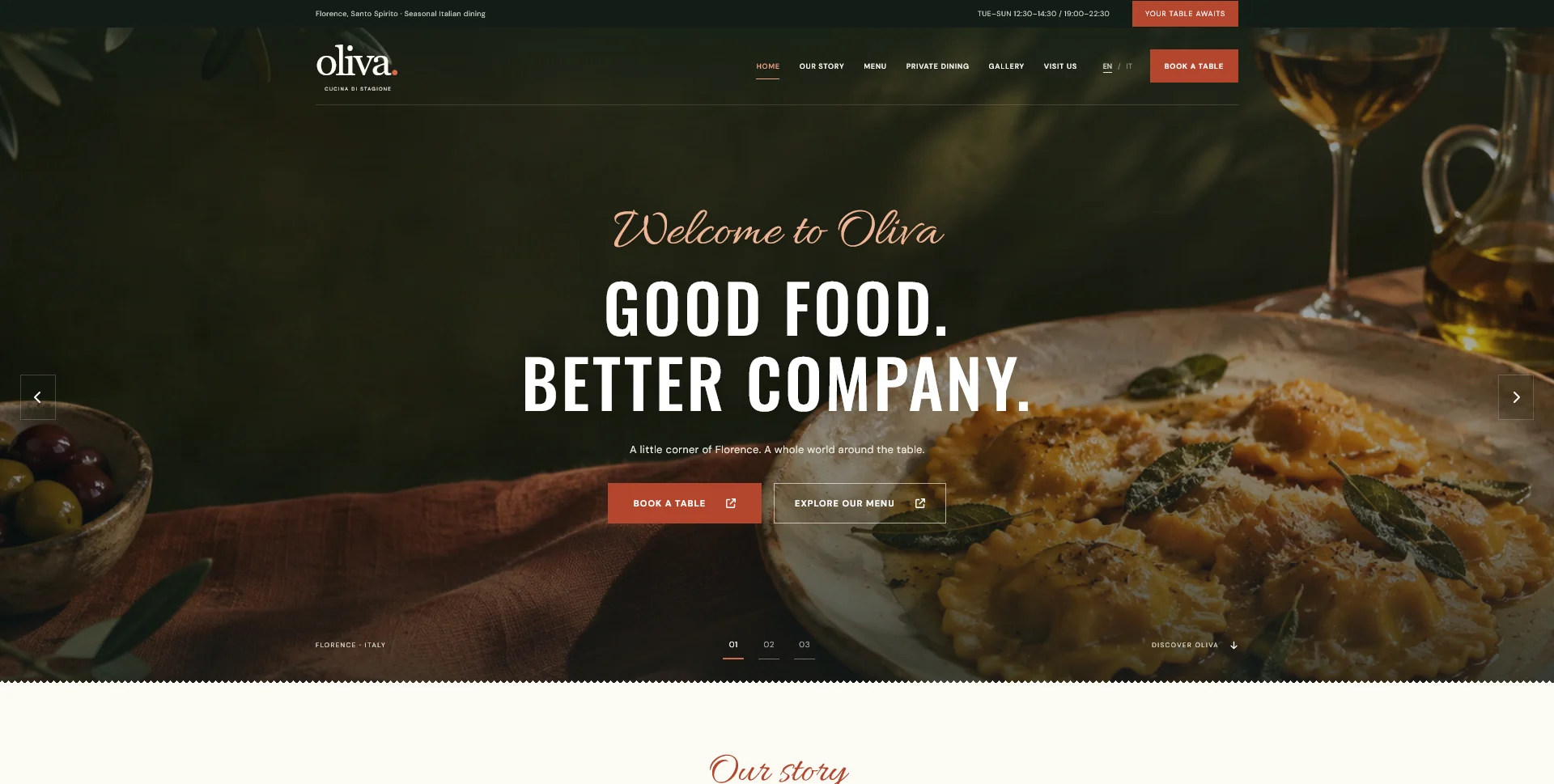
Oliva
A personal restaurant website concept combining an expressive Italian dining atmosphere with a photographic menu, clear visit information and a demonstration reservation journey.
 Let’s talk
Prepare a restaurant website photography brief around food, rooms and visiting information. Plan essential shots, useful crops, approvals and the handover.
Commission restaurant website photographs by the decisions they help guests make: understanding the food, imagining the room and recognising the place they will visit. Start with the pages and their purpose, then build a shot list. A folder of attractive close-ups can still leave the website without a useful entrance image, room overview or suitable opening photograph.
Separate the images essential to explaining the restaurant from images that mainly add atmosphere. Both can have a role, but the distinction makes the first shoot easier to prioritise and helps the designer work with a coherent set of material.
List the homepage, menu, restaurant story, private dining and visit information that the first version will include. For each destination, identify the question an image should answer.
The essential restaurant website pages guide provides a starting structure. The CTA guide helps identify where a photograph must also leave room for a heading and a useful next action.
Ask the photographer and designer to discuss those uses before the shoot. A composition made for a menu card is different from a wide opening image with text over it, even if both show the same dish.
| Image group | Guest question it supports | Useful brief detail |
|---|---|---|
| Representative food | What kind of meal can I expect? | Current dishes, real presentation and consistent treatment |
| Dining-room overview | What does the setting feel like? | Show the actual space and a realistic arrangement |
| Entrance or exterior | Will I recognise the place when I arrive? | Current entrance, relevant approach and clear context |
| Private-dining setting | Could this space suit my occasion? | Approved room setup and what is actually available |
| People and process | Who prepares and hosts the experience? | Agreed participants and real working details |
| Atmospheric details | What gives the restaurant character? | Materials, light and objects that support the story |
This is a planning framework rather than a fixed package. A restaurant with a compact first website may need a smaller selection, while distinct rooms or several venues can justify more coverage.
Choose dishes and arrangements that represent the restaurant’s current service. Discuss whether a photograph is a permanent brand image, a seasonal feature or documentation of a specific menu item.
If a dish changes, the image may need to change with it. A beautiful photograph of an unavailable preparation can create the wrong expectation when placed beside a current menu description.
Keep the difference between illustration and documentation clear. The Oliva personal website concept uses AI-generated food and atmosphere imagery for a fictional restaurant. Its consistency is useful as an art-direction reference; a real restaurant needs imagery that accurately represents its own offer and spaces.
Show the intended layouts to the photographer. Identify wide openings, portrait crops, square cards and images that may appear in more than one format.
Mark the subject that must remain visible and the areas that may carry text. A face, plate or recognisable entrance should not disappear when the image is cropped for a phone. Leave compositional flexibility where it serves the planned uses.
The image optimisation guide explains the later export and delivery decisions. Capturing a suitable master gives the implementer more useful options than trying to repair an unsuitable crop after the shoot.
Build a small reference set around light, colour, framing and atmosphere. Annotate what you want from each example rather than sending an unrelated collection of images with the instruction “make it premium”.
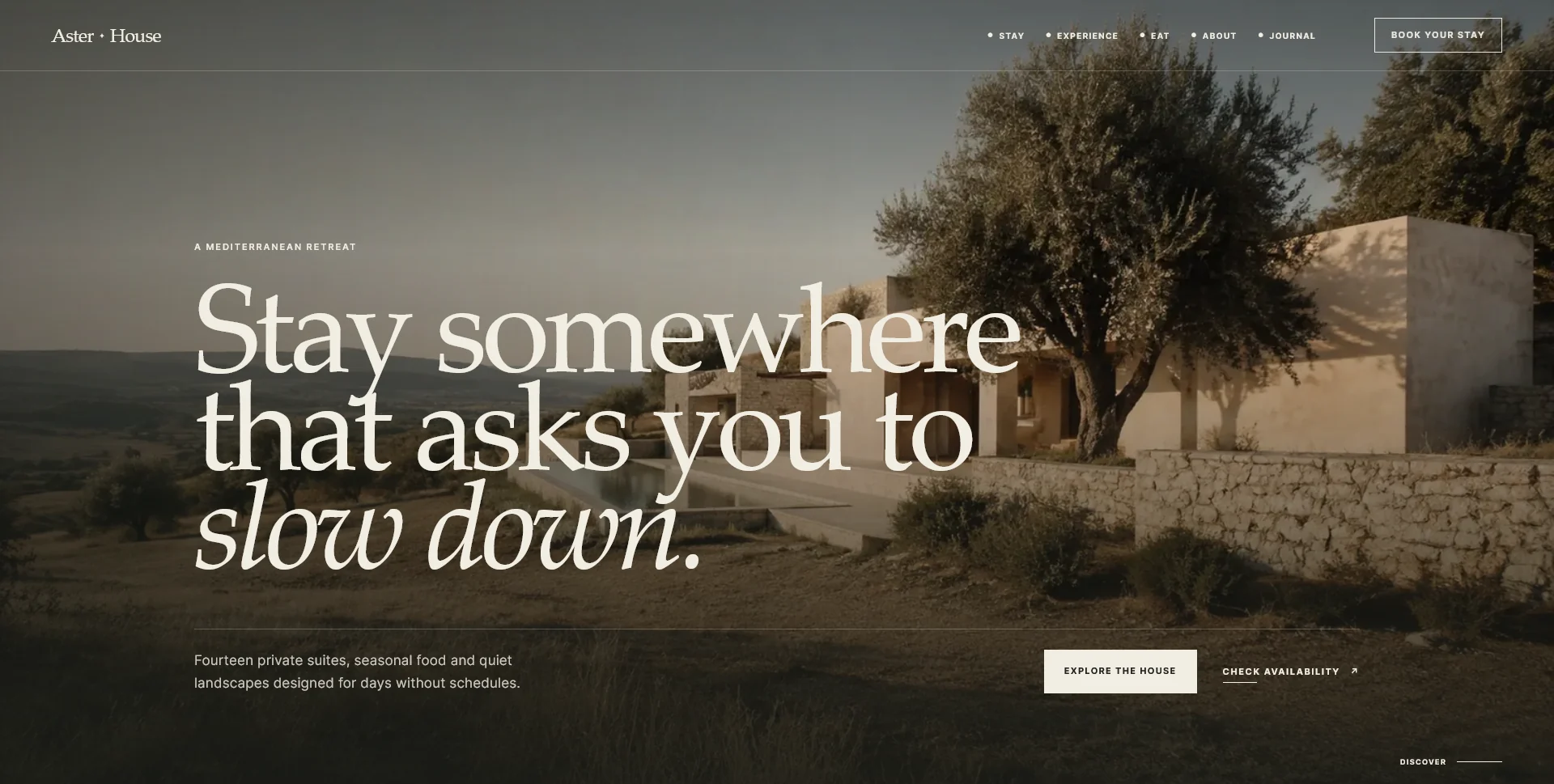
Oliva’s deep olive, terracotta and ivory palette offers one expressive direction. Aster House offers a different hospitality reference, with a quieter editorial treatment. Both are personal concepts; use them to discuss a direction that fits your restaurant rather than importing another brand’s identity wholesale.
Check that the chosen treatment still explains the food and space. Deep shadows may create atmosphere, but an entrance photograph also needs to help someone recognise the door.
Record who created each image, which uses have been agreed and any attribution requirements. Confirm arrangements for identifiable staff, guests or other participants before publishing their images. Do not assume that an image found in a shared folder is approved for every use.
Plan the shoot with the restaurant’s operation: which dishes can be prepared, which spaces are available and who can approve the final selection. Identify whether a staged table arrangement reflects something the restaurant can actually provide.
These decisions belong in the brief and schedule. The restaurant project-timeline guide shows why late imagery or approvals can affect design and implementation even when the page structure is already settled.
Provide a simple asset register with the subject, intended page, source, approval status and any date-sensitive context. For location-specific images, identify the venue clearly.
Keep the approved master files separately from the web exports. Name images meaningfully so staff can distinguish an entrance view from an old menu photograph without opening every file.
The restaurant content checklist helps combine this register with text, menu and operating information. The location-page guide explains why photographs of different venues need accurate placement.
Review the shortlist on desktop and mobile before treating the selection as final. Check the crop, heading contrast, relationship to the menu text and consistency between neighbouring images.
An image can be excellent on its own and still be wrong for a particular position. A busy background may make a reservation prompt difficult to read; a tightly framed plate may not survive a narrow crop.
If the budget only allows a limited first shoot, prioritise the images that complete the main guest journey. Add decorative variations later when they have a clear role and the core information is already represented.
No. Choose according to the menu structure, available resources and how consistently images can be maintained. A representative selection can work well alongside clear text.
Sometimes, if their quality, permissions and composition suit the website. Check the original files rather than relying on heavily compressed downloads.
The restaurant confirms accuracy and approval, the photographer contributes image expertise, and the designer evaluates the role in the layout. Agree who makes the final decision and how feedback is consolidated.
Share the pages you need, the images you already have and the material still to produce. SavianoDesign’s Website Design service can plan the visual hierarchy and image uses around that inventory, with photography and other content-production work agreed separately.
Web Design
A personal restaurant website concept combining an expressive Italian dining atmosphere with a photographic menu, clear visit information and a demonstration reservation journey.
Web Design
An editorial hospitality concept, combining a Mediterranean visual direction with responsive front-end development.
Web Design
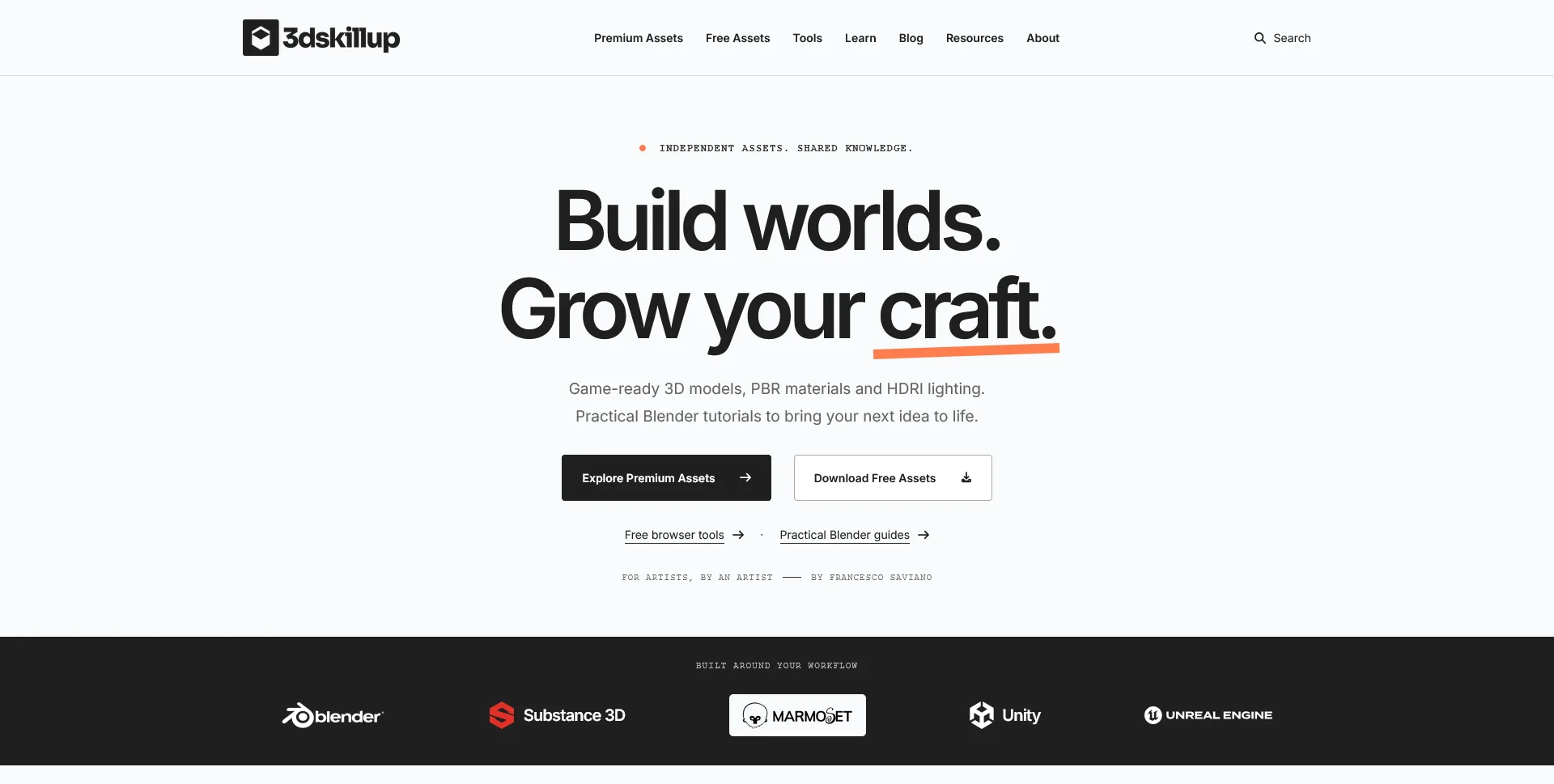
A separate creative platform bringing together game-ready 3D assets, practical tutorials and resources for artists.
Web Design · 6 min read
Keep restaurant website images attractive and efficient. Plan responsive sizes, formats, loading priorities and an upload workflow that preserves useful detail.
Web Design · 6 min read
Plan restaurant location pages with useful local details. Connect each venue to its menu, dining space and contact route without repeating generic area copy.
Web Design · 6 min read
Prepare your restaurant website brief with a checklist for menus, photos, brand files, visit details and booking information, including what is still missing.
Have a website in mind?
A short outline is enough to start a conversation.
Discuss your project View my 99designs profile5.0 / 5 from 25 reviews on 99designs. Read client feedback.