Web Design
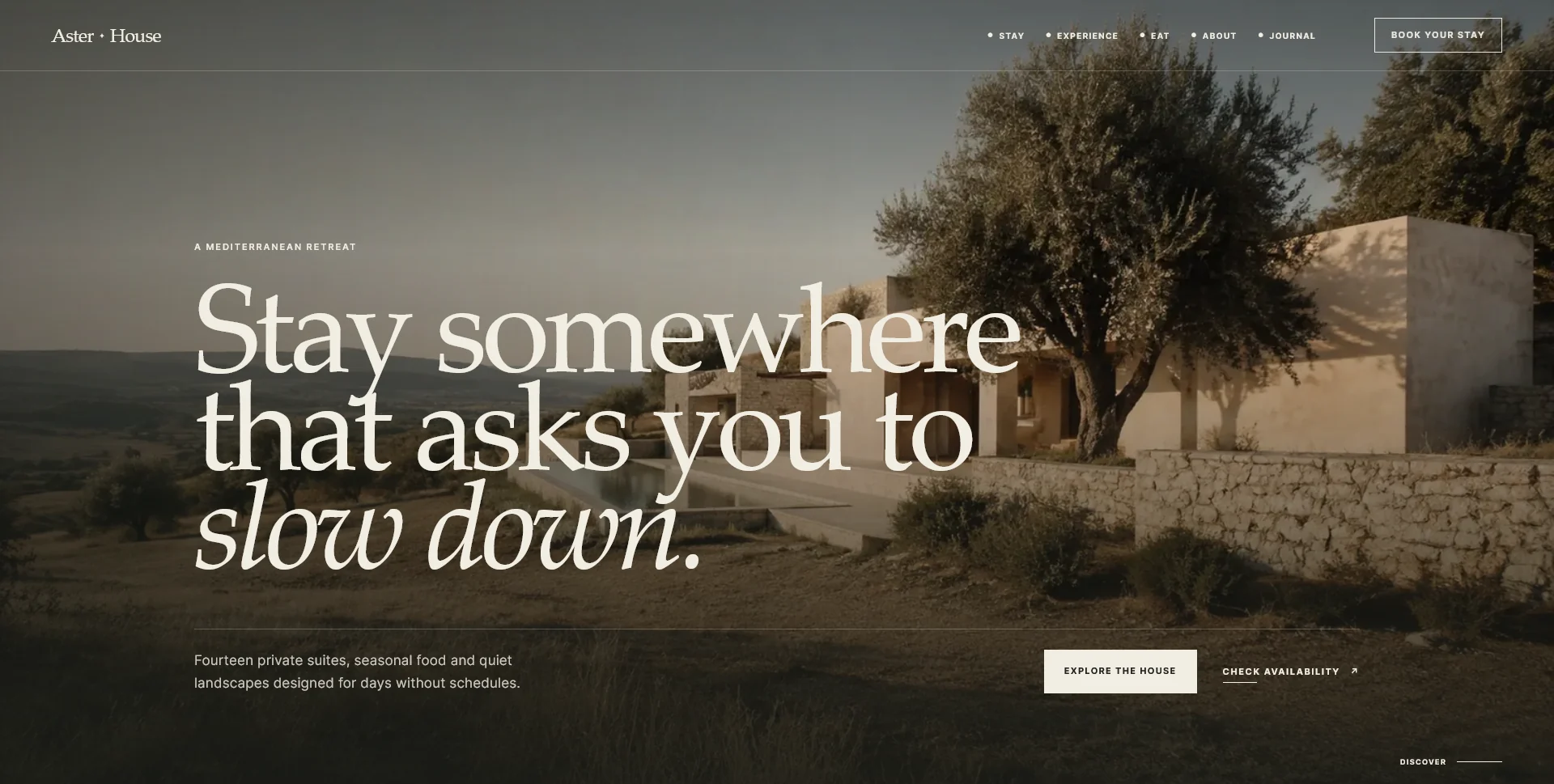
Aster House
An editorial hospitality concept, combining a Mediterranean visual direction with responsive front-end development.
 Let’s talk
Prepare your restaurant website brief with a checklist for menus, photos, brand files, visit details and booking information, including what is still missing.
Before requesting a restaurant website quote, gather your current menus, approved business information, available photographs and the way you handle reservations. Then label what is ready, what needs updating and what still needs to be created. That distinction is more useful than sending a folder of unreviewed files.
You do not need polished website copy to start a conversation. You do need enough information to reveal the work involved. Missing photography, a second language or several menu versions can affect the scope as much as the number of pages.
Write a plain-language summary of the business and the reason for the website project. Include the restaurant name, location, dining offer and the people you want to help. Mention whether the project is a first site, an update or a replacement.
Then state the main action guests should take. “Send a reservation request for the dining room” is more specific than “increase engagement.” Explain whether someone reviews that request or whether an external system confirms availability.
Add any launch constraint, such as an opening date or a planned menu change, and identify the person who approves the work. If the site exists already, include its URL and the main problems you have observed.
For a fuller structure discussion, use the guide to essential restaurant website pages.
A useful inventory records the material, its condition and its owner. Use “ready”, “update” and “create” consistently so the quote does not assume that every supplied file is final.
| Material | What to provide | What to clarify |
|---|---|---|
| Menus | Current text or editable source, with prices where published | Which version is approved and who changes it |
| Visit information | Address, relevant hours and verified practical details | Differences between opening and service times |
| Photography | Available original files and usage information | Missing shots, permissions and important crops |
| Brand assets | Logo files, colours and any existing guidance | Which files are current and suitable for web use |
| Reservation details | Provider link or the actual contact process | Request versus confirmation, recipient and follow-up |
| Additional services | Approved private-dining, event or group information | Whether each offer is active and ready to publish |
For example, a folder might contain an approved dinner menu, an outdated drinks list and no interior photography. Marking those differences helps the designer separate content entry from content preparation.
Supply menu text in a form that can be checked and edited. A print PDF can be useful as a visual reference or download, but an image of a menu makes accurate copying and future updates harder.
Group the material as guests understand it: food, drinks, lunch, tasting menu or other genuine categories. Label which days or services apply where that matters. Identify the approved prices and the person responsible for future changes.
Provide any dietary or allergen wording that the restaurant has verified. The designer should not infer ingredients, dietary suitability or preparation practices from dish names or photographs. If a statement is uncertain, resolve it with the restaurant before publication.
For multiple languages, supply approved translations or make translation work an explicit requirement. An attractive layout cannot resolve contradictory source information.
Organise available photographs by what they show: food, dining room, exterior, team or a specific event space. Include the original files where possible rather than screenshots copied from social media.
Say which images the restaurant has permission to use and whether any credit or restriction applies. If ownership is uncertain, flag it instead of treating publication as automatic.
Think about the decisions images support. An exterior photograph can help a first-time visitor recognise the entrance. An interior photograph can explain the atmosphere. A dish photograph should represent the current offer accurately.
The W3C alternative-text decision tree bases image descriptions on their purpose and context. Preparing a short factual note about each important photograph helps a designer write appropriate text without inventing details. Decorative images may need a different treatment.
Provide the exact destination for bookings or requests. If it is an external service, identify the correct venue page and the person who manages the account. Do not send passwords in a general brief; agree an appropriate access invitation when implementation requires it.
If the site will collect enquiries, describe the information staff actually need and who will receive the message. State how confirmation happens and how guests should handle an urgent same-day question.
Also identify separate routes for private dining or larger groups where they genuinely differ. These should reflect the restaurant’s real process rather than add a form field for every possible situation.
The guide to contact-page response expectations will help you prepare accurate wording for what happens after an enquiry.
Include the information staff actually need to assess a request, not a field copied from every form you have seen. The restaurant reservation-form guide separates essential details, optional context and questions that can wait for a reply. It also helps distinguish a requested date from a genuinely available table.
For an existing site, identify the domain owner, hosting provider, publishing platform and person who can arrange access. You do not need to know every technical detail before asking for a quote, but ownership uncertainty should be visible early.
List external destinations connected to the website: a booking platform, a business profile, printed QR codes or campaign links. If URLs might change, these references help the project team understand what must continue to work.
Clarify the expected editing arrangement. Will restaurant staff update menus themselves, or will they send changes to a support provider? This influences the choice between design-only, frontend and CMS website services.
A few website references are helpful when you explain what you like about each one. “The menu is easy to scan on a phone” is actionable. “Make it like this” leaves the designer guessing whether you mean the photography, structure or booking tool.
Also note anything that should be avoided because it does not suit the restaurant. References should guide the conversation, not encourage copying another business’s identity or claiming features outside the scope.
Keep these notes alongside the content inventory. They can reveal whether a proposed visual direction depends on photography or content that still needs to be produced.
Yes. Supply accurate rough information and label copywriting or editing as work still needed. The proposal can then state what is included and what you will need to approve.
Not necessarily. Share what exists so its suitability can be assessed. If new photography is needed, account for it in the scope and project timeline, rather than treating it as a last-minute replacement.
A small, labelled collection is usually more useful. Keep one approved source for each item and separate historical references so an outdated menu is not mistaken for the current version.
SavianoDesign’s Website Design service starts from the pages, materials and implementation needs of the project. Prepare the brief, the content inventory and a few annotated references, even if several items are still marked “create”.
Share those materials with your current URL, if available, so we can discuss the work required and define a more useful quote.
Web Design
An editorial hospitality concept, combining a Mediterranean visual direction with responsive front-end development.
Web Design
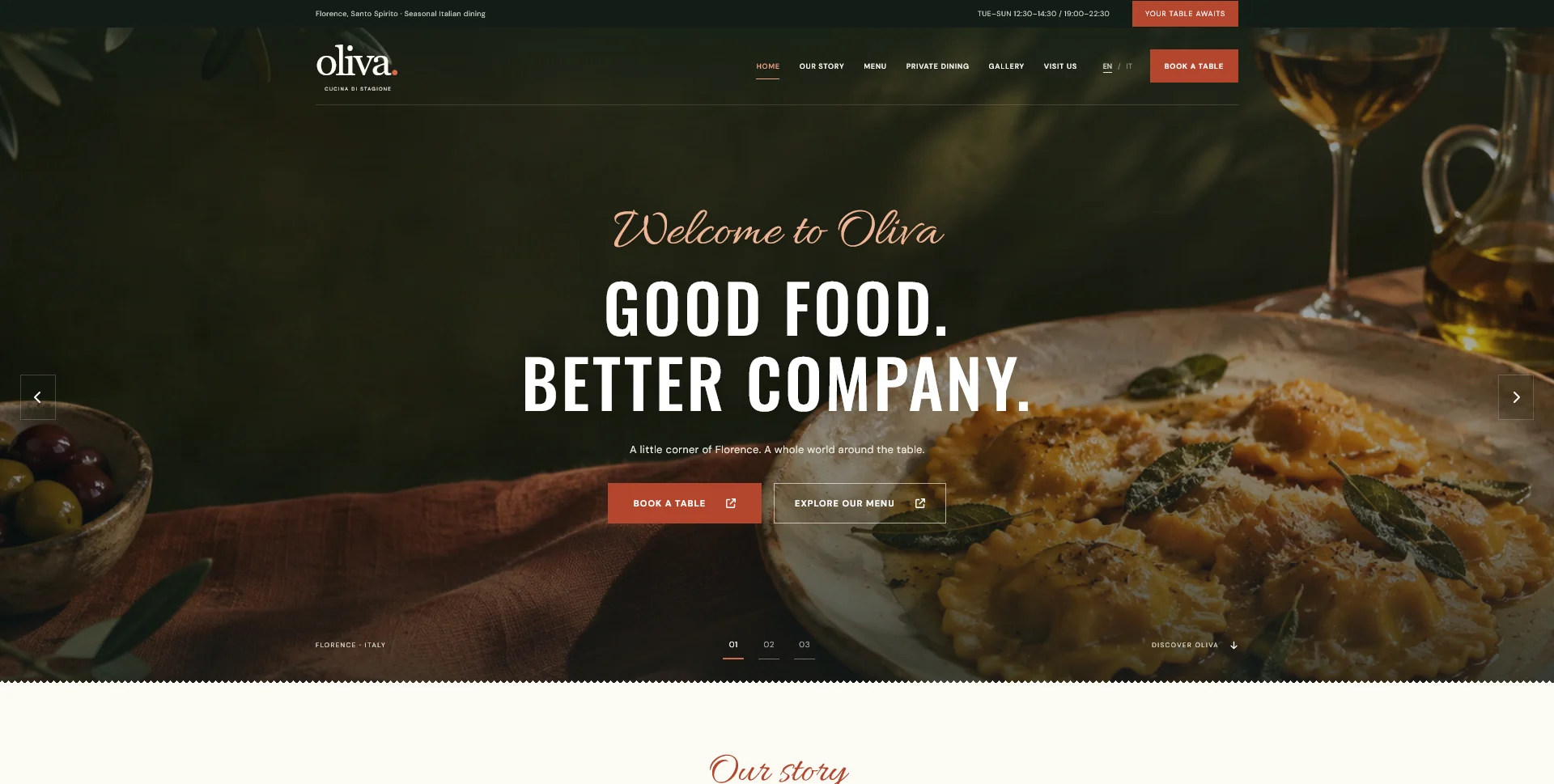
A personal restaurant website concept combining an expressive Italian dining atmosphere with a photographic menu, clear visit information and a demonstration reservation journey.
Web Design
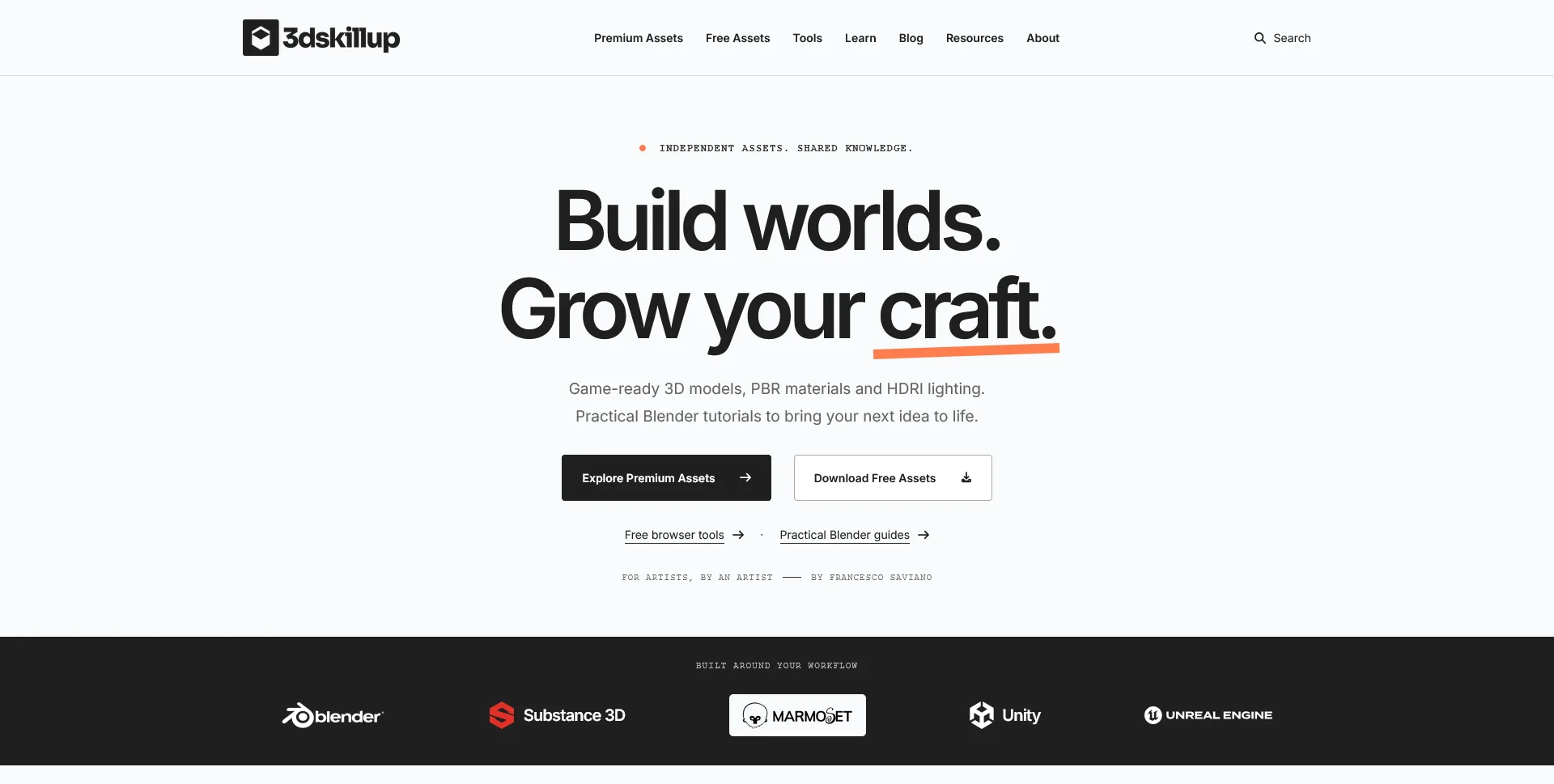
A separate creative platform bringing together game-ready 3D assets, practical tutorials and resources for artists.
Web Design · 6 min read
Choose the fields a restaurant reservation form really needs. Separate required details, optional context and later questions, with clear request expectations.
Web Design · 6 min read
Compare restaurant website quotes with a clear scope checklist covering design, content, development, recurring costs, revisions and launch responsibilities.
Web Design · 7 min read
Plan a realistic restaurant website timeline around content, approvals, development and booking tools. Define milestones and readiness checks before launch.
Have a website in mind?
A short outline is enough to start a conversation.
Discuss your project View my 99designs profile5.0 / 5 from 25 reviews on 99designs. Read client feedback.