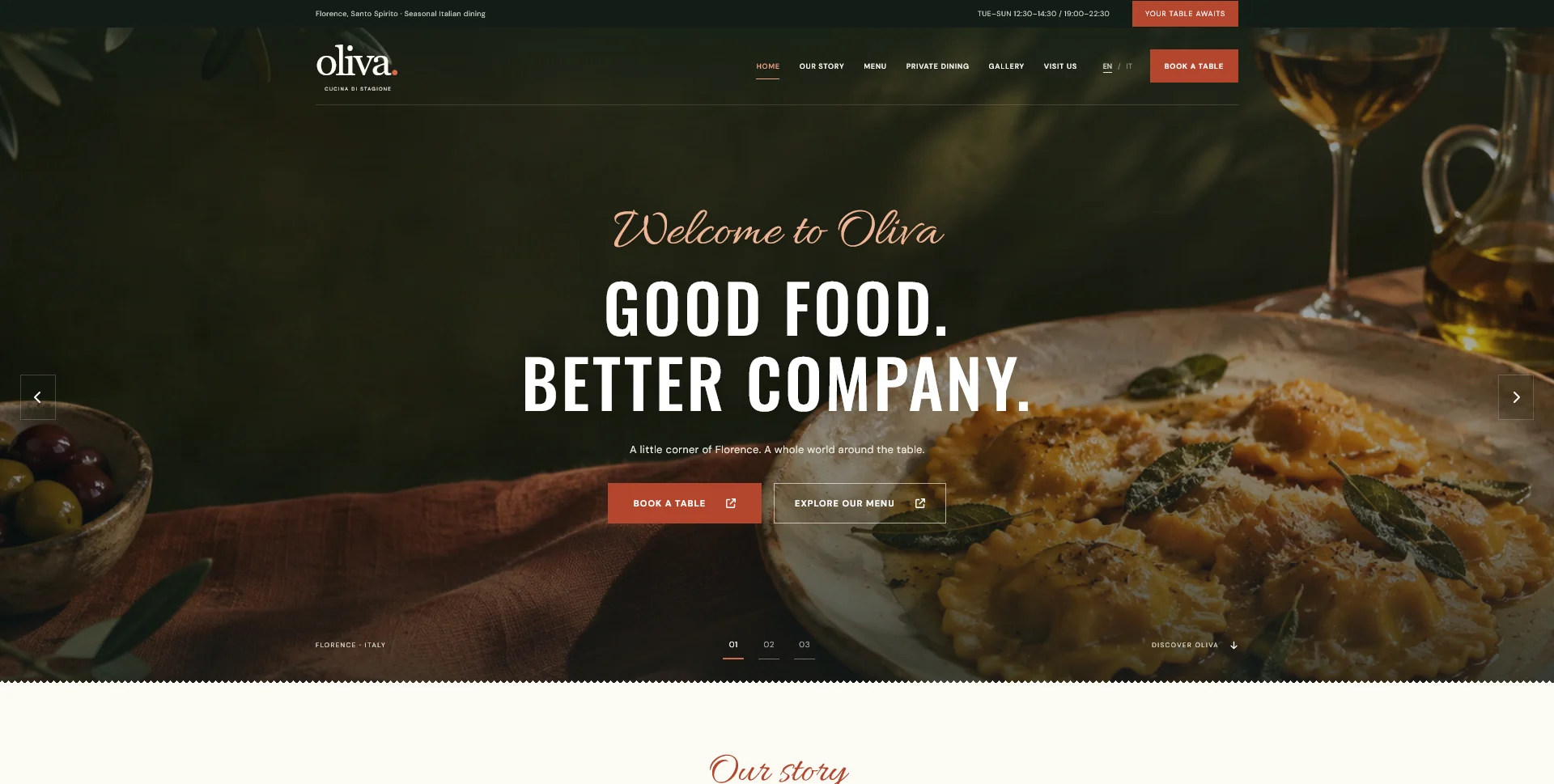
Web Design
Oliva
A personal restaurant website concept combining an expressive Italian dining atmosphere with a photographic menu, clear visit information and a demonstration reservation journey.
 Let’s talk
Choose the fields a restaurant reservation form really needs. Separate required details, optional context and later questions, with clear request expectations.
A restaurant reservation-request form needs the information the team will actually use to assess and answer the request. That usually means identifying the guest, their preferred visit, the number of people and a suitable reply route. Every additional required field should have an operational reason.
The right form depends on the process. A request reviewed by staff is different from a booking service with live availability, and a private event may need different information from a table for two. Define those distinctions before choosing a collection of fields from a template.
Ask the person handling requests to walk through a typical enquiry. What do they need to know immediately? What can they confirm later? Which missing details cause unnecessary back-and-forth?
For an ordinary table request, the main questions may concern date, time and party size. For a private dinner, the team may first need the occasion, an approximate group size and whether the date is flexible. Do not force both journeys through a long form that assumes the same information is necessary.
The restaurant contact-channel guide helps establish when a form is appropriate and when another route is easier to operate.
Use a field inventory before designing the screen. For each item, record its purpose, whether it is required and who uses it.
| Field | Why it may be needed | What to clarify |
|---|---|---|
| Name | Identify the request and address the reply | Ask for the level of detail the process needs |
| Date and preferred time | Assess the proposed visit | State whether this is a preference or confirmed availability |
| Party size | Check the appropriate route and arrangement | Explain what to do for groups outside the standard process |
| Email or telephone | Reply through an agreed channel | Require both only when both have a defined purpose |
| Location | Route the request to the correct restaurant | Omit a redundant choice for a single-location business |
| Additional note | Allow a relevant question or requirement | Keep optional unless a specific decision depends on it |
This is a starting point for a request form, not a universal booking specification. Billing, deposits or account creation belong to separately defined functions when the restaurant needs them.
Mark required fields consistently and explain unusual requirements near the relevant input. Do not make the guest discover every requirement through an error after pressing Send.
Consider whether an optional note becomes a place where guests have to repeat structured answers. If the form already asks for date and party size, “Tell us everything about your booking” adds little direction.
Questions about detailed event planning can often follow an initial suitability check. Keep the first enquiry useful without asking the guest to design an entire dinner before the team has established availability.
For repeated unsuitable requests, review the explanation before increasing the number of fields. The guide to better reservation enquiries helps identify information that belongs on the page itself.
Name fields directly: “Preferred date”, “Number of guests” or “Email for our reply”. A placeholder should not be the only label, because the instruction becomes difficult to refer to once the guest starts typing.
The W3C guide to form labels explains how associating a meaningful label with its control helps people and assistive technology identify the input. Include that implementation detail in the handover, alongside the visual design.
When a value needs correction, identify the field and the change required. Preserve valid entries. “Choose a date” is more useful than a generic “Invalid submission” that leaves the guest to inspect the whole form.
A selectable time does not necessarily represent an available table. If staff must review capacity, describe it as a preferred time and state that the reply confirms the arrangement.
Only restrict dates or party sizes according to rules the restaurant has approved and can maintain. If an unusual request has a separate route, explain it near the restriction. An unexplained disabled button can look like a broken website rather than an operating boundary.
The CTA guide helps align the action label with this process. Follow it with a clear request acknowledgement that confirms only what has actually happened.
The Oliva personal restaurant concept includes a demonstration form with name, email, date, time, party size and an optional note. Its local validation and summary make the proposed sequence visible.
The demo does not send information or reserve a table. That distinction is useful when commissioning a website: a working interface still needs an agreed destination, delivery mechanism and response process before it can handle real enquiries.
Use the existing design-only versus complete-build guide to identify who implements those functions. A visual-design handover should not be mistaken for a connected reservation service.
Check empty submission, a mistyped email, an unavailable or disallowed date, a corrected entry and a successful request. Verify both the guest-facing feedback and receipt by the intended team through the approved test process.
On a phone, inspect the date controls, keyboard, field order and final action. Make sure the guest can still read instructions while entering information. Use the mobile navigation test guide to include returning from an external provider and recovering from errors.
Also agree what happens if delivery fails. A useful fallback is a real, supported contact route with appropriate instructions. The interface should not announce success merely because the guest pressed a button.
Only when the restaurant has a clear reason for using both. Explain the purpose rather than requiring another contact detail by habit.
Decide with the restaurant which information is needed at that stage and how it will be reviewed. Do not let a checkbox imply that a request has been accepted or that a menu item is suitable without the appropriate confirmation.
It can if the routes and necessary information remain clear. Separate forms or a simple enquiry-type choice may be easier when the decisions differ substantially.
Bring examples of the requests you receive and the information your team needs to answer them. SavianoDesign’s Website Design service can define the interface and feedback, with delivery and external-provider responsibilities agreed as part of the implementation scope.
Web Design
A personal restaurant website concept combining an expressive Italian dining atmosphere with a photographic menu, clear visit information and a demonstration reservation journey.
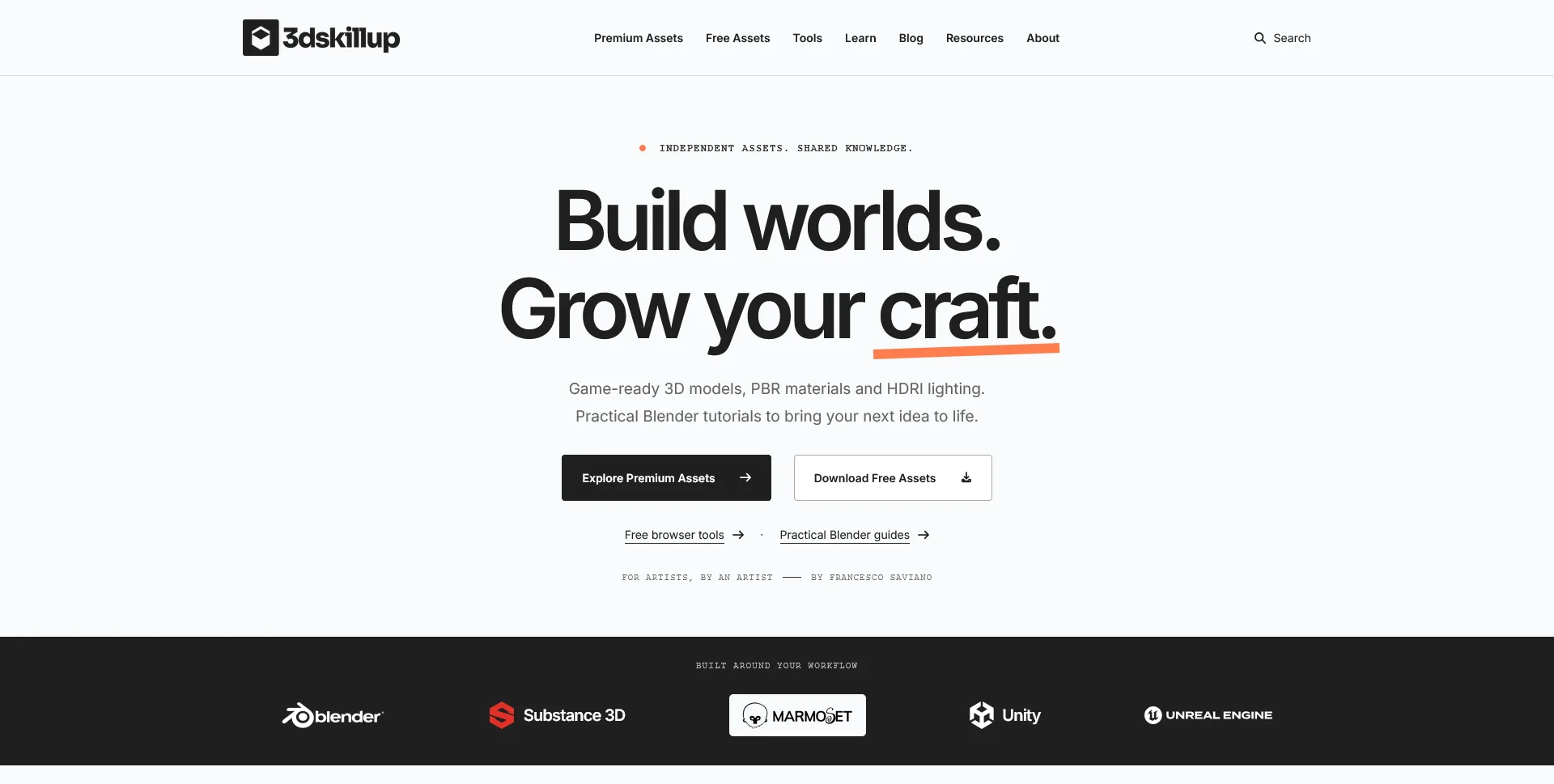
Web Design
A separate creative platform bringing together game-ready 3D assets, practical tutorials and resources for artists.
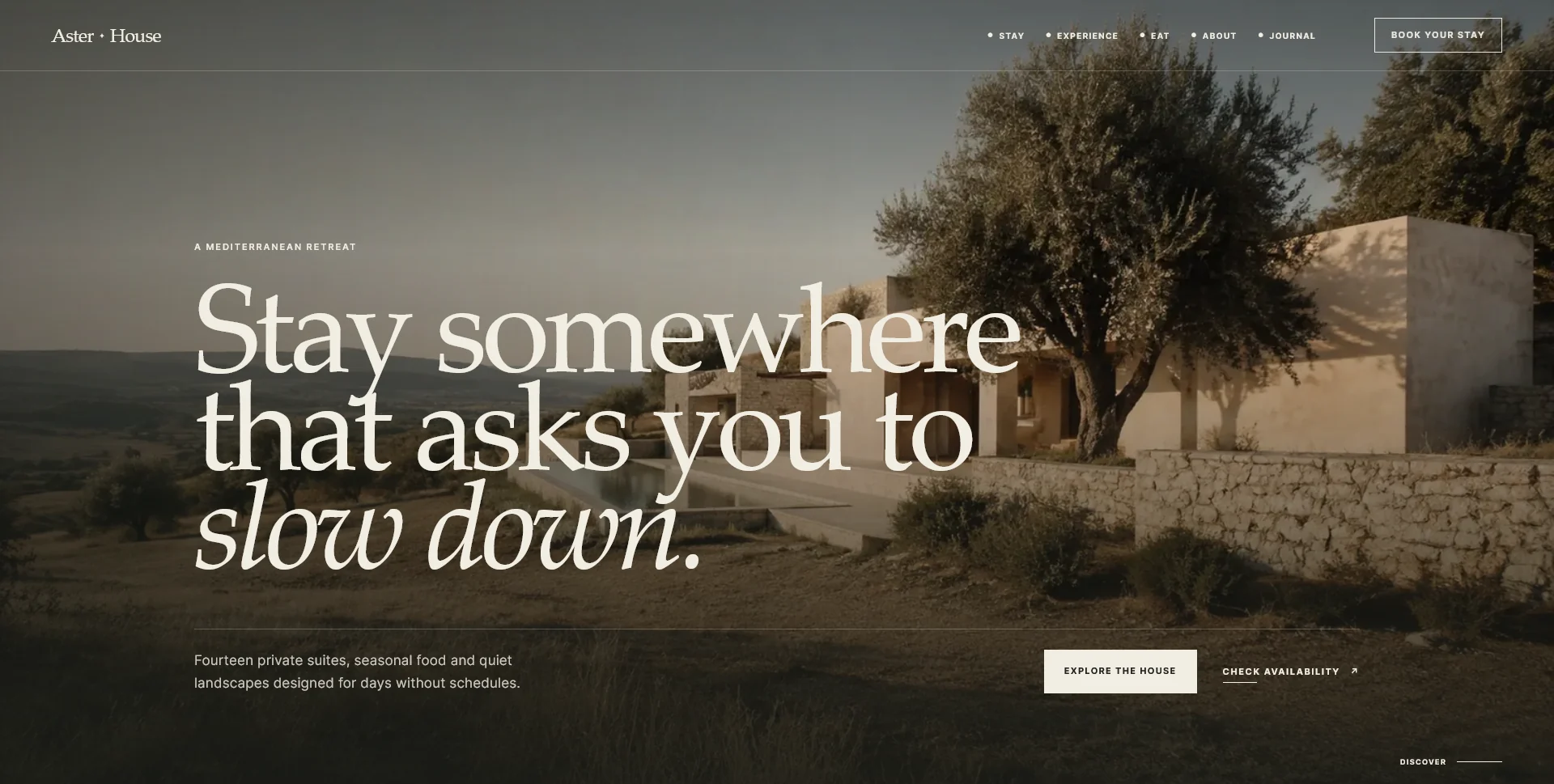
Web Design
An editorial hospitality concept, combining a Mediterranean visual direction with responsive front-end development.
Web Design · 6 min read
Explain what happens after a restaurant reservation request. Plan accurate success messages, confirmation details, realistic follow-up and useful next steps.
Web Design · 6 min read
Reduce avoidable confusion in restaurant enquiries by clarifying menus, party sizes, contact routes and service limits before guests request a reservation.
Web Design · 6 min read
Decide when a restaurant website should prioritise email, phone or online booking. Match each route to guest needs, staff availability and actual follow-up.
Have a website in mind?
A short outline is enough to start a conversation.
Discuss your project View my 99designs profile5.0 / 5 from 25 reviews on 99designs. Read client feedback.