3DSkillUp
Web Design

Set clear Contact page response expectations: first replies, working days, confirmations, delays and follow-up routes without making unrealistic promises.
A Contact page should explain what happens after an enquiry, when a visitor can reasonably expect a first reply and what to do if that reply does not arrive. “We’ll be in touch soon” sounds reassuring, but gives people little help deciding when to wait or follow up.
Useful expectations begin with the business’s actual working process. A response window is a public commitment that needs an owner, a definition and a way to handle exceptions. It should not be chosen because another website uses the same number.
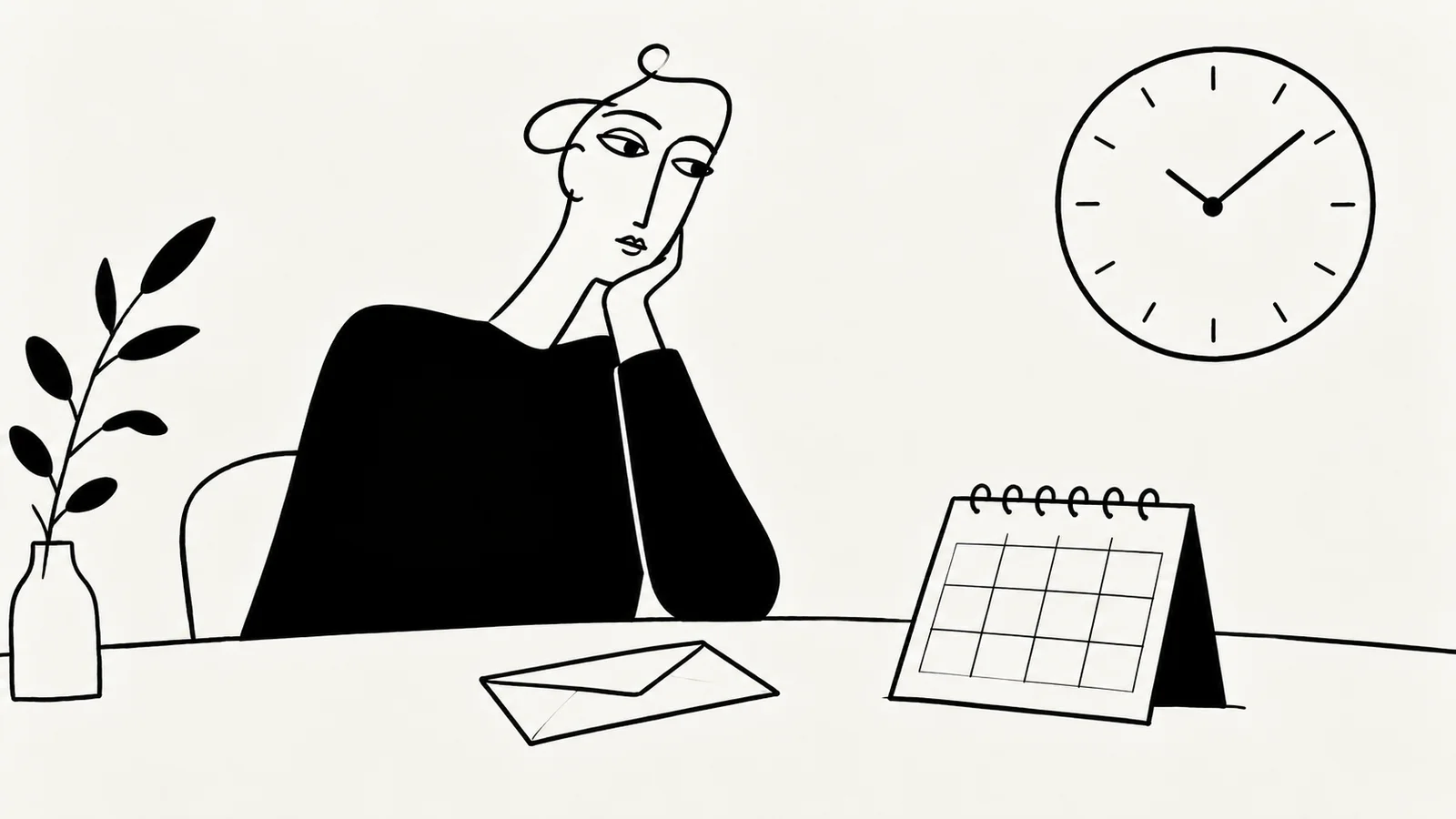
There are several moments between pressing Send and receiving a useful answer. The website may accept the submission, send an automatic acknowledgement, route it to a person and eventually provide a substantive response. Completing the requested work comes later still.
Keep these events distinct in the copy:
| Event | What it can honestly communicate | What it does not establish |
|---|---|---|
| Submission accepted | The form service accepted the enquiry | A person has reviewed it |
| Automatic acknowledgement | An automated message was issued | The enquiry has been assessed or approved |
| First human reply | Someone has responded or requested more information | A complete quote or solution is ready |
| Proposal or decision | The business can state the next agreed step | Work has started unless explicitly agreed |
| Resolution or delivery | The agreed issue or work is completed | This follows the same timing as an initial reply |
If you publish a response target, name the event it covers. “First personal reply” is more informative than “response” when an automated email arrives immediately. Avoid counting that automated email as fulfillment of a promise that visitors would interpret as human attention.
Ask who monitors the channel, which days they work, how enquiries are assigned and what happens when they are unavailable. Look at ordinary and busy periods. A target based on the fastest recent reply is unlikely to represent the whole process.
For a small practice, the same person may be delivering client work and answering new enquiries. That does not require an apology; it requires a realistic expectation. If messages are reviewed on specific working days, build the policy around that arrangement.
Check whether different channels genuinely have different response patterns. If all messages reach the same queue, avoid suggesting that sending the same request by email, form and social message will make it faster. The guide to explaining available contact channels helps clarify which route belongs to each purpose.
“Within two days” can mean two calendar days or two working days. “Within 24 hours” may imply a rolling commitment that includes evenings and weekends. Use the definition the business actually intends to support.
When visitors may be in different regions, identify the relevant time zone for published contact hours. State which days count as working days and how closures are communicated. Contact hours describe availability; they do not automatically describe a guaranteed reply deadline.
Do not rely on a tiny footer note to change the meaning of a prominent promise. Put the meaningful conditions beside the response statement. Keep the explanation short enough to read before someone submits an enquiry.
A practical sentence usually identifies the type of reply, the target window and the operating days. A second sentence can explain what the reply will contain.
The following is fictional example copy for a studio that has approved and can support this policy. It is not SavianoDesign’s response policy, and the timing should not be copied without checking capacity:
We aim to send a personal reply within two working days, Monday to Friday, excluding our published closure dates. Our first reply confirms whether we can help and requests any details needed to discuss the next step.
“Aim” communicates a target rather than an unconditional guarantee, but it is not a substitute for a working process. A vague promise with a qualifier is still unhelpful if the business regularly cannot meet it.
If no measured window is available, establish one through internal observation before publishing a precise target. In the meantime, explain the review process and the next step honestly; do not invent a deadline. Define a usable follow-up policy internally as part of that work.
The scope of the reply should match the offer. A request for a consultation is not automatically a confirmed appointment, as explained in the guide to aligning a consultation page with the first conversation.
The Contact page sets expectations before the action. The confirmation message explains the outcome of that action. An automatic email, when provided, gives the visitor a record. These messages should agree without becoming copies of a long policy document.
For a form, display a successful-submission message only after the submission service confirms acceptance. Then state how the human reply will arrive. If the visitor receives an automated email, label its automated purpose plainly. A reference number is useful only if the business’s process actually supports it.
For a direct email link, the website cannot confirm that the message was sent. Opening the visitor’s mail application is not evidence of sending or receipt. Leave confirmation to the email workflow instead of showing a misleading “Thank you, message received” page after a link click.
W3C’s form notification guidance recommends clear feedback about success and errors. Make that feedback available to people using assistive technologies as well as visually. These are implementation requirements to discuss with the developer, not claims that a success banner alone establishes accessibility.
Holidays, temporary closures or an unusually high workload can make the ordinary statement inaccurate. Decide who updates it and where the change must appear. A notice on the Contact page may need matching changes in the form confirmation and automatic reply.
State the practical effect. If the business is closed until a particular date, distinguish reopening from a promise that every waiting enquiry will receive a reply that day. Remove or update temporary notices when they no longer apply.
Where possible, keep response wording in one maintained content setting and reuse it in the relevant messages. If different systems require separate updates, use a short checklist so the website and inbox do not tell different stories.
The approach should match the actual service boundaries. The guide to describing the scope of an individual service helps separate initial enquiry handling from project timing and delivery commitments.
Tell people how to follow up after the published window. For an existing email thread, replying to that thread can preserve context. For a supported enquiry system, an actual reference number may help the team find the message.
The instruction should lead to a monitored route. Avoid sending people back through the same failed form without an alternative. If submission failed, say so clearly and keep their work where feasible; if the system cannot determine whether it succeeded, describe that uncertainty instead of claiming success.
The guide to empty, error and loading states covers the interface side of this problem. Response expectations cover the human process after a successful submission. Both are needed when the page uses a form.
If a business offers a separate urgent channel, publish it only with its real availability and scope. Do not call an ordinary sales inbox an emergency service or imply priority handling simply by adding an “urgent” field.
Compare the published target with actual first human replies. Look beyond an average that hides long waits: check how often enquiries exceed the target, whether particular channels are missed and whether the right person receives them.
A useful review also asks whether visitors send duplicate messages, whether the confirmation explains the next step and whether common enquiries need better preparation guidance. These observations can inform changes; they do not prove that wording alone caused an improvement.
Give the policy an owner and review it when staffing, services or working patterns change. A concise statement stays useful when the operation behind it stays aligned.
Only if that is the actual, clearly defined commitment the business can support. A realistic working-day target is more useful than an impressive number that regularly fails.
It acknowledges an event in the system. It should not be presented as the personal review or substantive answer visitors expect from a human response target.
Near the contact action, then consistently in any form confirmation and automatic acknowledgement. Keep the essential statement brief and place longer exception details where they are relevant.
SavianoDesign’s Website Design service can incorporate contact instructions, confirmation states and agreed response wording into a coherent page design. Frontend or WordPress implementation and any external submission service are scoped separately around what the project needs.
Contact Francesco about your website with your current enquiry process and the expectations you can realistically support. We can clarify the page structure and handover requirements through email and written feedback.
Web Design · 8 min read
Plan a Contact page that explains email, phone, forms and booking links, so visitors can choose the right channel and understand what happens next.
Web Design · 8 min read
Write a consultation landing page that explains the first conversation, who it is for, what to prepare and what happens after the visitor gets in touch.
Web Design · 6 min read
Design useful empty, error and loading states for web apps. Learn what each message should explain, which action to offer and how to review recovery.
Have a website in mind?