3DSkillUp
Web Design

Plan a Contact page that explains email, phone, forms and booking links, so visitors can choose the right channel and understand what happens next.
A useful Contact page explains which channel to use, what each route is for and what happens when someone chooses it. An email address, a phone icon and a form may all be visible while leaving the visitor unsure which is appropriate for their enquiry.
The task is not to offer every possible way to get in touch. It is to present the routes the business can actually support, in language a new visitor understands. A small practice with one monitored email address can provide a clearer experience than a page with five poorly explained alternatives.
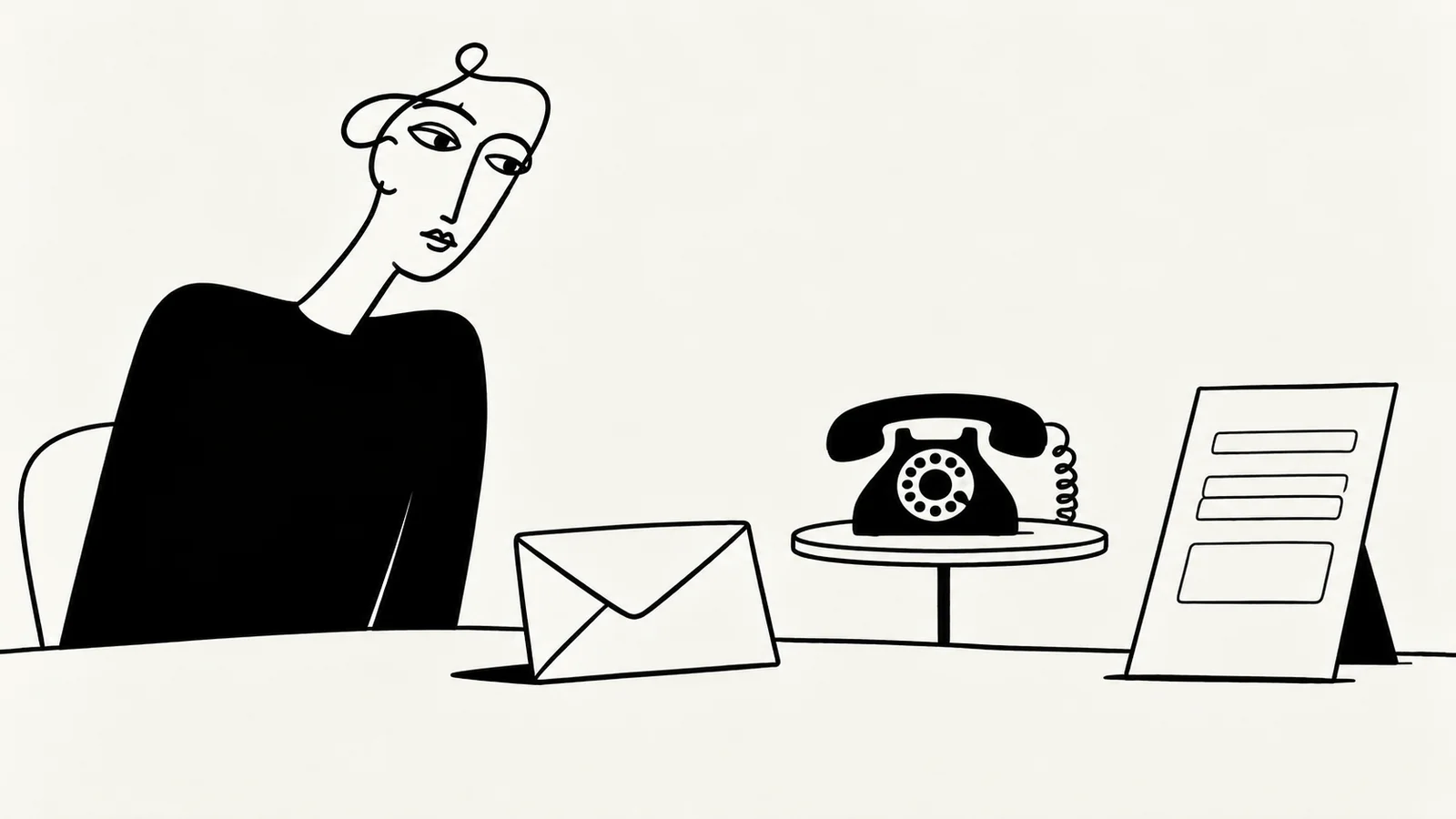
List the enquiries the business receives before deciding which buttons to display. A prospective customer requesting an estimate may need a different route from an existing customer asking about an active project. Recruitment, media and supplier enquiries might have their own destination, but only if there is a real process behind that distinction.
Use a few recognizable purposes. “Discuss a new project” describes a need; an internal department name may not. Avoid asking visitors to diagnose the organizational structure before they can send a message.
If one person handles everything, say so through a simple general contact route and a short note about what to include. Do not create separate public inboxes just to make the company appear larger. If enquiries go to different people, connect that routing with an accurate account of team roles and responsibilities.
A contact channel should earn its place through a useful difference. Perhaps email is best for a written project brief, while an appointment link is for existing clients who already know which session they need. If two routes do the same job, explain the choice briefly or emphasize one.
This planning table lists possible channels, not a recommendation to provide them all.
| Channel | What a visitor needs to understand | What the business must check |
|---|---|---|
| What to include and where a reply will arrive | The address is monitored and messages reach the right person | |
| Contact form | Required information and what submission does | A working delivery process, useful validation and honest confirmation |
| Telephone | Purpose, availability and whether voicemail is possible | The number and published contact hours are current |
| Appointment link | Whether it books a confirmed time or requests one | The external calendar, session type and confirmation rules agree |
| Messaging platform | Whether it is monitored for enquiries | Account access, notifications and an owner for replies |
| In-person visit | Whether visitors can arrive or need an appointment | The published location is suitable for receiving visitors |
A postal address, service area and public reception desk are different things. If an address is displayed, explain its practical role where a visitor might otherwise assume they can arrive unannounced.
Use button labels that describe the next step. “Email about your project” is clearer than “Let’s go” when a link opens an email application. “Request an appointment” should not imply that a time is already reserved.
A direct email link generally asks the visitor’s device to open an email application; it does not send a message. Keep the address visible and selectable so someone using webmail can copy it. A telephone link similarly opens a calling flow on a supported device; it does not establish that a person is available to answer.
For a link to an external platform, name the destination before the click. If an account is required or communication will continue there, make that expectation clear. This is especially useful when a visitor is choosing between direct email and an established project platform.
The website navigation planning guide applies this principle across the site: labels should help people predict the destination and the action.
Choose the most appropriate starting point for the page’s main audience. Give that option the clearest heading and visual emphasis. Put genuine alternatives nearby, with a short reason to choose them.
Consider a fictional furniture workshop that wants photographs and dimensions before discussing restoration. Its main route could be an enquiry form with those agreed fields. A secondary email address could serve people unable to use the upload feature. A phone number could remain available for collection arrangements if that is how the workshop operates.
The hierarchy follows the work; it is not a rule that forms always deserve priority. For a designer working through written briefs, a visible email address and a brief preparation list may be enough.
Keep the main Contact destination easy to find from service pages and the site navigation. The homepage content checklist helps align the initial invitation with the destination where visitors act on it.
Before adding a field, explain internally how its answer will be used. A project type, a short description and a way to reply may be enough to begin. Detailed questionnaires can follow once both sides have established that the request is relevant.
Mark required information clearly. Do not make a telephone number mandatory simply because the template includes it if the enquiry can be handled by email. If a file is genuinely needed, explain the accepted type and size beside the upload control.
W3C’s form labeling guidance explains how labels identify controls and support assistive technologies. A placeholder alone is a weak substitute for a persistent label. The form should remain understandable while someone is entering information, correcting an error or navigating with a keyboard.
Use a brief reminder to avoid sending passwords or sensitive documents in an initial general enquiry. Request detailed material later through an appropriate agreed route when it is actually needed. A contact form should collect what helps the conversation, not everything the business might eventually ask for.
Choosing an email address does not tell someone when to expect a human reply. Being able to submit a form at any hour does not imply around-the-clock staffing.
Place a concise explanation near the chosen route, then use the same policy in the confirmation message or automatic acknowledgement where applicable. For a deeper planning method, see how to incorporate response expectations into Contact pages.
When there is no reliable response window yet, settle the operational process before adding an attractive number to the page. Contact copy should describe the service the business can support.
Check the experience beyond the opening screen. Can someone find another route if the form fails? Can they copy the email address? Does an external booking link work without relying on a logged-in staff account? Does a mobile visitor understand which branch they are contacting?
For forms, a success message should follow confirmed acceptance by the submission service, not just a click on the button. If delivery fails or remains uncertain, explain that state and preserve useful input where feasible. Do not tell the visitor their enquiry was received when the system cannot confirm it.
A fallback is most useful when it reaches a monitored destination. Displaying another unowned inbox simply moves the problem.
Ask someone unfamiliar with the business to use the page for a new project, an existing-customer question and an enquiry outside the main scope. For each task, ask which route they would choose, what they would send and what they expect next.
Look for uncertainty rather than asking whether the page “looks clear.” A visitor may choose a phone icon because it is prominent, even when the supporting process requires a written brief. Adjust the hierarchy or explanation accordingly.
Repeat the check on a phone and with keyboard navigation. Assign an owner to review contact details whenever staffing, opening arrangements or external services change.
No. A visible email address with clear instructions can be a valid contact route. Choose a form when structured information helps the process and the business can maintain reliable delivery and feedback.
Only when they are equally appropriate starting points. Usually it is clearer to recommend a route for the main enquiry and explain alternatives in a short sentence.
It can be one destination, but visitors still need to know whether messages are monitored and what the account is used for. A website Contact page can keep that explanation and any fallback route in one place.
SavianoDesign’s Website Design service can bring your service pages, navigation and contact journey into a consistent design. Choose Figma design, agreed frontend development or a WordPress CMS website, with implementation and any form-delivery service scoped explicitly.
Discuss your website and share your current contact routes, the enquiries you want to receive and who handles them. Collaboration can take place through email and written feedback.
Web Design · 8 min read
Set clear Contact page response expectations: first replies, working days, confirmations, delays and follow-up routes without making unrealistic promises.
Web Design · 8 min read
Create a Team page that explains who leads, who delivers and who handles communication, with accurate profiles, relevant evidence and clear next steps.
Web Design · 8 min read
Plan a clear homepage with this practical content checklist: positioning, services, proof, calls to action and useful links for a service business.
Have a website in mind?