Web Design
Oliva
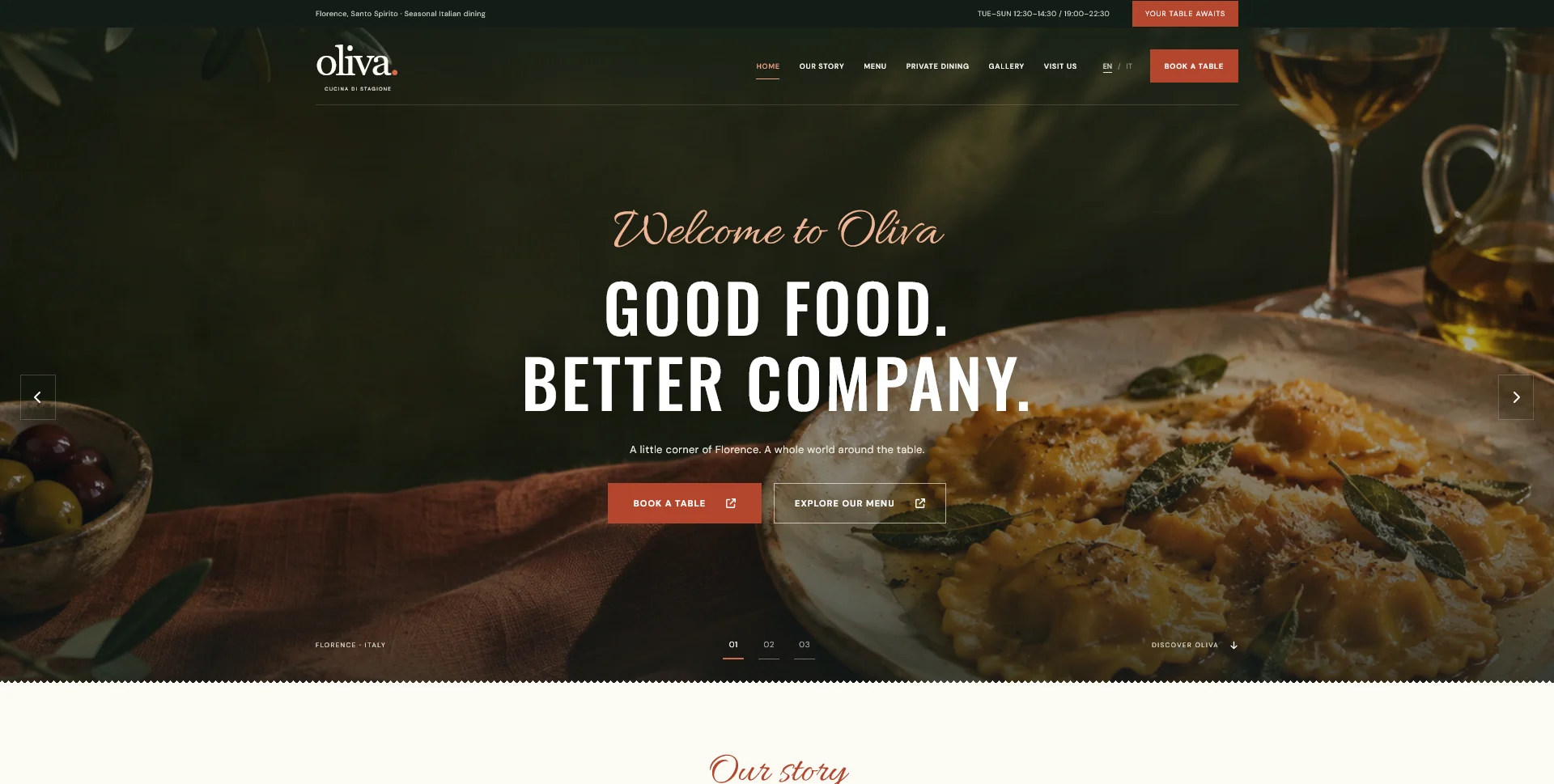
A personal restaurant website concept combining an expressive Italian dining atmosphere with a photographic menu, clear visit information and a demonstration reservation journey.
 Let’s talk
Plan the essential pages for a restaurant website: menus, reservations, visiting information and the details guests need before requesting a table.
Your first restaurant website needs to help a guest answer three questions: Does this place suit us, can we visit when we want to, and how do we arrange a table? Start with the information behind those decisions. A compact site with an accurate menu and a clear reservation route can be more useful than a larger site with unfinished sections.
For a restaurant with one location, a practical starting point is Home, Menu, Reservations and Visit or Contact. These are content responsibilities, not a compulsory four-page package. Some can share a page if the result remains easy to navigate. This guide explains what each part must do before you decide whether to use one page or several.
Imagine someone looking for dinner before a theatre performance. They need the restaurant’s location, the type of food, a realistic sense of prices and an available booking route. A long founder story will not answer whether the kitchen opens early enough.
Another guest may already know the restaurant and only want the current menu. A third may be arranging a group meal. Those needs suggest different destinations, but they do not automatically justify a separate page for every audience.
Use this starting map to assign information a home:
| Content area | Guest question | Essential information |
|---|---|---|
| Home | Is this the right restaurant for this occasion? | Cuisine, location, dining atmosphere, a representative image and clear next actions |
| Menu | What can we eat, and what should we expect to spend? | Current dishes, prices, relevant service times and clearly identified menu types |
| Reservations | How do we arrange a table? | Booking method, party-size limitations and what counts as confirmation |
| Visit or Contact | Can we get there and speak to someone? | Address, opening times, directions, contact details and practical arrival information |
| Optional occasion page | Does this specific experience suit our plans? | Details for a genuine offering such as private dining, rather than a generic promotional page |
The homepage content checklist provides a broader framework. For a restaurant, prioritise food, place and the next dining decision within that framework.
The opening should identify the restaurant and its location in words. A beautiful dining-room photograph may communicate atmosphere, but it cannot reliably tell someone which town they are in or whether you serve lunch.
A short introduction might explain the cuisine, setting and occasion: a neighbourhood restaurant serving seasonal dishes, with an informal dining room and a small terrace. Use details that are true of the venue rather than interchangeable claims about unforgettable experiences.
Make “View the menu” and the appropriate reservation action easy to find. If the restaurant accepts phone requests, say “Call about a table.” If an external system shows availability and confirms bookings, “Book a table” may describe the action accurately. A request awaiting staff approval should be labelled as a request.
Below that opening, include enough evidence to help someone choose: a few current photographs, a concise description of the food and a link to practical visiting information. The homepage does not need to reproduce every menu item.
A menu should remain readable on a small screen. Publishing its content as web text makes it easier to scan dishes and prices without enlarging a photograph. A downloadable PDF can be offered alongside it, particularly for printing, but should not be the only useful route when a readable web menu is feasible.
Separate lunch, dinner and special menus only when they genuinely differ. State when each applies. If a sample menu changes regularly, identify it as a sample and explain where guests can check current details.
Assign someone to approve changes. A polished page containing last season’s prices is a content-management problem, even if the design itself works. Before commissioning the site, prepare a restaurant website content checklist that names the current menu version and its owner.
Dietary information also needs an agreed restaurant process. Do not let a designer infer ingredients or make assurances from dish names. Publish restaurant-approved information and a clear way to ask staff questions.
Visitors should understand whether they are checking live availability, sending an enquiry or initiating a phone call. Explain any relevant limits before they start: for example, whether larger parties need a separate enquiry.
A reservation page can simply introduce and link to an existing booking provider. It does not necessarily require a bespoke booking engine. Where there is a form, its delivery, response and confirmation process must actually work; a visual form alone is not a booking service.
Define a fallback for someone who cannot complete the primary route. That might be a monitored telephone number during stated hours. Avoid listing several apparently equivalent channels when staff do not monitor all of them.
Once the destination is defined, decide how to introduce it throughout the site. The restaurant CTA guide explains which action belongs beside the menu, practical visit details or private-dining information. The Oliva personal concept offers a visual example of menu and reservation actions presented together; its booking flow is a demonstration.
Provide the written address as well as a directions link. Distinguish restaurant opening times from kitchen service times if they differ. Include accurate information about the entrance, parking, public transport or step-free access where it helps guests make arrangements.
Do not infer accessibility from a photograph. Have the restaurant confirm the actual conditions and provide a contact route for questions the page cannot answer.
If a restaurant maintains a Google Business Profile, supported menu and reservation links can point to the appropriate destinations. Availability varies by business and region. Keep those destinations consistent with the website instead of creating conflicting instructions.
An About page is useful when the people, history or food philosophy help guests understand the experience. A private-dining page is useful when there is a genuine offer with different capacity, arrangements and enquiries. An Events page needs current events and someone responsible for removing expired information.
Consider this fictional planning example: a single-location bistro offers dinner and occasional private lunches. Home, Menu, Reservations and Visit cover the daily offer. Private Dining earns its own page because the decision involves different availability and a separate conversation. A blog, shop and loyalty area can wait until there is a reason and a maintenance plan for each.
That is also the basis of a phased restaurant website launch: complete the essential journey first, then expand around demonstrated needs.
No. A short introduction on the homepage may be enough initially. Give the story a separate page when there is useful, distinctive material to support it.
A short preview can help, but guests should have a clear route to the complete current menu. Avoid forcing them through a long homepage to find a frequently used item.
No. It may link to a third-party service, open a telephone action or lead to an enquiry page. The destination and technical scope must be defined separately.
Explore my Website Design services for design files, frontend implementation and WordPress CMS options. Send me your restaurant’s location, current menu and preferred reservation method, and we can define a useful first-site scope.
Web Design
A personal restaurant website concept combining an expressive Italian dining atmosphere with a photographic menu, clear visit information and a demonstration reservation journey.
Web Design
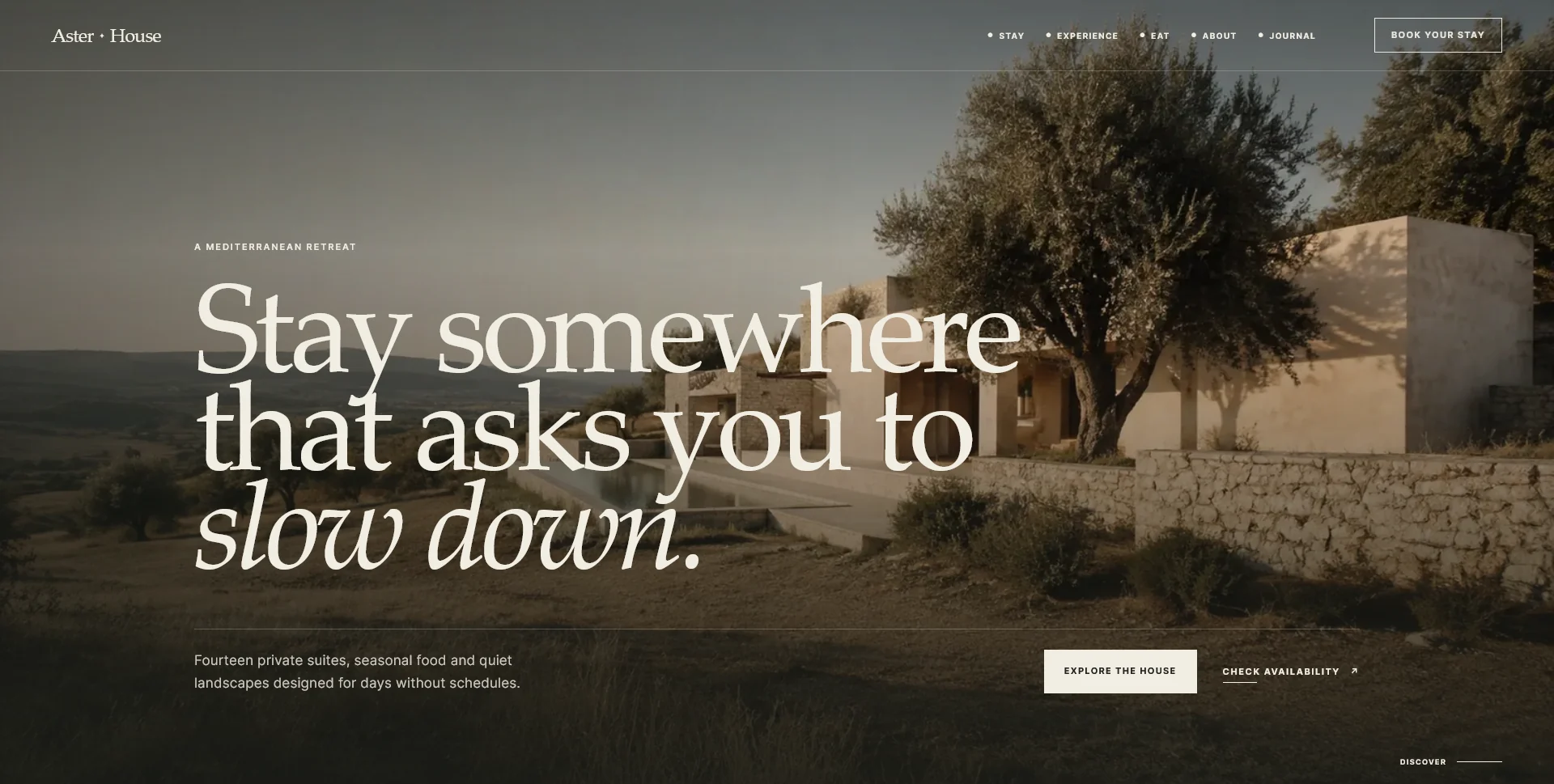
An editorial hospitality concept, combining a Mediterranean visual direction with responsive front-end development.
Web Design
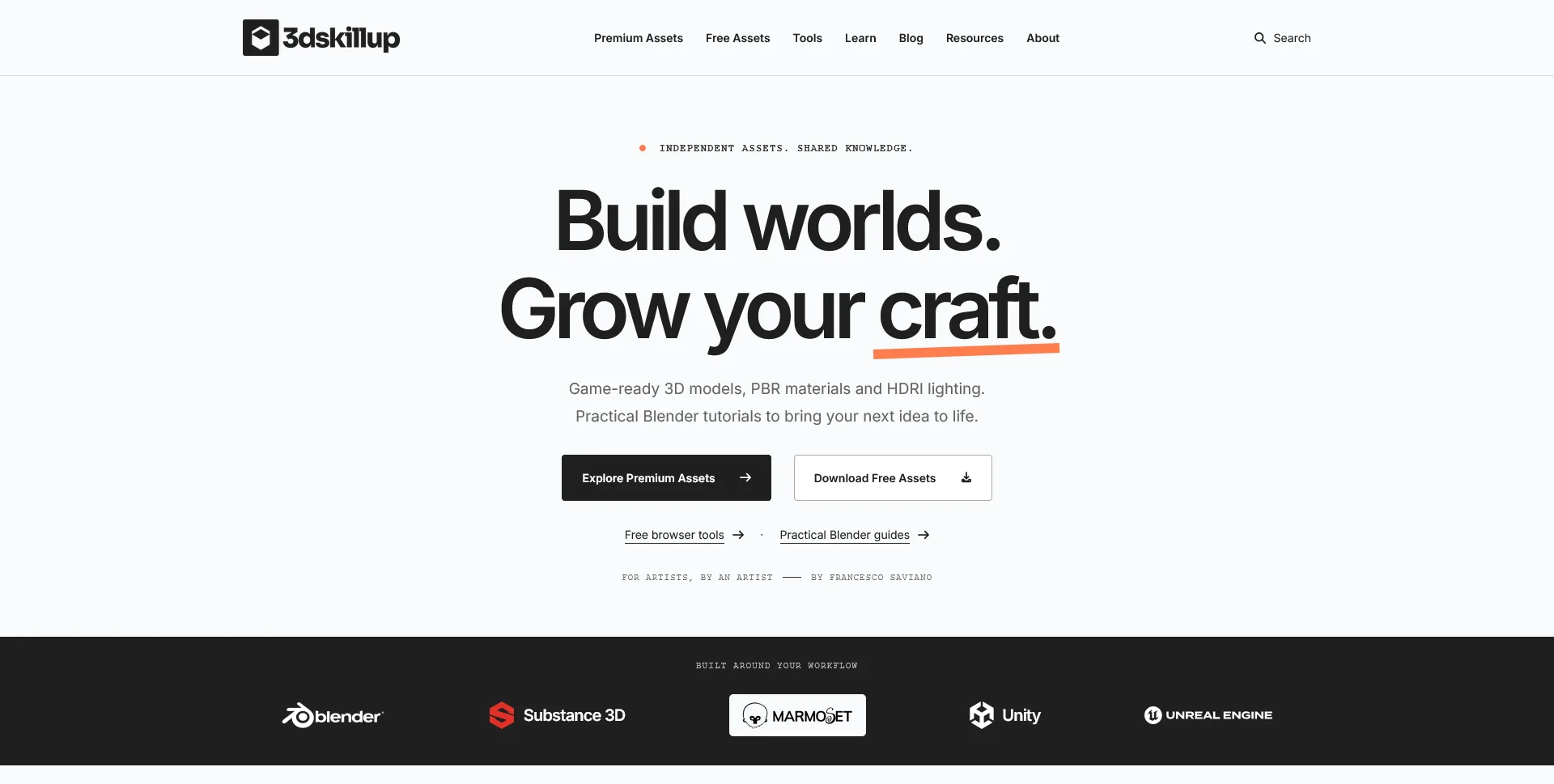
A separate creative platform bringing together game-ready 3D assets, practical tutorials and resources for artists.
Web Design · 6 min read
Plan restaurant website calls to action around guest decisions. Choose clear labels, useful positions and reservation routes that match what happens next.
Web Design · 6 min read
Prepare your restaurant website brief with a checklist for menus, photos, brand files, visit details and booking information, including what is still missing.
Web Design · 6 min read
Compare one-page and multi-page restaurant websites using menus, booking journeys, mobile navigation and update needs to choose a useful structure.
Have a website in mind?
A short outline is enough to start a conversation.
Discuss your project View my 99designs profile5.0 / 5 from 25 reviews on 99designs. Read client feedback.