Web Design
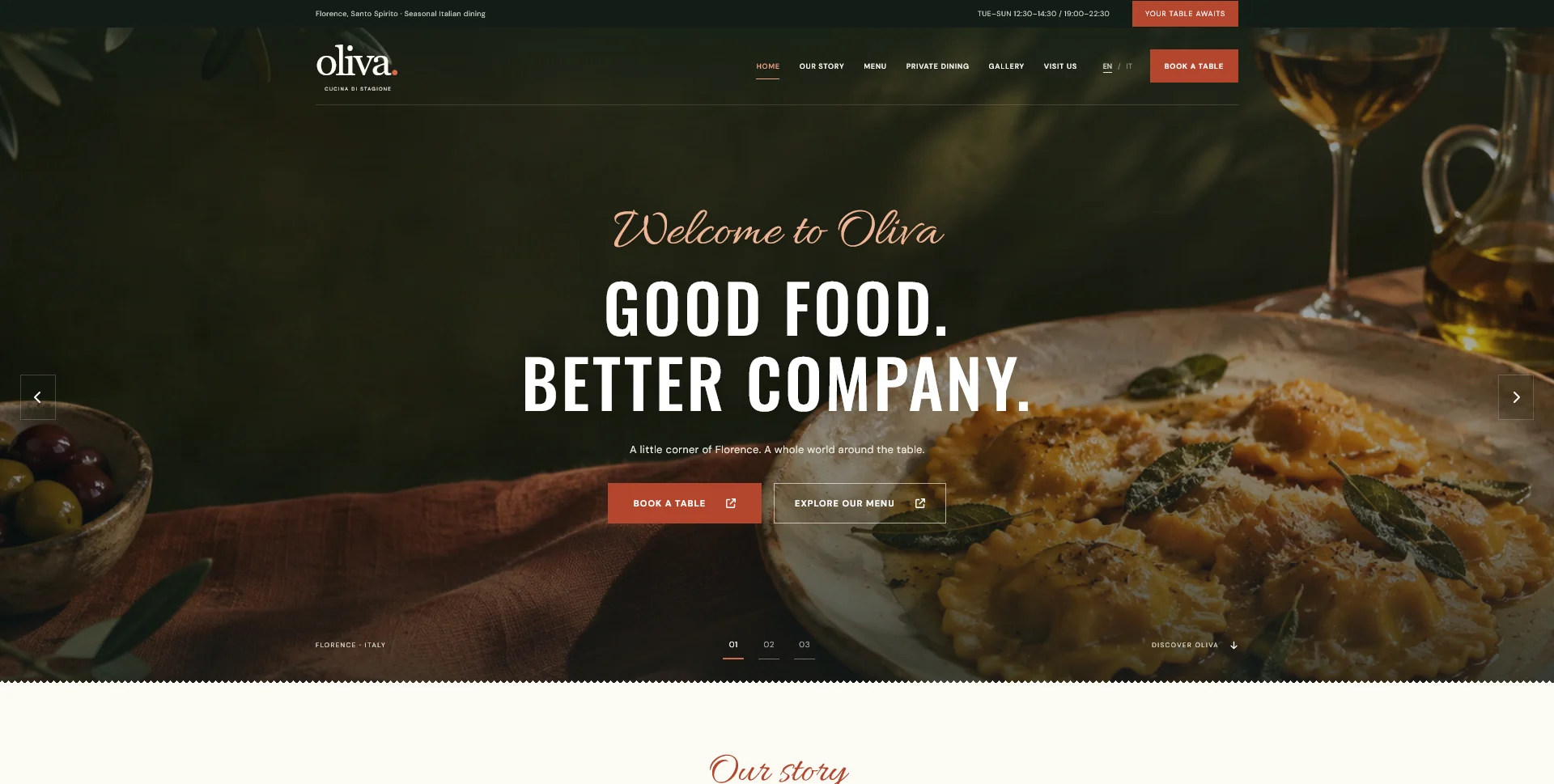
Oliva
A personal restaurant website concept combining an expressive Italian dining atmosphere with a photographic menu, clear visit information and a demonstration reservation journey.
 Let’s talk
Compare one-page and multi-page restaurant websites using menus, booking journeys, mobile navigation and update needs to choose a useful structure.
A one-page restaurant website can work well when the offer is compact: one location, a manageable menu and one clear reservation route. A multi-page website becomes more useful when visitors need distinct menus, detailed visiting information, private-dining enquiries or several locations. Choose the structure around the information and tasks, not around a belief that fewer pages are always simpler.
Both formats can look polished. Both can also be confusing. A long page can hide the dinner menu below unrelated content, while a five-page site can make a simple phone number surprisingly difficult to find. The useful question is which arrangement makes your restaurant easier to understand and maintain.
Write down the main reasons people arrive. A returning guest may want the menu immediately. A first-time visitor may compare atmosphere, prices and location. Someone arranging a celebration may need capacity, arrangements and a different enquiry route.
Then list the content needed for each task. The essential restaurant website pages guide helps define those responsibilities without assuming a fixed page count.
If most tasks share a short set of information, one page may be enough. If different tasks require substantial explanations, separate pages can reduce the amount each visitor has to work through.
| Decision factor | A one-page structure may fit | Separate pages may help |
|---|---|---|
| Menus | One short menu with limited variation | Distinct lunch, dinner, drinks or tasting menus |
| Reservations | One simple booking route | Different routes for tables, groups and private events |
| Locations | One address with straightforward visiting details | Several venues with different hours, menus or booking links |
| Content updates | A small set of frequently checked details | Different staff members maintain different content areas |
| Promotion | Most links can lead to the same introduction | Campaigns or profiles need a specific, self-contained destination |
A hybrid is also possible: a concise homepage with separate Menu and Reservations pages. You do not have to choose between a tiny landing page and a large website.
A one-page site still needs a clear internal structure. Use recognisable section headings and navigation links that jump to useful destinations such as Menu, Reservations and Visit. The opening should explain the restaurant before inviting someone to act.
On mobile, make sure the navigation remains usable and any fixed header does not cover the heading after a jump. Test keyboard navigation too. W3C’s in-page navigation guidance describes how section links can help visitors move through longer content.
Keep the reservation action available where it makes sense, rather than inserting it after every paragraph. A menu section can end with a booking link; visiting information can offer directions and a contact route. Each action should fit the question the guest has just answered.
Avoid using tabs or sliders merely to squeeze a large amount of content into a single address. If a guest must repeatedly open panels to understand which menu applies, the page count may be low while the interaction cost is high.
Separate pages provide useful destinations. A dinner-menu link can take someone directly to dinner, and a private-dining page can explain arrangements without distracting people booking a table for two.
This also makes sharing more precise. Staff can send the relevant page in a reply, and an advertisement for an event can lead to that event’s details rather than asking visitors to find them again.
Each page needs a clear purpose and enough useful content to fulfil it. Creating several nearly identical pages just to include different phrases is not a sound content plan. A short paragraph about the terrace usually belongs on an existing page unless there is a genuinely distinct offer to explain.
If you serve different audiences, the guide to separating competing user journeys can help decide where those routes should diverge.
Multiple venues can also justify separate pages when their menus, rooms or visiting arrangements differ. The restaurant location-page guide explains how to make those pages useful without repeating generic town names. For a single-location visual reference, Oliva groups the story, menu and visit journey around one fictional restaurant.
A multi-page site allows distinct page titles, descriptions and URLs for distinct subjects. That can make a dinner menu or a private-event offering easier to describe accurately in search and when shared.
A one-page site has one main document title and description. Section anchors help people move within it, but should not be treated as equivalent to separate pages with their own content and metadata.
Neither format guarantees better rankings. Useful content, a crawlable structure and accurate information remain important. Google’s link guidance recommends real links with descriptive text so people and search engines can understand the destination.
The practical decision is therefore about the number of genuinely different subjects you need to present. Do not expand the site solely to increase its page count.
A single page with large videos, oversized photographs and several embedded services can be heavier than a small multi-page website. Conversely, a poorly built multi-page site can load unnecessary resources everywhere. Ask how images and external tools will be handled instead of assuming the shorter sitemap will automatically be faster.
Maintenance depends on the editing workflow. A menu can be easy to update in either format if its content is organised appropriately. The more important question is whether the person making changes can find and edit it without disturbing unrelated sections.
If staff need to maintain the site themselves, include that requirement when comparing design-only and complete website services. A visual layout is not an editing system.
A fictional small wine bar serves one evening menu, takes telephone reservations and has one location. A short site with sections for food, atmosphere, reservations and visiting information may cover its needs. The current menu must still be readable and easy to replace.
A fictional restaurant with a private dining room serves separate lunch and dinner menus and handles group enquiries through a different process. Home, Menus, Reservations, Private Dining and Visit provide clearer destinations. This structure does not need a blog or online shop unless those additions have a defined role.
For either business, write down what would justify the next page. A new lunch service with its own menu and hours is a clearer reason to expand than a vague wish to make the website feel bigger. The phased launch guide shows how to record those decisions.
No. Content volume, custom layouts, integrations and the editing system affect the scope. Compare the actual work rather than treating a page as a fixed unit of effort.
Yes, if the implementation supports new pages and the content has been organised for that possibility. Ask how menu links and existing section anchors would be preserved during expansion.
Only when a separate destination is useful. Several short menus may work on one well-organised Menu page. Larger or differently promoted menus may benefit from individual pages.
Explore my Website Design options and share your menus, location details and reservation process. I can help translate that material into a clear page structure and an agreed design or frontend scope.
Web Design
A personal restaurant website concept combining an expressive Italian dining atmosphere with a photographic menu, clear visit information and a demonstration reservation journey.
Web Design
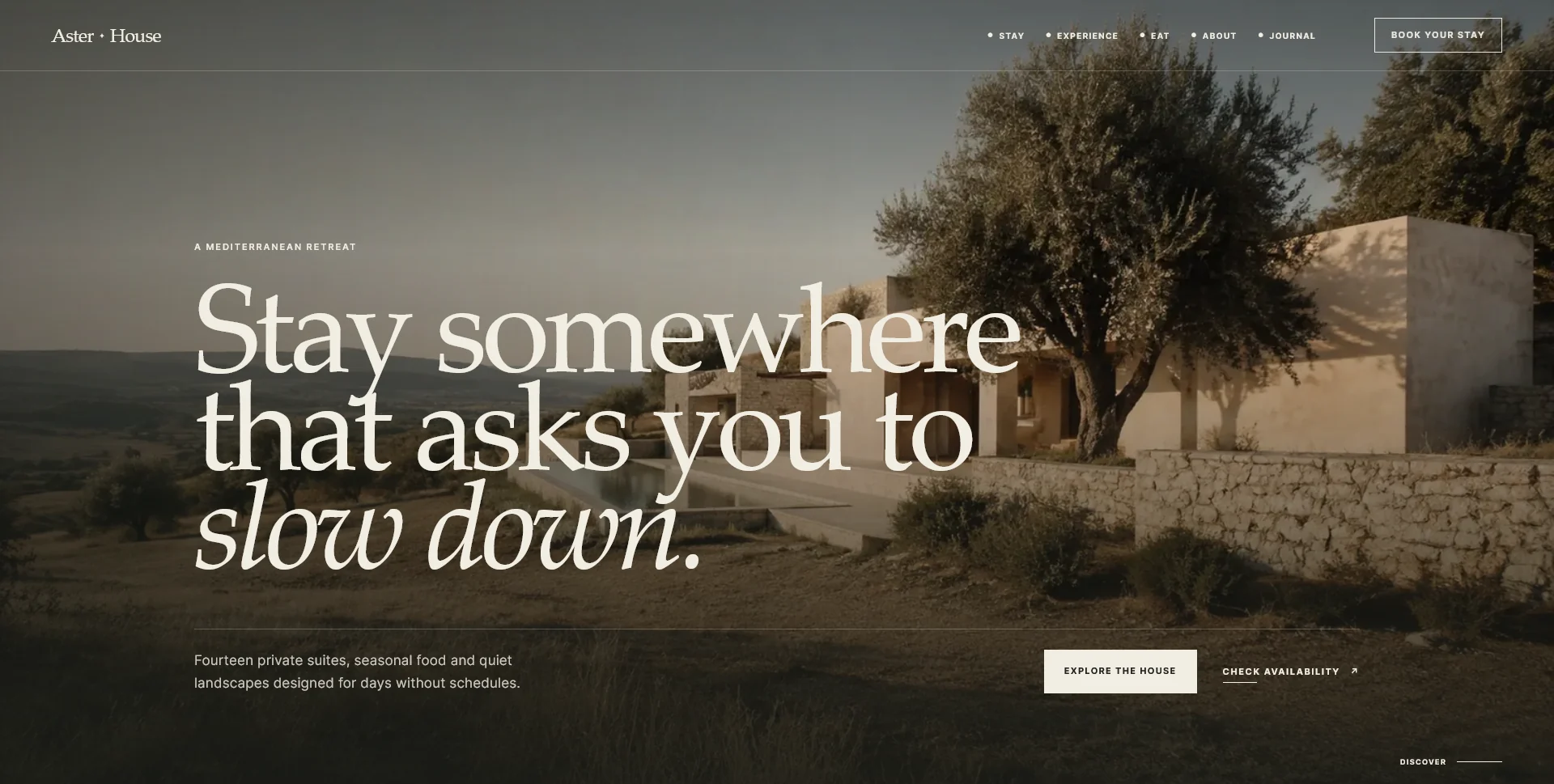
An editorial hospitality concept, combining a Mediterranean visual direction with responsive front-end development.
Web Design
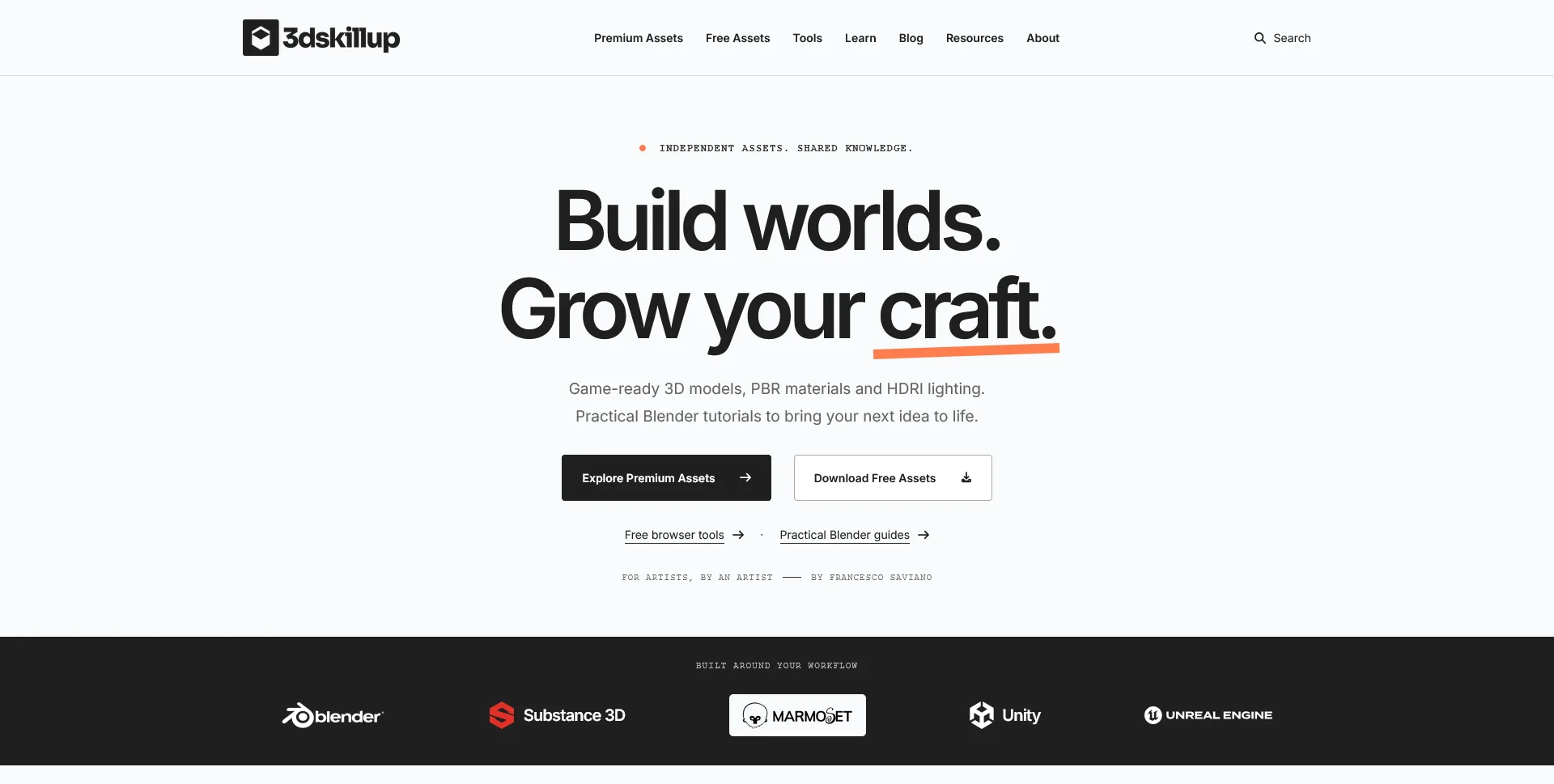
A separate creative platform bringing together game-ready 3D assets, practical tutorials and resources for artists.
Web Design · 6 min read
Plan restaurant location pages with useful local details. Connect each venue to its menu, dining space and contact route without repeating generic area copy.
Web Design · 6 min read
Plan the essential pages for a restaurant website: menus, reservations, visiting information and the details guests need before requesting a table.
Web Design · 6 min read
Plan a small restaurant website that covers menus, visit details and reservations. Define a useful first phase, update owners and clear expansion triggers.
Have a website in mind?
A short outline is enough to start a conversation.
Discuss your project View my 99designs profile5.0 / 5 from 25 reviews on 99designs. Read client feedback.