Web Design
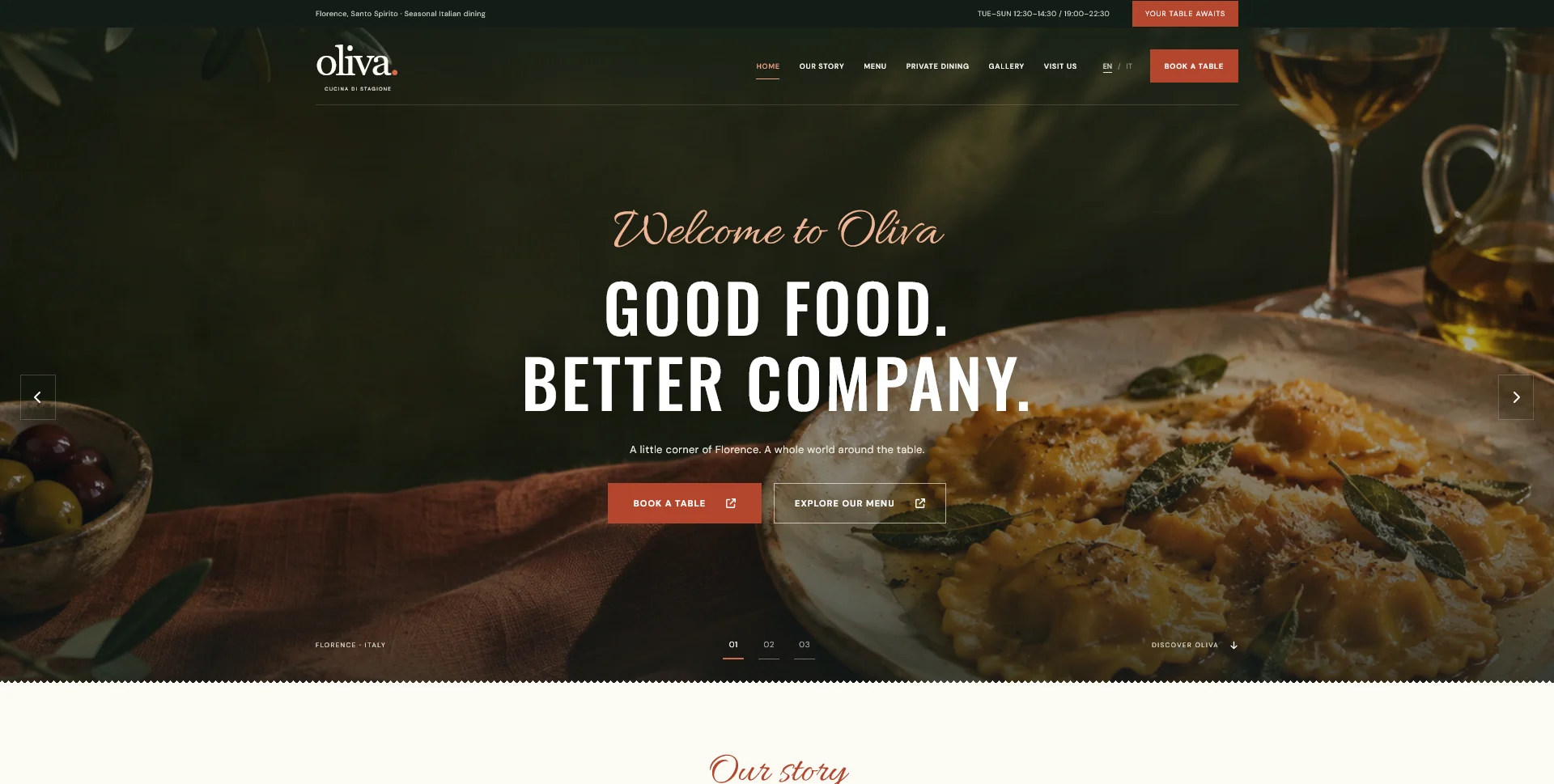
Oliva
A personal restaurant website concept combining an expressive Italian dining atmosphere with a photographic menu, clear visit information and a demonstration reservation journey.
 Let’s talk
Keep restaurant website images attractive and efficient. Plan responsive sizes, formats, loading priorities and an upload workflow that preserves useful detail.
A restaurant website can use strong photography without making every visitor download the largest version of every image immediately. The practical approach is to choose images with a clear purpose, export suitable sizes, preserve visual quality and give the important first-screen content the right loading treatment.
Image optimisation is a shared design and implementation decision. The designer defines the role, crop and visual hierarchy; the developer implements delivery and loading; the restaurant keeps future uploads within the agreed workflow. A one-off compression pass is less useful if the next menu update replaces the files with untouched camera originals.
Start by identifying what an image contributes. The opening photograph may establish the restaurant’s character, a menu image may show a dish and an entrance photograph may help someone arrive. Decorative repeats should earn their place rather than accumulate because the layout has spare space.
The restaurant photography brief helps make these choices before commissioning or selecting assets. Good source material gives you more room to reduce file size while keeping the details that matter.
Review the whole page sequence. Several similar photographs can add downloads and scrolling without answering another guest question. Editing the selection is part of optimisation too.
| Position | Visual priority | Delivery question |
|---|---|---|
| Main opening image | Establish atmosphere while keeping the heading readable | Is the first visible image available promptly? |
| Menu card | Recognise the dish at the displayed size | Is a suitably sized version delivered for this layout? |
| Room or entrance image | Preserve practical details | Does the crop keep the useful context? |
| Gallery thumbnail | Invite a closer look | Can the larger view wait until it is needed? |
| Lower-page illustration | Support a later section | Can loading be deferred until the image approaches view? |
Avoid applying one rule to every image. A small card, a panoramic hero and a gallery view have different needs even when they originate from the same master file.
A small mobile card should not automatically receive the same large file used for an expanded gallery view. Ask the implementer to provide appropriate image variants and describe the actual display sizes.
The web.dev image-performance guide explains how responsive image candidates and sizing information help the browser choose a suitable resource. The aim is to support the layout and device without transferring unnecessary image data.
Keep this separate from cropping. A smaller version of a wide photograph may still be the wrong composition for a narrow portrait frame. Agree the important subject and any alternative crop during design.
Evaluate modern formats such as WebP or AVIF where suitable, with the required fallback and delivery approach. Do not select a format only because its name appears in a performance checklist.
MDN’s picture-element documentation describes how alternative sources can support different crops or formats while retaining an image fallback. The implementation should match the supported devices and the project’s maintenance process.
Compare exports at the size guests will see. Inspect food texture, edges, gradients and dark areas where compression damage may be noticeable. Keep the version that balances useful detail with delivery cost, rather than aiming for an arbitrary file-size limit on every subject.
The opening image and photographs farther down the page do not need identical loading treatment. The web.dev guidance on browser-level lazy loading advises against lazy-loading images visible at initial load, especially the main image contributing to Largest Contentful Paint. Lower-page images are candidates for deferred loading.
Explicit image dimensions also let the browser reserve space before the file arrives, helping avoid disruptive movement. An implementer can consider higher fetch priority for a genuinely important image; marking every photograph as urgent defeats the purpose of prioritisation.
For a restaurant, the practical test is whether the opening, menu and action remain understandable while assets load. A booking button should not move unexpectedly just as a guest tries to use it.
Menu names, prices, opening information and buttons should remain readable text. Embedding them in a photograph makes updates, translation and resizing harder.
Provide text alternatives according to the image’s role. The W3C images tutorial distinguishes informative, decorative and functional images; the appropriate alternative depends on what the image contributes in context. Avoid filling every description with restaurant keywords.
The multilingual restaurant website guide explains another benefit of separating text and photography: translated labels and instructions can be maintained without recreating each image.
The Oliva restaurant website concept uses a consistent collection of local WebP images across the opening, food menu, story and private-dining pages. Its implementation declares image dimensions and differentiates the first hero image from deferred images later in the page.
The photographs were generated for the fictional personal project. They demonstrate a coordinated visual direction, not documentation of a real restaurant. For a business site, use accurate, approved imagery and evaluate performance in its own implementation.
The portfolio example also shows why image quality is a layout question: the opening, menu cards and gallery place different demands on composition and detail.
Review the actual page under representative mobile and network conditions. Record which image is slow, how it is delivered and whether the delay affects a guest task. Compare the same conditions after a change.
Images are not the only possible cause of a slow page. Fonts, scripts, embeds and third-party services can also affect the experience. Ask the developer to identify the bottleneck rather than compressing every image aggressively because a general score is disappointing.
The mobile navigation testing guide connects performance with finding the menu and completing the intended next step. A smaller file is useful when it improves delivery while preserving the information the guest needs.
Agree how staff should prepare or upload new photographs, which transformations the site handles and which need manual review. Include crop guidance and a simple approval check for a new dish or location image.
If WordPress is included, define the agreed editing workflow and check what happens to a representative upload. Do not assume every theme or plugin configuration will produce the intended sizes automatically.
Keep the master files and approved exports organised. The next seasonal update should follow a repeatable process rather than reopen the same design and delivery decisions from the beginning.
No. The appropriate size depends on dimensions, content, format and use. Set priorities and evaluate the actual result instead of imposing one number on every image.
No. The main images visible when the page opens need appropriate initial loading. Deferred loading is more useful for images farther down the page.
No. File dimensions, image count, delivery, loading behaviour and the rest of the page still matter.
Bring your current website, image files and the pages you want to improve. SavianoDesign’s Website Design and frontend service can define the visual requirements and scoped implementation work, including the image workflow needed for future updates.
Web Design
A personal restaurant website concept combining an expressive Italian dining atmosphere with a photographic menu, clear visit information and a demonstration reservation journey.
Web Design
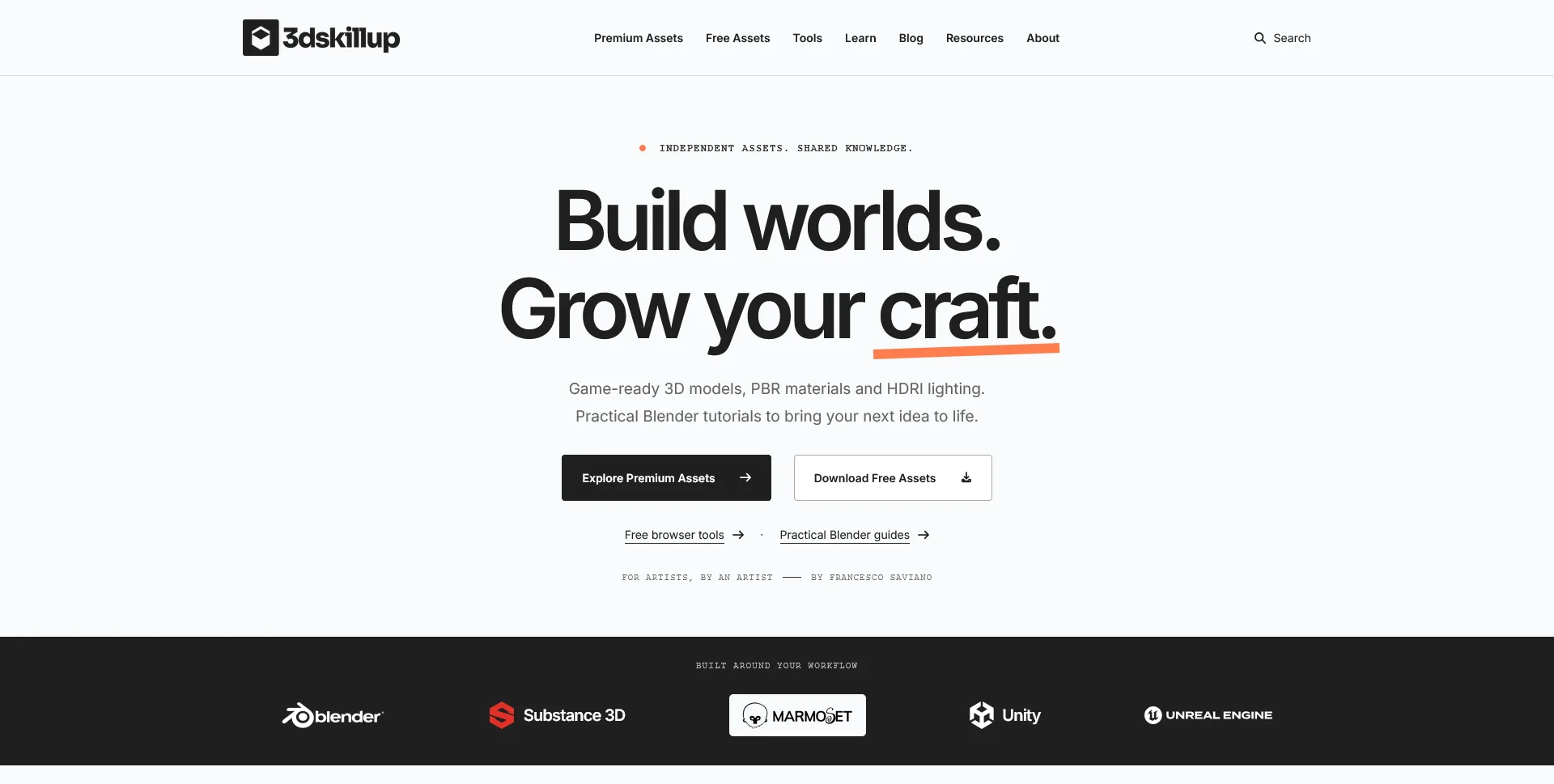
A separate creative platform bringing together game-ready 3D assets, practical tutorials and resources for artists.
Web Design
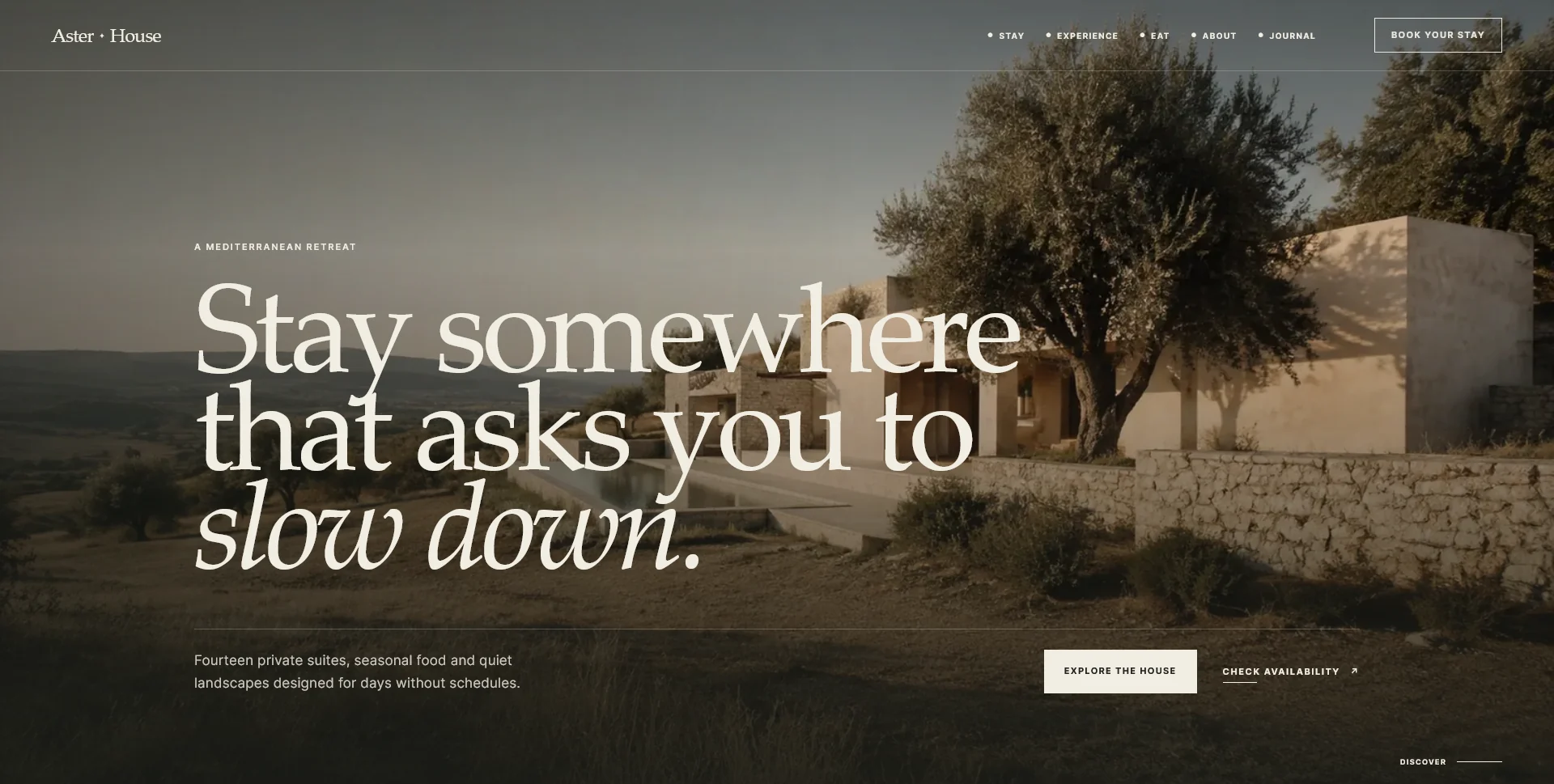
An editorial hospitality concept, combining a Mediterranean visual direction with responsive front-end development.
Web Design · 6 min read
Prepare a restaurant website photography brief around food, rooms and visiting information. Plan essential shots, useful crops, approvals and the handover.
Web Design · 6 min read
Test restaurant website navigation on mobile with real guest tasks. Check menus, booking actions, contact routes and return paths beyond screen-size previews.
Web Design · 6 min read
Prioritise translation for a multilingual restaurant website. Plan menus, visit details, contact instructions and confirmation states as one guest journey.
Have a website in mind?
A short outline is enough to start a conversation.
Discuss your project View my 99designs profile5.0 / 5 from 25 reviews on 99designs. Read client feedback.