Web Design
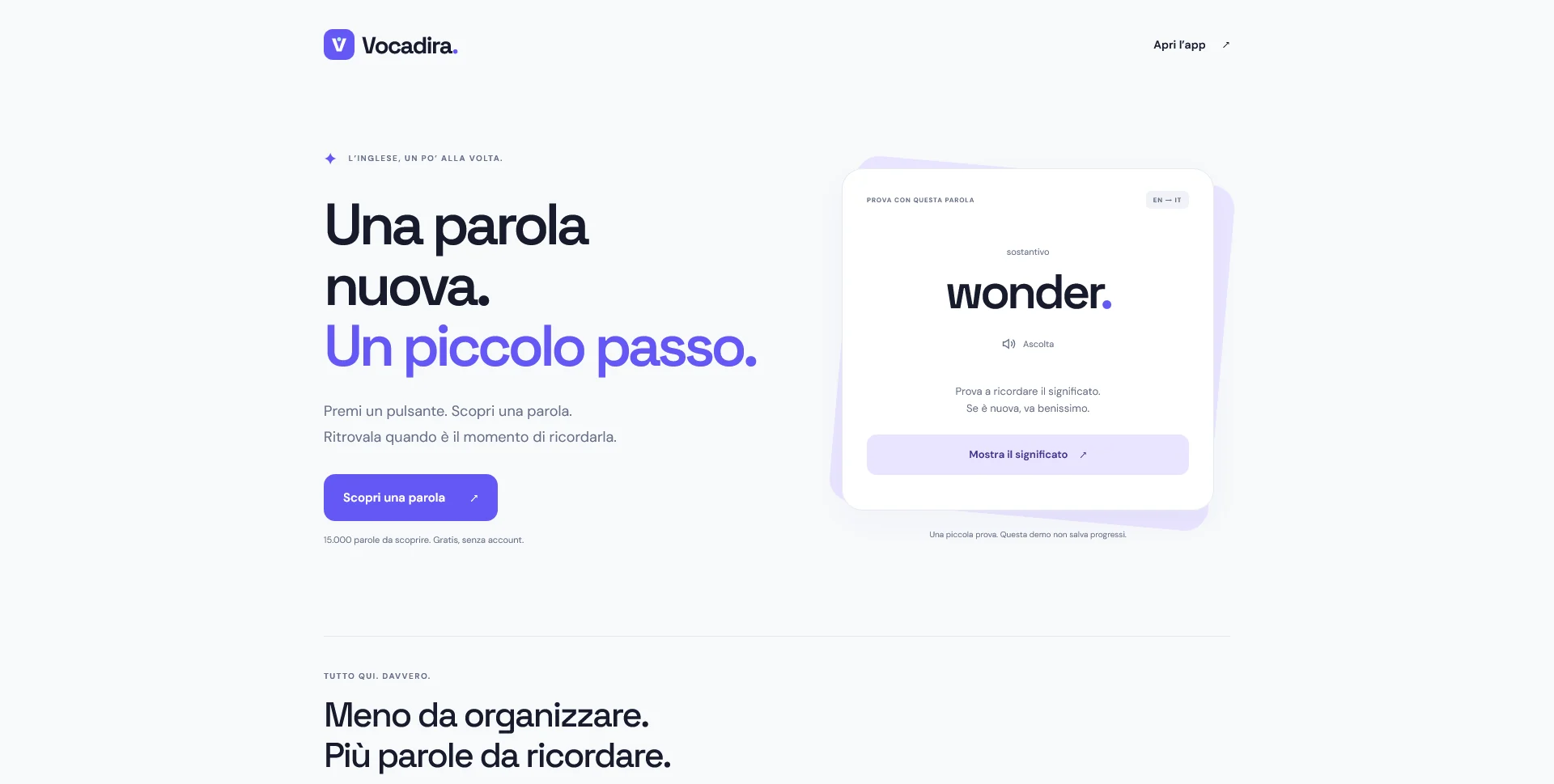
Vocadira
A vocabulary learning web app for Italian speakers, combining word discovery, Italian meanings and spaced repetition in a focused, browser-based experience.
 Let’s talk
Plan a focused dental website launch with essential information and a working enquiry route. Plan later additions without committing to a complete rebuild.
A useful first dental website should complete a small number of important tasks: identify the practice, explain the people and services, provide visit information and offer a dependable contact route. Launch that coherent first phase, then add functions when their content, owner and operating process are ready.
Starting small does not mean publishing an incomplete experience. A modest site with accurate information and a working appointment-request process is easier to assess than a larger site filled with empty pages, inactive booking controls or services nobody is ready to maintain.
Choose one priority journey, such as a new visitor learning about the practice and asking for an appointment. Write down the information that person needs and the actual response process.
The first phase should let them finish that task without relying on a promised future feature. If the practice currently handles appointments by telephone, make that route clear. If it accepts requests online, explain that the team will respond before a time is confirmed.
Use the essential dental website pages guide to identify the minimum useful content. Keep the scope connected to the practice’s current operation rather than an imagined future service model.
Create a short backlog with a reason for every item. The distinction should be based on visitor need and operational readiness, not on which feature looks most impressive in a presentation.
| Priority | Example | Condition for including it |
|---|---|---|
| First phase | Current team and service overview | Approved information and a clear update owner |
| First phase | Contact and visit details | Correct channels, address and practical instructions |
| First phase | Agreed enquiry or request route | Working delivery and a named response process |
| Later improvement | Expanded service explanations | Distinct user need and approved content |
| Later improvement | Another language | Translation and review responsibilities are arranged |
| Separate assessment | Patient portal or advanced booking integration | Defined requirements, suitable provider and accountable operation |
An unresolved function should remain in the planning document, not appear as a live button that leads nowhere.
Keep service summaries, team profiles and location details organised consistently. If a section may become a separate page later, write it as a clear introduction that can eventually link to more detail.
Do not create unnecessary empty pages just to reserve future subjects. A focused overview can remain useful while the practice prepares the material for deeper pages.
The one-page versus multi-page dental website guide helps decide which structure suits the first version. Growth depends on a sensible content model and implementation, not simply on starting with many URLs.
Choose the simplest route that the practice can reliably operate. That might be a clearly explained phone call, a limited request form or a link to an established appointment provider.
Describe the result accurately. An acknowledgement should confirm only the event that has occurred. If a request requires staff review, do not use a success message that suggests a confirmed appointment.
Plan a useful failure state as well. Explain what the visitor can do if the form cannot send or the external service is unavailable. The guide to empty, error and loading states provides a framework for making those transitions understandable.
For each proposed feature, ask who supplies its information, who checks it, who responds to it and who maintains it. A tool with no owner is a future problem even if it can be added quickly.
For example, publishing a response expectation requires a real reception process. Adding a news section requires someone to prepare and review updates. Enabling a new external service requires account ownership and a support arrangement.
The design-only versus full-build guide helps separate website work from those continuing responsibilities. A first phase should include only the functions whose basic operation is understood.
Begin with the content the practice can confidently review and maintain. Introduce the services and explain how to ask about them, without turning the website into an unreviewed treatment encyclopaedia.
Do not use automated or generic placeholder descriptions to fill future service pages. A short, accurate overview is more useful than lengthy copy that does not reflect the practice’s actual offer or implies personal advice.
Keep clinical-document collection and detailed health-history workflows outside a basic public enquiry form unless they have been separately specified with the responsible team and provider. Adding such features later is a project decision, not merely another field in the page editor.
Vocadira is a self-initiated learning app that introduces its experience through one clear action before exposing additional tools. Its portfolio page also explains what the small demonstration does and does not save.
For a practice website, the useful principle is to make the first step understandable and truthful. It does not mean copying the app’s data handling or treating it as appointment software.
Review your first-phase page in the same practical way: can someone explain what they are about to do, what happens afterward and where to go if they need another route?
Write a short list of things that must be true before launch. The practice details match the approved source; professionals and roles are current; the main routes work on a phone; the intended recipient receives a test request; the response wording matches operations.
Include publication checks and the responsible reviewer for each item. If the site replaces an existing one, retain the necessary migration tasks rather than treating a small first phase as permission to break old links.
The dental website project-timeline guide helps arrange these checks around content approval, implementation and external providers. “Small” should describe scope, not a reduced standard of completeness.
Record why an addition might be needed and what would support that decision. Repeated questions about a service may justify a clearer page. Staff difficulty updating profiles may justify a better editing workflow. A genuine appointment-process requirement may justify evaluating an integration.
Avoid treating every new enquiry as a reason to add a feature. Sometimes the answer is a clearer sentence or a better link. The dental website goals guide explains how to review enquiries and visitor actions without automatically attributing business results to the site.
For budgeting, compare the initial phase and proposed additions separately using the quote-comparison guide. This keeps the first project concrete while making future decisions easier.
Not if it presents a complete, coherent scope. Avoid empty sections and communicate only the functions and information actually available.
Yes, if the platform and future provider requirements are considered. The integration still needs its own scope, responsibilities and testing.
Choose it around real editing needs. If staff must routinely update approved content, discuss it early; if changes are infrequent, another arrangement may fit the first phase.
Share the practice’s essential information, current contact process and likely future additions. SavianoDesign’s Website Design service can help define a focused first phase with clear deliverables and a practical route for expansion.
Web Design
A vocabulary learning web app for Italian speakers, combining word discovery, Italian meanings and spaced repetition in a focused, browser-based experience.
Web Design
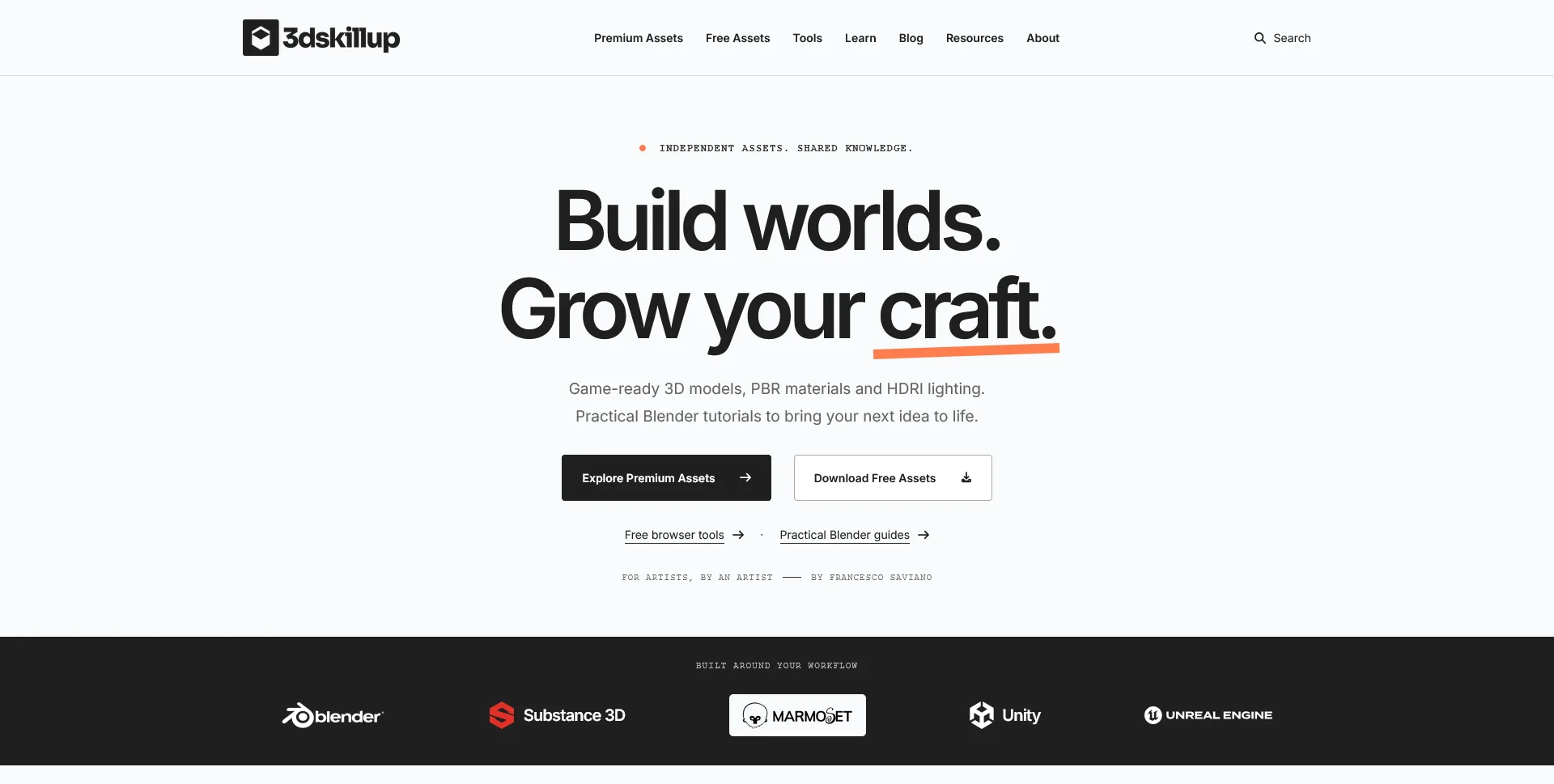
A separate creative platform bringing together game-ready 3D assets, practical tutorials and resources for artists.
Web Design
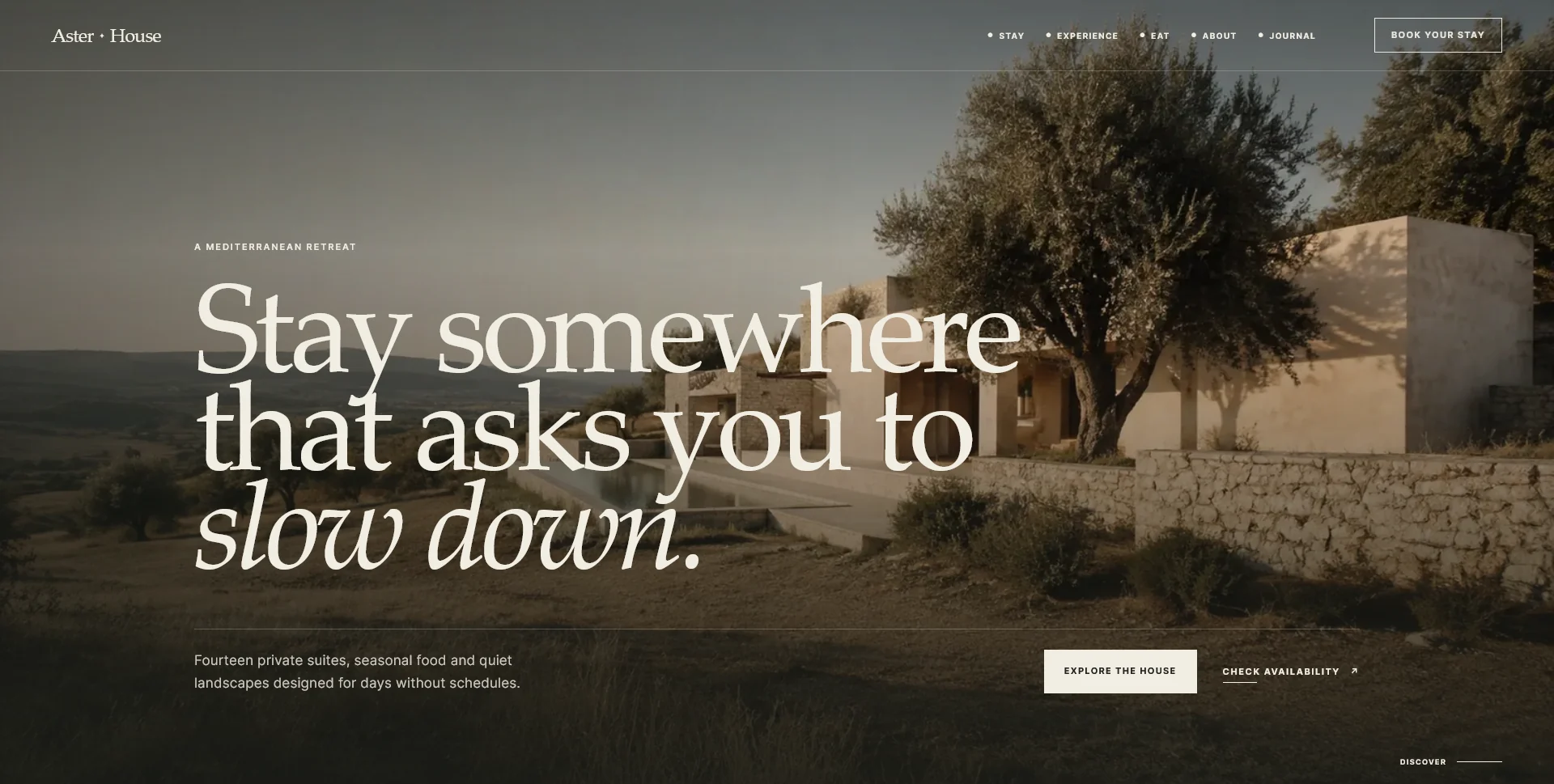
An editorial hospitality concept, combining a Mediterranean visual direction with responsive front-end development.
Web Design · 6 min read
Plan the essential pages for a dental practice website: team, services, visit information and contact. Build a route from questions to appointment requests.
Web Design · 6 min read
Compare one-page and multi-page dental websites using real patient questions, service detail and contact routes. Choose a structure your practice can maintain.
Web Design · 6 min read
Plan a dental website timeline around content, approvals, design, development and external providers. Set milestones and launch checks without false promises.
Have a website in mind?
A short outline is enough to start a conversation.
Discuss your project View my 99designs profile5.0 / 5 from 25 reviews on 99designs. Read client feedback.