Web Design
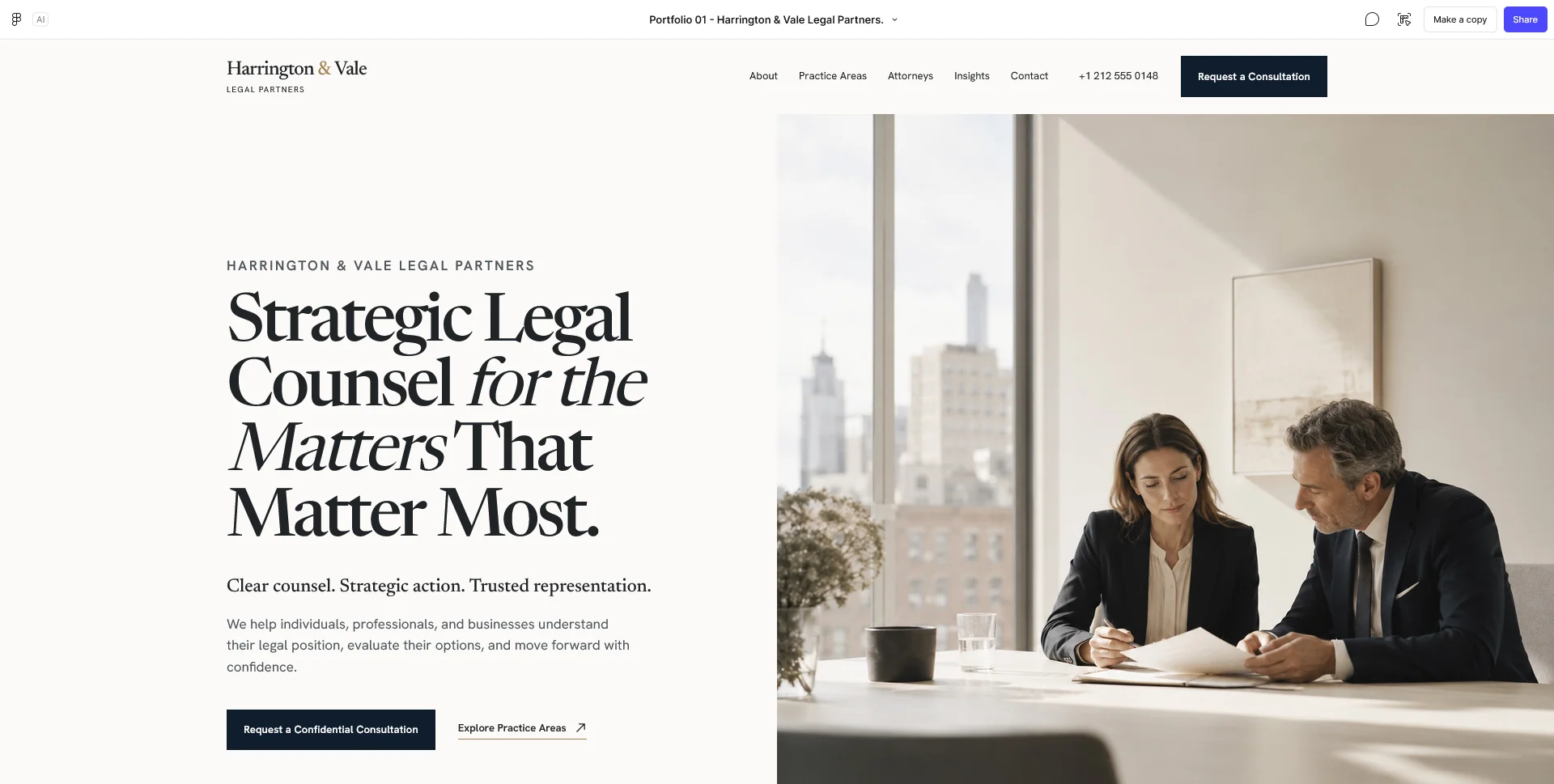
Law Firm — Website Design
A fictional law firm website concept for Harrington & Vale, exploring editorial design, clear navigation and a visual identity built around trust.
 Let’s talk
Plan the essential pages for a dental practice website: team, services, visit information and contact. Build a route from questions to appointment requests.
A first dental practice website needs to explain who provides care, what the practice offers, where it operates and how someone can make an enquiry or request an appointment. Start with those decisions before adding a large treatment library, patient accounts or elaborate interactive features.
The essential structure is not a fixed page count. A small practice may combine some information, while a larger team or several locations may need separate destinations. The useful test is whether a visitor can understand the offer and choose an appropriate next step without guessing.
Speak with the person who handles enquiries. Which questions recur before a first visit? Common categories include accepting new patients, available services, the location, access arrangements and how an appointment is requested. Use the practice’s actual answers rather than a generic list of marketing claims.
Distinguish information for new visitors from instructions for existing patients. Someone researching the team and someone changing an appointment should not have to interpret the same broad “Get started” button.
Also distinguish general service information from personal clinical assessment. A website can explain an appointment process and introduce a service. It should not imply that reading a page establishes which treatment a particular person needs.
The opening should identify the practice, its location and the audience it serves. Follow with a concise introduction to the team, the main service groups and a visible contact route.
Use clear wording for the primary action. “Request an appointment” is appropriate when the team must respond before a time is confirmed. “Book an appointment” should lead to a process that actually completes the booking described by the button.
Keep important practical information easy to find without turning the homepage into a complete archive. The homepage content checklist explains how to connect an opening statement, evidence and next step into a useful route.
A team or practice page should identify the professionals, their current roles and qualifications the practice can verify. Explain who provides care and who handles administrative enquiries. Photographs and names should match the people visitors will encounter.
Avoid expecting unfamiliar visitors to decode a list of initials or impressive-sounding titles. Provide appropriate context and links to professional information where relevant. Do not present every team member as responsible for every service.
The guide to Team pages and responsibilities helps organise profiles around useful distinctions. If the practice has several locations, show where each professional works rather than leaving visitors to infer it.
Begin with an overview that uses names people can understand. Separate service groups when they answer different questions, and provide a route to more detail where there is enough useful, approved content to justify it.
A service page can explain what the appointment involves at a general level, who provides the service, what information is available before attending and how to ask about it. The dental team should approve clinical statements and avoid language that promises a result or personal suitability before assessment.
Do not create a separate page for every variation merely to increase the number of search targets. Each page needs a distinct purpose. The one-page versus multi-page dental website guide helps decide where separate destinations improve understanding.
Use the following as a planning example, then adapt it to the real practice. These are content responsibilities, not a mandatory package.
| Destination | Main question it answers | Content to confirm |
|---|---|---|
| Home | Is this the practice I am looking for? | Name, location, offer and primary next step |
| Practice and team | Who provides the service? | Current roles, profiles and verifiable qualifications |
| Services | What can I ask this practice about? | Approved overview and links to useful detail |
| First visit | What happens before and at an initial appointment? | The actual administrative process and preparation information |
| Contact and visit | How do I reach the right person or place? | Channels, opening information, address and access details |
Some practices can combine the first-visit information with the contact page. Others need distinct location pages or several service pages. The phased-launch guide shows how to keep the first version useful while allowing those additions later.
Explain the purpose of each available channel. A general enquiry form, appointment request, existing-patient telephone route and external booking service should not appear as interchangeable options.
State what happens after someone acts: who receives the request, whether a response is needed and whether a time is confirmed. Use an actual response policy rather than inventing a fast turnaround for the website. The guide to contact-page response expectations explains how the page and acknowledgement should agree.
Keep a general enquiry route focused on the information needed for that next step. If the practice needs clinical details or documents, agree the appropriate collection process with its responsible team and provider rather than adding an unrestricted upload field to a public form.
Check the address, entrance, opening arrangements and contact details. Describe access features factually rather than using a broad label such as “fully accessible” without explaining what is available.
If fees, payment arrangements or new-patient availability are published, make clear who updates them and when. Include the notices and policies appropriate to the site’s functions and the practice’s requirements, with the responsible person approving them.
Any urgent-contact information should use the practice’s approved route and wording. A routine enquiry form should not be presented as a monitored clinical advice channel when it is not one.
The Harrington & Vale law-firm website concept explores the relationship between service areas, professional profiles and a consultation route. It is a personal portfolio concept, useful for discussing hierarchy and professional presentation.
A dental website has its own content, operational and clinical-review needs. Use the reference to examine how information is organised, then bring the practice’s real team, service scope and contact process into the design brief.
Prepare those materials with the dental website content checklist. A clear inventory makes it easier to estimate the work and avoids designing important pages around placeholder claims.
No. Create a separate page when it answers a distinct question with useful approved content. Closely related services can begin in a well-structured overview.
Not always. A reliable telephone or appointment-request route can serve the first phase if the wording accurately explains the process and the practice can handle it.
Only when someone can produce, review and maintain useful content. Core practice, service and contact information usually deserves attention first.
Share the practice’s audience, service groups and intended enquiry route. SavianoDesign’s Website Design service can turn those requirements into an agreed structure and design, with frontend or WordPress work scoped where needed.
Web Design
A fictional law firm website concept for Harrington & Vale, exploring editorial design, clear navigation and a visual identity built around trust.
Web Design
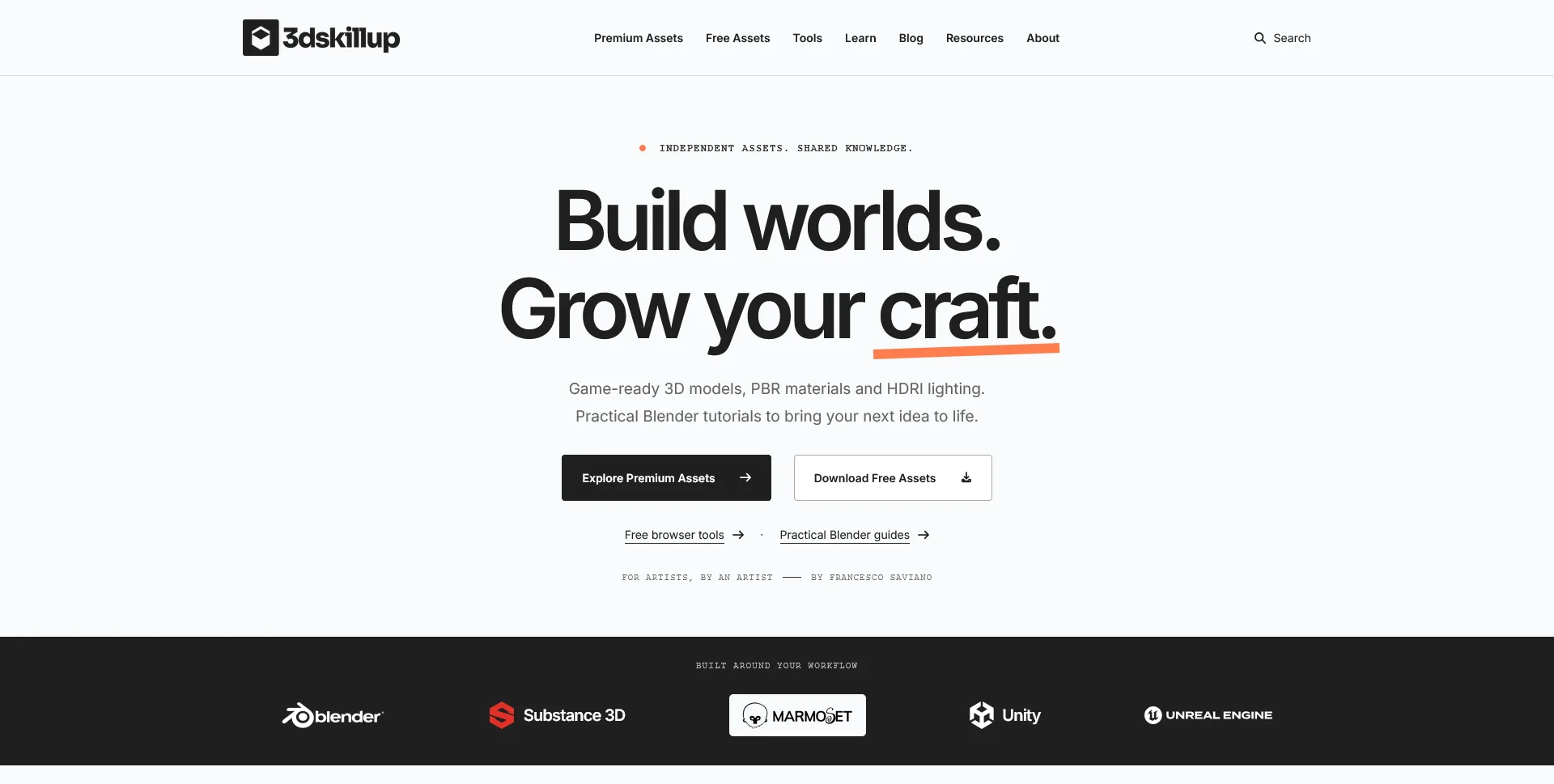
A separate creative platform bringing together game-ready 3D assets, practical tutorials and resources for artists.
Web Design
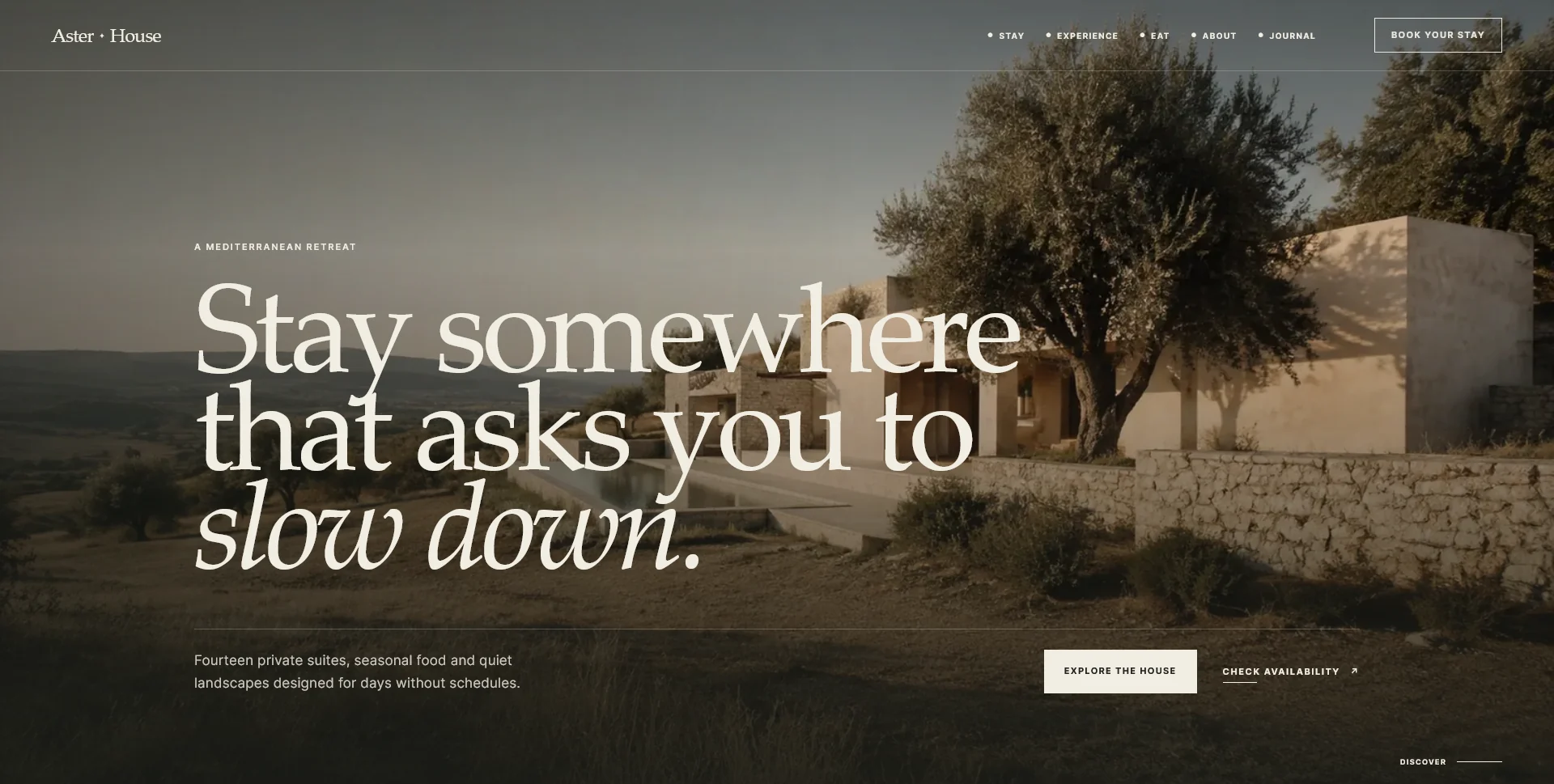
An editorial hospitality concept, combining a Mediterranean visual direction with responsive front-end development.
Web Design · 6 min read
Compare one-page and multi-page dental websites using real patient questions, service detail and contact routes. Choose a structure your practice can maintain.
Web Design · 6 min read
Plan a focused dental website launch with essential information and a working enquiry route. Plan later additions without committing to a complete rebuild.
Web Design · 6 min read
Prepare your dental website brief with practice facts, verified qualifications, approved service content and images. Track ready, outdated and missing assets.
Have a website in mind?
A short outline is enough to start a conversation.
Discuss your project View my 99designs profile5.0 / 5 from 25 reviews on 99designs. Read client feedback.