Web Design
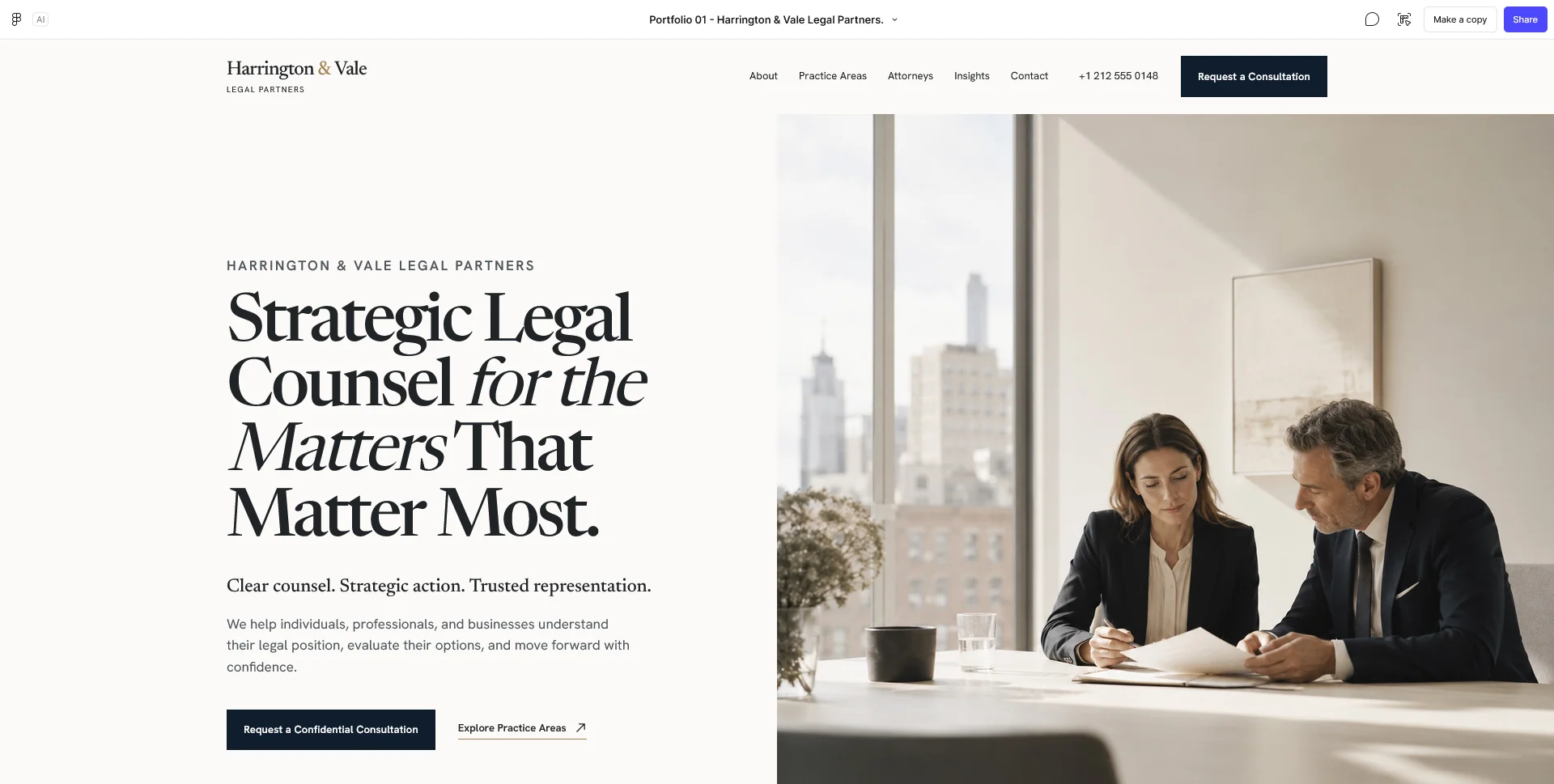
Law Firm — Website Design
A fictional law firm website concept for Harrington & Vale, exploring editorial design, clear navigation and a visual identity built around trust.
 Let’s talk
Prepare your dental website brief with practice facts, verified qualifications, approved service content and images. Track ready, outdated and missing assets.
Before requesting a dental website quote, gather the practice facts, team profiles, service information, images and contact process, then mark each item as ready, needing review or missing. The designer needs to understand both the available content and the work still required to make it publishable.
A folder full of documents is not the same as approved website content. A useful handover identifies the current version, the person responsible and the intended place on the site. That makes the estimate more reliable and prevents important decisions from appearing late in the build.
Provide the exact practice name, locations, intended audience and primary website goal. Explain whether the site is new or replacing an existing one, and include the current URL where relevant.
Describe the contact process in ordinary language. Can visitors ask a general question, request an appointment or complete a booking through a provider? Who receives each type of contact, and what happens next?
Use the dental website goals guide to define the action you want to support. “More patients” is an ambition; a clear appointment-request journey gives the project something concrete to design and test.
Gather current names, roles, qualifications, relevant professional information and approved portraits. Identify which professionals work at which locations and which services they provide.
Have the practice confirm the wording, including any specialist titles or credentials. Avoid copying a biography from an old site without checking whether the role or qualification information is still current.
The Team page guide explains how consistent profiles can make responsibilities easier to understand. Include administrative roles where they help visitors know whom to contact, without confusing those responsibilities with clinical care.
Supply a list of the services the practice currently offers, with the approved names and available descriptions. Note which subjects need a dedicated page and which can begin in an overview.
For each description, identify the reviewer and any supporting sources or existing approved materials. Keep the distinction between general information and personal clinical advice clear. Do not ask the designer to infer treatment claims from a competitor’s website.
The NHS standard for creating health content is a useful process reference for clinical approval, evidence review and keeping content current. Use it to inform the handover discussion while agreeing the practice’s own responsibilities and applicable requirements.
Use a simple document or spreadsheet rather than relying on filenames and memory. Give each item one owner and record the decision needed next.
| Content item | Example status | Next action |
|---|---|---|
| Practice introduction | Available, needs editing | Confirm the audience and remove outdated claims |
| Professional profiles | Partly approved | Verify roles and replace missing portraits |
| Service overview | Available, needs clinical review | Approve names, scope and next-step wording |
| Visit information | Missing | Confirm entrance, access, hours and directions |
| Contact process | Agreed in principle | Confirm recipients, response policy and fallback |
| Images | Mixed sources | Identify approved files and usage permissions |
This register separates materials already available from those that need updating or producing. It also shows which gaps affect the quote and which may affect the schedule.
Choose images that help someone understand the real practice: the entrance, relevant spaces and current team. Note where an image belongs and what it communicates.
Identify the source and permission status of each file. If an image includes identifiable patients, do not assume it can be reused simply because it exists in an old folder. Have the practice resolve the appropriate permission and publication process before it enters the website handover.
Avoid presenting stock photography as a photograph of the actual team or facilities. A designer can work with provisional images while planning, but the final published presentation should accurately represent the practice.
Confirm the address, map destination, entrance details, opening arrangements and contact channels. Describe access features factually and include the route for someone who needs more information before visiting.
For every contact channel, record its purpose and the team responsible. The contact-channel guide helps distinguish general enquiries from other routes. Add the response policy if one has been agreed, and identify wording that still needs approval.
Include the practice’s approved urgent-contact instructions if they belong on the site. The designer should not invent a clinical triage route or suggest that a routine form is continuously monitored.
List the current platform, hosting provider, domain administrator and external appointment service, if any. Identify the authorised account owners and technical contacts; do not put passwords or patient information into a general project brief.
Explain who needs to edit the finished site and which tasks they expect to perform. Updating a portrait or opening time is different from editing every layout. The design-only versus complete-build guide helps translate those needs into a suitable assignment.
If the site is being replaced, supply an inventory of important existing pages and downloads. Migration and redirect requirements are easier to scope before the new structure is approved.
Choose a few websites or portfolio examples and explain the feature you value: clear team profiles, calm typography, a readable services overview or a direct contact route.
The Harrington & Vale professional-service concept can help discuss the relationship between expertise, people and consultation. It is a personal portfolio concept, so use it as a reference for organisation and presentation rather than evidence of dental outcomes.
Pair every reference with the practice’s own material. A layout that works with a fictional short biography may need adjustment for your verified profiles and actual service information.
The initial handover should contain the practice summary, proposed pages, content register, approved assets and the decisions still open. Name the person who consolidates feedback and the people responsible for specific approvals.
Use the dental website quote-comparison guide to ask what content work is included. Then use the project-timeline guide to place missing material and review steps into the schedule.
You do not need every final sentence before starting a conversation. You do need an honest picture of readiness so the proposal does not depend on assumptions everyone interprets differently.
Yes, after checking accuracy, ownership and relevance to the new structure. Mark material that needs review instead of treating all existing text as approved.
No. Share what exists and identify what needs to be produced. Photography and image preparation can then be scoped or scheduled explicitly.
The practice should identify the appropriate professional reviewer. The designer can improve structure and readability within the agreed scope, but that does not replace clinical approval.
Send the content register, a few examples and the intended enquiry process. SavianoDesign’s Website Design service can use those materials to define pages, deliverables and the work required before implementation.
Web Design
A fictional law firm website concept for Harrington & Vale, exploring editorial design, clear navigation and a visual identity built around trust.
Web Design
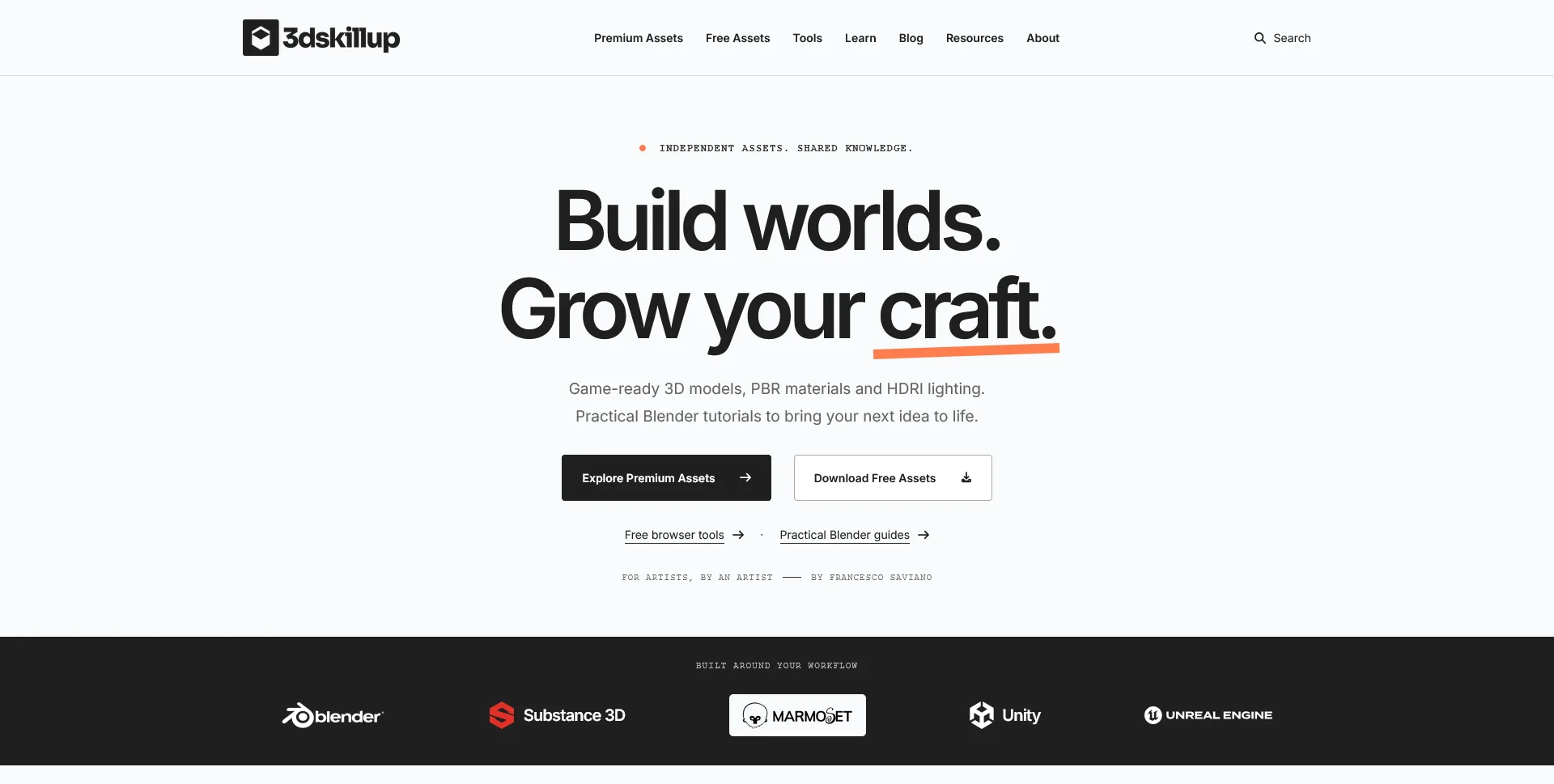
A separate creative platform bringing together game-ready 3D assets, practical tutorials and resources for artists.
Web Design
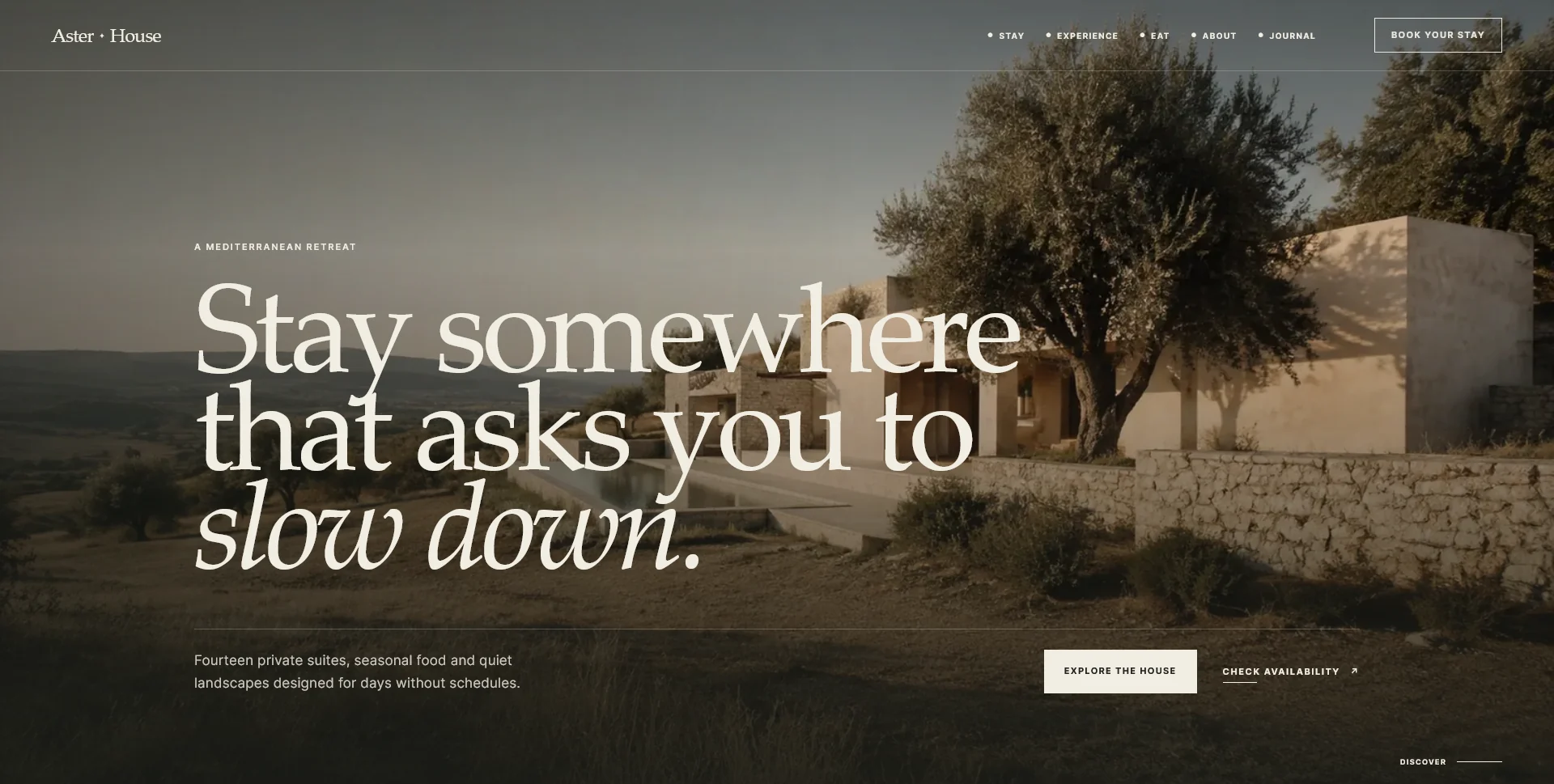
An editorial hospitality concept, combining a Mediterranean visual direction with responsive front-end development.
Web Design · 6 min read
Plan a dental website timeline around content, approvals, design, development and external providers. Set milestones and launch checks without false promises.
Web Design · 6 min read
Compare dental website quotes through deliverables, content, CMS and enquiry handling. Separate initial costs from recurring services and plan the scope.
Web Design · 6 min read
Define dental website goals with clear measures for visits, contact actions, received enquiries and confirmed appointments. Review results without overclaiming.
Have a website in mind?
A short outline is enough to start a conversation.
Discuss your project View my 99designs profile5.0 / 5 from 25 reviews on 99designs. Read client feedback.