Aster House
Web Design

Create a boutique hotel website that communicates atmosphere while making location, room choices, inclusions and the next booking step easy to understand.
A boutique hotel website should help a visitor imagine the stay and understand whether it suits their plans. Photography, typography and tone establish atmosphere. Clear information about the location, rooms, facilities and booking route makes that atmosphere useful when someone is choosing where to stay.
The challenge is deciding how those two kinds of content work together. A beautiful courtyard photograph cannot explain whether the hotel is close to the station. A list of facilities cannot fully communicate the character of the place. This guide shows how to give each a clear role without making the homepage feel like a brochure or a booking form.
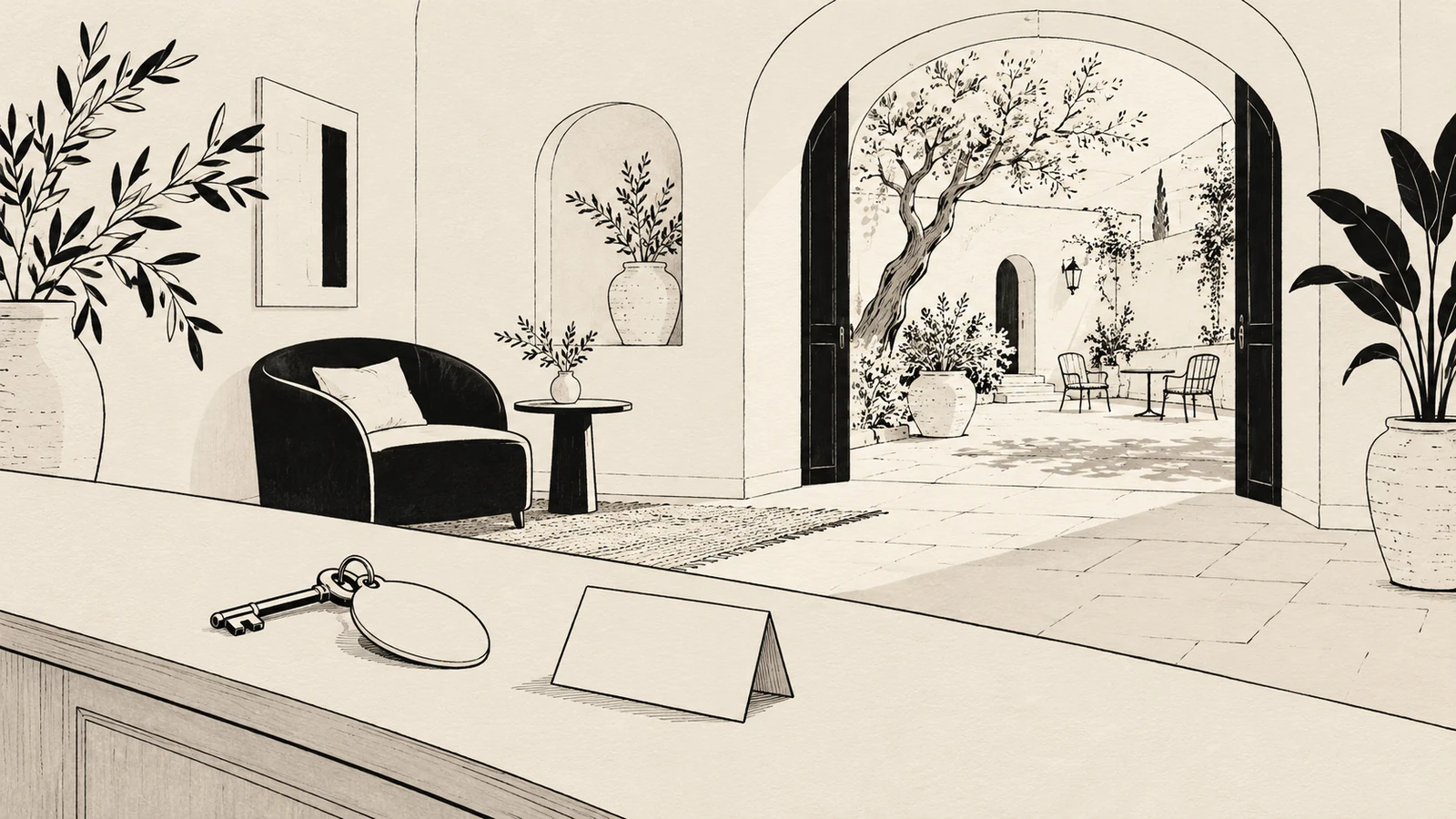
Start with the hotel’s name, its location and a concise description of the stay. “A slower kind of morning” might be a suitable headline, but a reader still needs to know whether they are looking at a countryside retreat, an urban townhouse or a coastal hotel.
Pair evocative language with an informative sentence. For example, this is illustrative copy for a fictional hotel, with details to replace only where true:
A quieter way to stay in [town]. Our [number]-room hotel brings together [defining feature] and a location within [verified distance or travel time] of [useful landmark].
Then offer a clear route to explore rooms and a direct way to check availability. If bookings are handled through enquiries, label that action accurately. A button saying “Book your room” should not unexpectedly lead to a general contact page with no explanation.
The homepage content checklist provides a wider framework for connecting the offer, supporting evidence and next action.
Choose photographs with a purpose beyond visual consistency. An exterior can help establish the setting. A bedroom photograph can show the relationship between the bed, windows and usable space. A breakfast scene can introduce a real part of the guest experience, provided the accompanying text explains what is included and what is optional.
Build variety around those questions. A sequence of beautiful close-ups may express care and texture while revealing very little about the hotel. Include wider views that help visitors understand the spaces they would use.
Keep captions close to images when context changes their meaning. A terrace belonging to one suite should not appear to be available with every room. A photograph of a nearby beach needs to be identified as a local destination if it is not part of the property.
For an example of editorial hospitality art direction, explore Aster House, a personal concept in the SavianoDesign portfolio. It demonstrates a visual direction, rather than documenting an operating hotel or measured booking results.
Practical information does not have to occupy one dense block. Put a short answer beside the relevant choice, then provide a clear route to more detail. The following table is a planning aid, not a requirement to add all these sections to every hotel website.
| Visitor question | Useful homepage treatment | Where the full answer belongs |
|---|---|---|
| Where is the hotel? | Town, neighborhood or setting in the introduction | Location page with address and arrival guidance |
| Which room could work for us? | A small selection with meaningful differences | Room overview and individual room pages |
| What comes with the stay? | A clear summary of genuinely shared facilities | Relevant facilities and rate information |
| Can we arrive in the way we need to? | A visible link to arrival and access details | Practical information or location page |
| What can we do nearby? | A few specific, relevant suggestions | Local experiences section |
| How do we check dates or ask a question? | A consistent, accurately labeled action | Booking provider or appropriate contact route |
Use FAQs for recurring questions that need a short answer. They should not be the only place to discover an important limitation that affects a room choice or arrival plan.
Room names can carry personality, but names alone rarely help someone choose. A homepage preview should make at least the main difference understandable: capacity, bed arrangement, additional space, an outdoor area or another genuine distinction.
Avoid implying that every room has the feature shown in the leading photograph. If balconies are available only in a particular category, identify that category. If two photographs show different configurations within the same category, explain the variation on the room page.
The guide to presenting boutique hotel room categories develops a consistent way to describe those differences, shared amenities and booking conditions. The homepage can then introduce the choice without repeating the complete comparison.
“Breakfast available” and “breakfast included” answer different questions. The same distinction applies to parking, spa access, transfers and other services. Describe what exists at the hotel separately from what a particular reservation includes.
If inclusions depend on the selected rate, say so near the relevant claim and direct visitors to the rate details. Avoid placing a broad “everything included” statement above a booking route whose terms say something narrower.
When displaying a price, make its basis understandable: dates or period, room or person, occupancy, currency and any important conditions that affect the advertised offer. Use current information from the booking setup. If the website cannot reliably maintain a changing price, a clear “Check availability and rates” action may be more useful than an out-of-date promotional figure.
A traveler may be planning around a late arrival, a car, heavy luggage, a pushchair or a particular access requirement. Give this information a predictable place in the navigation and link to it where it matters.
Describe concrete features: the route from the entrance, the presence of steps or a lift, parking arrangements and how late arrival is organized, where those details are verified. A broad word such as “accessible” is not a substitute for explaining the relevant spaces and routes.
Provide a contact route for questions that need an individual answer. Do not make contacting the hotel the only way to obtain basic information that could be published accurately. A useful page lets someone identify the remaining question before they write or call.
A boutique hotel’s character often includes its relationship with the neighborhood or landscape. Introduce a few experiences that explain that relationship, with enough practical context to make them actionable.
For example, a local market, walking route or gallery might help someone picture a day outside the hotel. The text should explain what the suggestion involves and whether it is run by an unaffiliated provider, arranged by a partner or offered by the hotel. Do not imply that every local recommendation is included in the stay.
Use the guide to designing a clear local experiences section to plan the detail behind those homepage previews.
Review the page with short and long headings, narrow screens and images that crop differently. Text over photography needs a reliable readable area; a quiet portion of one desktop image may disappear in a mobile crop.
Keep essential information as real text. W3C’s writing guidance for web accessibility recommends meaningful headings, descriptive links and clear, concise content. On a hotel website, that means a visitor can understand “View rooms” or “Arrival and parking” without first interpreting a visual effect.
Give the main navigation a small number of recognizable destinations. The website navigation guide explains how menus and contextual links can work together. Also check that prominent booking controls do not cover room details or practical information on smaller screens.
Ask someone unfamiliar with the property to plan a possible stay using the website. Give them a situation rather than asking whether they like the design: arriving by train, choosing a room for two people, or checking whether breakfast comes with their selected rate.
Watch where they hesitate. Can they identify the location, find an appropriate room and explain the next step? Are they forced to reopen several pages to compare a basic fact? Their questions can reveal where the visual sequence needs a clearer label, a short explanation or a better link.
Assign an owner to changing information such as seasonal facilities, arrival instructions and rate inclusions. An elegant page remains useful only while its promises match the stay a guest can actually book.
It should be easy to find, but the opening should also explain the hotel and location. Someone ready to reserve needs a direct route; someone still choosing needs enough context to explore confidently.
It can share the same typography, spacing and tone as the rest of the site. Clear wording and considered layout help essential details feel like part of the experience.
Use the homepage to introduce the stay and signpost important information. Put detailed terms where visitors need them, and repeat a relevant limitation beside the choice it affects.
SavianoDesign’s Web Design service brings together content structure, visual direction and responsive layouts. For a boutique hotel, that can mean preserving the character of the property while making rooms, practical information and the booking route easier to understand.
Explore the Web Design portfolio, then contact Francesco about your hotel website. Share your current site, available photography and existing booking setup so the design and any front-end implementation can be scoped around your needs.
Web Design · 8 min read
Help guests compare boutique hotel rooms with clear occupancy, bed, space and amenity details, representative photos and an understandable booking route.
Web Design · 8 min read
Plan a useful local experiences section for a boutique hotel website, with curated suggestions, practical details, clear booking roles and contextual links.
Web Design · 8 min read
Plan a clear homepage with this practical content checklist: positioning, services, proof, calls to action and useful links for a service business.
Have a website in mind?