Aster House
Web Design

Help guests compare boutique hotel rooms with clear occupancy, bed, space and amenity details, representative photos and an understandable booking route.
Present boutique hotel room categories through consistent facts, representative photographs and clearly explained differences. Guests should be able to compare capacity, bed arrangement, space, bathroom facilities and any defining feature without opening every gallery or reaching the final booking step.
Characterful names can stay. The job of the room overview is to make those names understandable, while each room page supplies the detail needed to make a choice. A useful structure also separates the room itself from the rate plan and from features that depend on the particular room allocated.
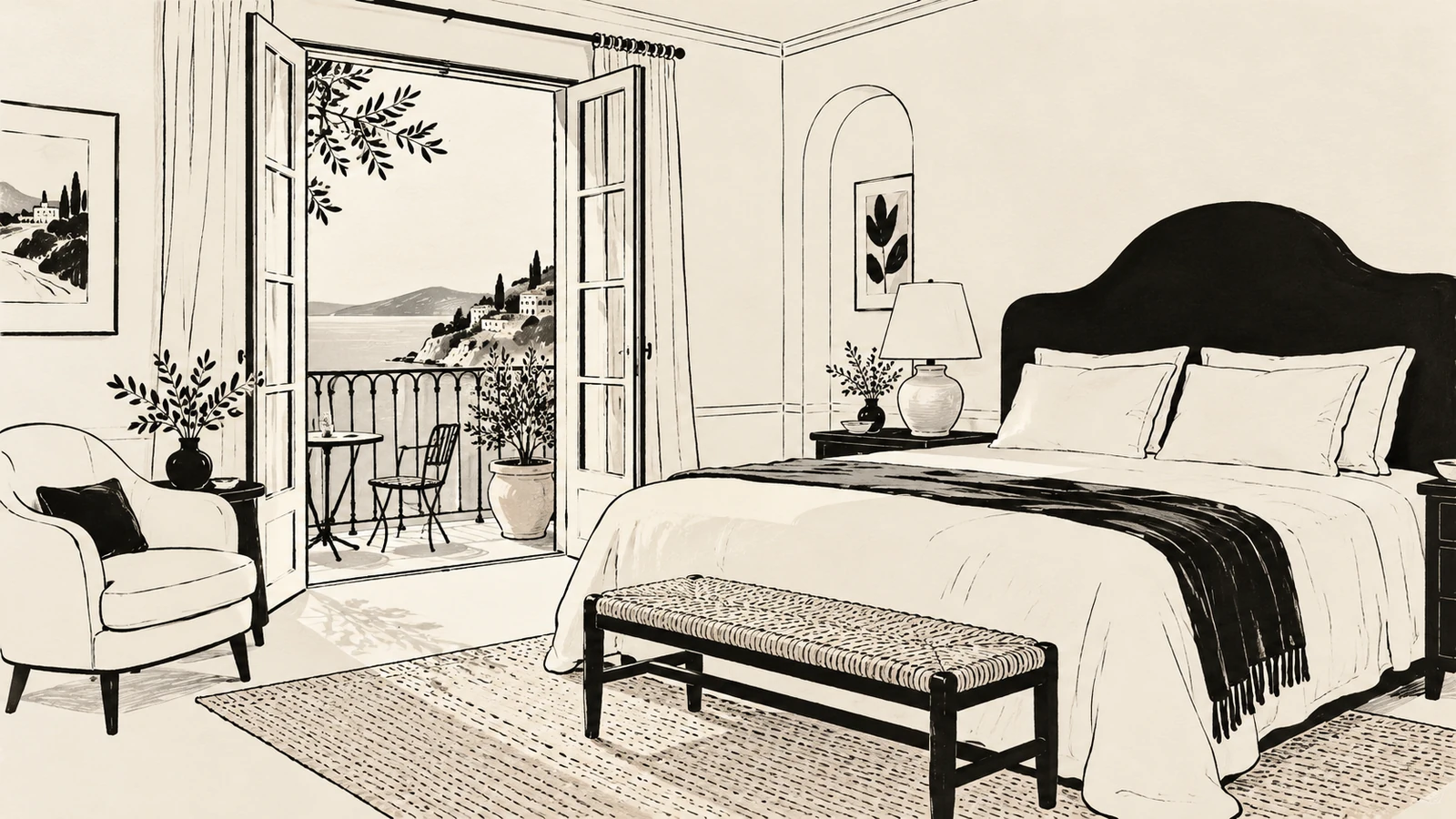
A room category describes a group of rooms offered on a shared basis. An individual room may still have a different layout, outlook or decorative treatment. A rate plan describes the conditions of a reservation, such as meals or cancellation terms. These three layers should remain understandable throughout the website.
Before designing cards, gather the source information for each layer. Which features are guaranteed across the category? Which vary? Which can be requested but require confirmation? Which depend on the rate selected?
If a property sells individually named rooms rather than categories, organize the overview around those actual bookable choices. Do not invent an extra classification simply to make the page resemble a larger hotel’s website.
This detail sits within the broader task of balancing hotel atmosphere with practical information. A room page can be expressive while remaining precise about what a guest is choosing.
“The Poet’s Room” may communicate personality. A short descriptor such as “Double room with a private terrace” explains the offer, if every part of that statement is accurate.
Use the same naming pattern across the overview, room page and booking provider. A visitor should not have to guess whether “Garden Room” on the website becomes “Superior Double” after clicking through to reserve. Where an existing provider uses a different label, explain the relationship or agree a consistent naming update.
Avoid assuming that words such as “deluxe,” “premium” and “signature” establish a useful hierarchy. Name the difference: more space, a separate sitting area, a particular view or a private outdoor area. If two categories differ mainly in décor, be clear about that too.
Use the same field labels and order for every category. Missing information should not look like a missing amenity, and an absent amenity should not be disguised by a more lyrical description.
| Detail | What the overview should establish | What the room page can explain |
|---|---|---|
| Occupancy | The supported number of guests | Adult and child arrangements, where relevant |
| Beds | The standard bed configuration | Dimensions, alternatives and what needs confirmation |
| Space | A verified size or size range, with units | Layout differences and what the measurement includes |
| Bathroom | The relevant type of private or shared facility | Shower, bath and other useful specifics |
| Outlook and outdoors | The feature that is reliably included | Variation, partial views or category-specific limitations |
| Access | A prominent fact that affects suitability | Floor, steps, lift access and verified room features |
Use only measurements and descriptions the hotel can verify. If room sizes vary, a clear range is more informative than presenting the largest room as the default. Do not use a single floor plan to imply that all rooms share the same layout unless they do.
A long identical list beneath every room can hide the few facts that matter most. Put genuinely shared amenities in a clearly labeled section, then use the cards to explain category differences.
The following example is fictional comparison copy, not information about a real property:
Courtyard Double — For two guests, one double bed and courtyard-facing windows. No private outdoor space.
Terrace Double — For two guests, one double bed and a private terrace. The same bathroom facilities and shared amenities as the Courtyard Double.
In this example, the terrace is the reason to choose the second category. An extra adjective would not explain that difference as well. Real room descriptions should include any additional distinctions that affect the choice.
Icons can support scanning, but give them visible text labels. A small symbol is an uncertain way to explain a bed configuration, room area or bathroom arrangement, especially when someone is comparing options on a phone.
Start with an image that helps visitors understand the room’s overall character and arrangement. Follow with views that show relevant features: bathroom, storage, seating, windows or outdoor space. A gallery made entirely of styled details leaves important questions unanswered.
Caption differences between photographs. If the gallery includes several rooms in the category, explain that layouts or furnishings vary. If a balcony appears in only some rooms, do not leave the visitor to assume it is guaranteed. State how any request is handled.
Review the crop used on the overview card separately from the gallery. A crop that removes the window or terrace may hide the category’s defining feature. Choose a suitable image or focal point; preserve a wider view where the full layout matters.
W3C’s images tutorial explains that text alternatives depend on an image’s purpose. For a room photograph conveying useful information, describe the relevant space or feature. Keep important booking facts in visible text as well, so they are available without relying on the image.
Room choice may depend on the route from the entrance as much as on the room itself. A lift serving some floors does not establish that every room has the same access. A spacious photograph does not establish clearances or bathroom suitability.
Publish verified details where they help someone assess their needs, and provide a direct contact route for questions. Describe what exists rather than relying only on a broad category label. Where measurements are useful, have the property confirm them before publication.
Keep this information near the relevant room description. A separate practical information page can explain shared routes and facilities, but the visitor should not have to search it to discover a category-specific limitation.
The same room may be available with different meal arrangements or cancellation conditions. Present these as rate choices, rather than giving the impression that a flexible rate is a different room category.
Where the public website displays a price, state the basis clearly. Visitors need to understand the dates or period, occupancy, currency and what the displayed figure represents. Identify significant conditions beside the offer and link to the full applicable details. Keep the description consistent with the selected rate in the booking provider.
If live rates are managed elsewhere, make the handoff clear. “Check availability and rates” is a useful action when the next screen will ask for dates and show current options. Avoid a static price or scarcity message that nobody is responsible for maintaining.
A consistent card structure often works well for a small number of categories. A comparison table can help when differences are more complex, but the labels and values must remain understandable on a narrow screen.
Do not hide occupancy, bed configuration or a decisive limitation behind hover interactions. Put the main facts in the normal reading order. Additional details can be expandable if the control is clear and works by keyboard, but visitors should not need to expand every card to make an initial comparison.
Link each category to its own useful detail page when there is enough distinctive information to justify one. The website navigation guide explains how clear page names and contextual links reduce uncertainty about the next destination.
Walk through the actual route using the existing booking provider. Does the selected category remain selected? If not, does the interface explain that the guest will choose again? Can someone return to the room description without losing their place?
Use a direct category link only when the provider supports it and the destination has been tested. Also review what happens when no suitable room is available: the next step might be changing dates, considering another category or contacting the hotel. Do not promise an alternative that the system cannot offer.
Connect room information to the rest of the stay where useful. The local experiences guide explains how to present nearby activities without implying that they are included with a room or guaranteed by a reservation.
Use a dedicated page when the category has meaningful detail, photographs or practical information to explain. For a small property with individually bookable rooms, a clear overview and focused room pages may be sufficient.
Yes. Keep the atmosphere, but place it alongside a functional description and consistent facts. Guests should not have to translate the prose to discover the bed arrangement or outdoor space.
Show representative variations, caption the photographs and state what is guaranteed. Explain how preferences or requests are handled without presenting them as confirmed features.
SavianoDesign’s Web Design service can help organize room content, develop responsive comparison layouts and design a coherent route toward your existing booking setup. Design and front-end work are scoped around the pages and provider you use.
Browse the Web Design portfolio and contact Francesco about your room pages. Bring your category list, verified room details and booking link so the work starts from the choices guests can actually make.
Web Design · 8 min read
Create a boutique hotel website that communicates atmosphere while making location, room choices, inclusions and the next booking step easy to understand.
Web Design · 8 min read
Plan a useful local experiences section for a boutique hotel website, with curated suggestions, practical details, clear booking roles and contextual links.
Web Design · 8 min read
Plan website navigation with clear menu labels, useful page groups and mobile behaviour. Includes a practical route map and a checklist for testing.
Have a website in mind?