3DSkillUp
Web Design

Place image licensing enquiries beside portfolio photographs, preserve the image reference and give clients a clear route to discuss their intended use.
Put an image licensing enquiry route beside the photograph or series it concerns, and carry a reliable image reference into the contact step. The visitor should be able to identify the work, explain their intended use and understand what happens next without searching through an unrelated chain of pages.
A general licensing page can explain your process and provide wider information. Its role is to support the enquiry, not make someone reconstruct which image prompted it. This guide focuses on the design of that journey, from the work itself to a conversation about availability and the proposed use.
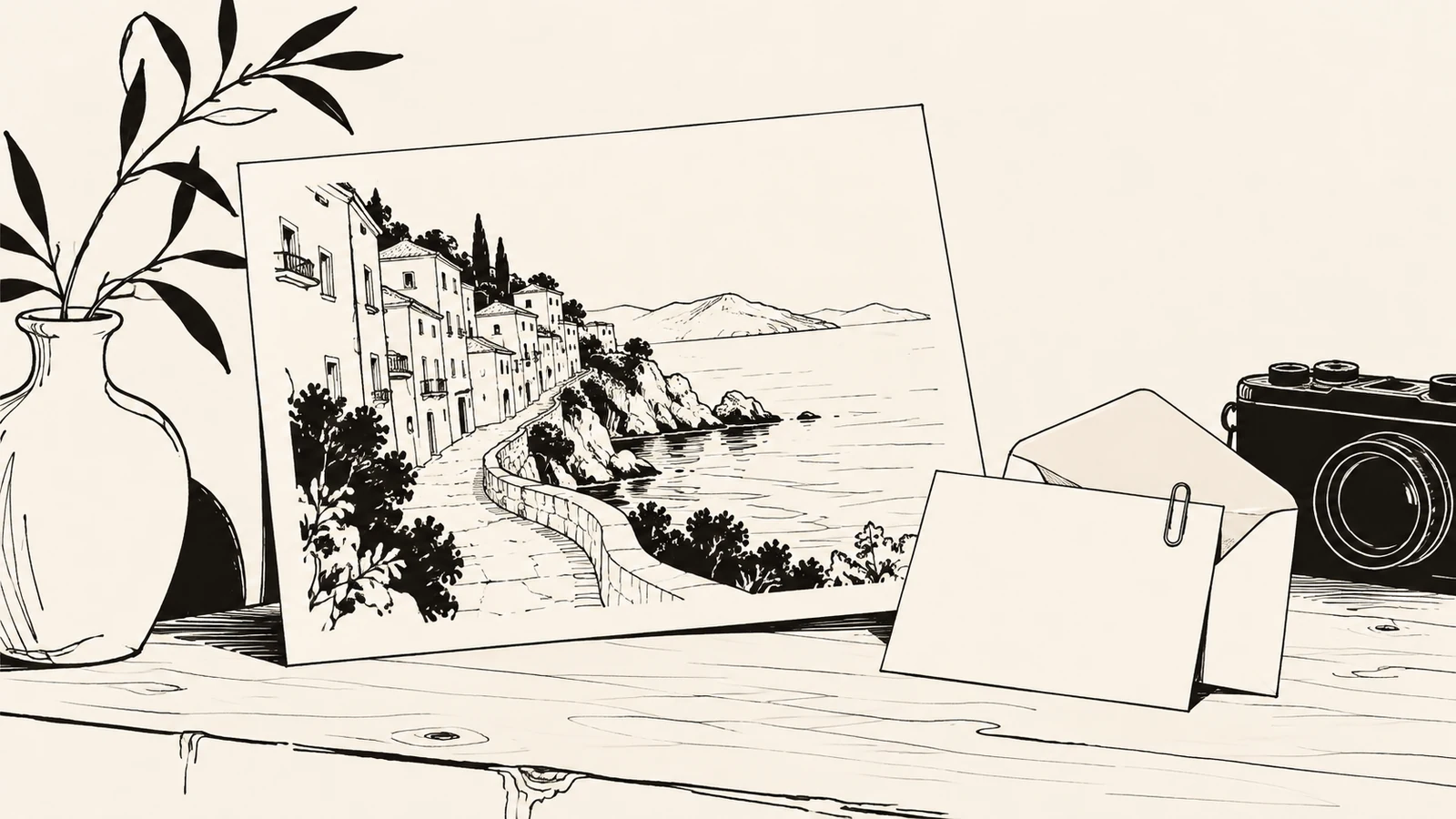
Someone admiring a photograph may want to commission similar work, enquire about using the existing image or buy a physical print. A single “Get this image” action leaves those possibilities unclear.
Use labels and destinations that match what you actually offer. Do not present every photograph as available for every kind of use just because it appears in the portfolio.
| Visitor intention | A clear action label | What the destination should establish |
|---|---|---|
| Commission new photography | Discuss a similar shoot | The brief, location, timing and way to contact the photographer |
| Ask about an existing image | Enquire about using this image | The selected image and the intended use to discuss |
| Buy a print, if offered | View print options | The actual print offer and its purchase or enquiry route |
The guide to organizing photography specialties explains how commissioning routes can sit at category level. Licensing enquiries usually need a closer connection to the specific photograph or selection.
A visitor should not need to describe a photograph as “the third one with the blue wall.” Gallery positions can change, and similar images can be difficult to distinguish.
Use a stable image identifier, a descriptive title or a shareable image page. For a small portfolio, a visible reference and project link may be enough. The important point is that the photographer can identify the intended work after the visitor leaves the gallery.
Keep the reference attached when the request moves to email or an existing enquiry system. Do not silently replace it with a generic contact subject. If the visitor selects several images, show the selection before contact and make it possible to correct a mistaken choice.
On an individual image page, put the enquiry action beside the caption, reference or short information block. In a gallery, provide a consistent action near each image where practical, or a clearly explained selection process when requests commonly concern several photographs.
A series-level link can work if the request genuinely concerns the complete series. If individual images have different availability, give visitors a way to identify which ones they mean. One contact button after a long gallery should explain whether it relates to the whole project or a particular selection.
Keep the action visually secondary to the photography while making it readable and usable. It should not exist only on hover. If a lightbox includes the enquiry route, keep the image reference visible there and preserve a straightforward way to close it or return to the page.
The action should invite an enquiry rather than imply instant permission or a confirmed transaction. Explain what the photographer will review and where the conversation continues.
This is illustrative interface copy for a fictional photograph:
Courtyard Study — image CS-07
Interested in using this photograph? Share your intended use and timing so availability and an appropriate proposal can be discussed.
Enquire about image CS-07
Use the actual reference and a process you can support. Avoid “Download licensed image” if the next step is only a message. Equally, do not hide a useful enquiry route behind an imposing list of terms before the visitor understands how to ask a question.
The guide to choosing a first portfolio project explains how context and attribution help viewers understand the work. The licensing invitation should preserve that context.
Keep the initial request manageable. Start with the image reference, who is enquiring, a reply address and a description of the intended use. Supporting prompts can help a client explain the organisation or publication, channels, timing, geographic reach and duration where relevant.
Not every visitor will know the full scope at this stage. Allow an honest “not decided yet” or a short free-text explanation instead of forcing guesses. Information can be clarified during the conversation.
If you ask about budget or a deadline, explain what it helps you assess. Do not make an upload or a detailed production brief compulsory for a straightforward image enquiry. The interface should support an initial discussion, not pretend to calculate a suitable licence from a few incomplete fields.
A direct email route can work well for a small portfolio. An email link may prefill the subject with the image identifier and include the project URL in the message. Provide the visible address and a copyable image reference as an alternative for visitors whose device does not open a mail application.
Opening an email draft does not send the message. Label the action accordingly and do not display “Enquiry sent” merely because the visitor clicked an email link.
If you use a form, it needs a real receiving service, clear error handling and confirmation based on the actual submission result. An attractive front-end form is not an email delivery system by itself. An existing gallery or licensing provider may supply that functionality; its supported links, fields and behaviour need checking before the design promises a particular handoff.
If a form fails, keep the image reference and the visitor’s entered information available where the implementation allows it. A retry should not require searching the portfolio again to rebuild the request.
If the outcome is uncertain, say so instead of claiming success or encouraging repeated submissions without context. The guide to empty, error and loading states explains how feedback should match what the system actually knows.
For an email route, let someone return to the image page and copy the relevant details. Shareable project URLs and stable image identifiers are useful even when there is no account, saved collection or custom backend.
A central page can explain how enquiries are handled, what information to prepare and where general questions should go. Link to it near image-specific actions when it answers a useful question.
It should not replace the image reference or send the visitor through several menus before they reach a contact route. The website navigation guide describes how contextual links can shorten a journey while the main navigation remains available.
State availability accurately. Some portfolio work may require discussion with a representative or another party, while other images may not be offered for licensing at all. Have the responsible person confirm the wording and contact route. A visitor’s enquiry begins that review; it does not establish that the requested use has been agreed.
Where licensing is genuinely offered, search metadata can point to the same information people see on the site. Google’s image metadata documentation distinguishes a page describing the licence from a page explaining how someone can acquire a licence for the image.
In structured data, these purposes are represented by license and acquireLicensePage. The latter can direct visitors to the relevant enquiry or acquisition information. Accurate licensing metadata can make an image eligible for a Licensable badge in Google Images; it does not guarantee that Google will display one.
Treat metadata as a separately checked implementation detail. Keep it consistent with the visible page, image identity and actual availability. Do not add licensing claims to every portfolio image by default or confuse metadata with permission to use the photograph.
Ask a reviewer to choose a photograph and prepare an enquiry without telling them where the contact controls are. Can they identify the selected image, distinguish licensing from a new commission and explain what happens after they act?
Repeat the task from an image or project link rather than only from the homepage. Also test on a phone and with a keyboard. Check that captions, references and actions remain available when the image opens at a larger size.
For any external provider, verify the destination and the information that actually reaches it. A link that opens successfully may still lose the image selection. The useful result is an understandable enquiry about the intended work, not simply a working button.
Not always. A small portfolio can use stable image references within project pages. Individual pages become useful when images need distinct context, availability information or a direct shareable enquiry route.
Yes, as a way to start a conversation. Include the image reference and provide the visible address as a fallback. Make clear that the visitor still needs to send the email through their own mail application.
Only when the route and availability are appropriate. Check restrictions and representation before publishing the invitation, and use a different explanation where an image is not offered through that process.
SavianoDesign’s Web Design service can help place meaningful actions beside the work, design clear image references and connect portfolio pages with an agreed contact route. The scope can cover design and HTML, CSS and JavaScript implementation; delivery services or external gallery systems are assessed separately.
Explore the Web Design portfolio and contact Francesco about your photography website. Share your current gallery, enquiry process and any provider you already use so the design reflects how requests are handled.
Web Design · 8 min read
Choose the first project on your photography portfolio website to show relevant expertise, support it with a coherent series and guide the right client enquiry.
Web Design · 8 min read
Organize photography portfolio specialties with clear category names, relevant project groups and useful routes from the work to a commission or image enquiry.
Web Design · 8 min read
Plan website navigation with clear menu labels, useful page groups and mobile behaviour. Includes a practical route map and a checklist for testing.
Have a website in mind?