Web Design
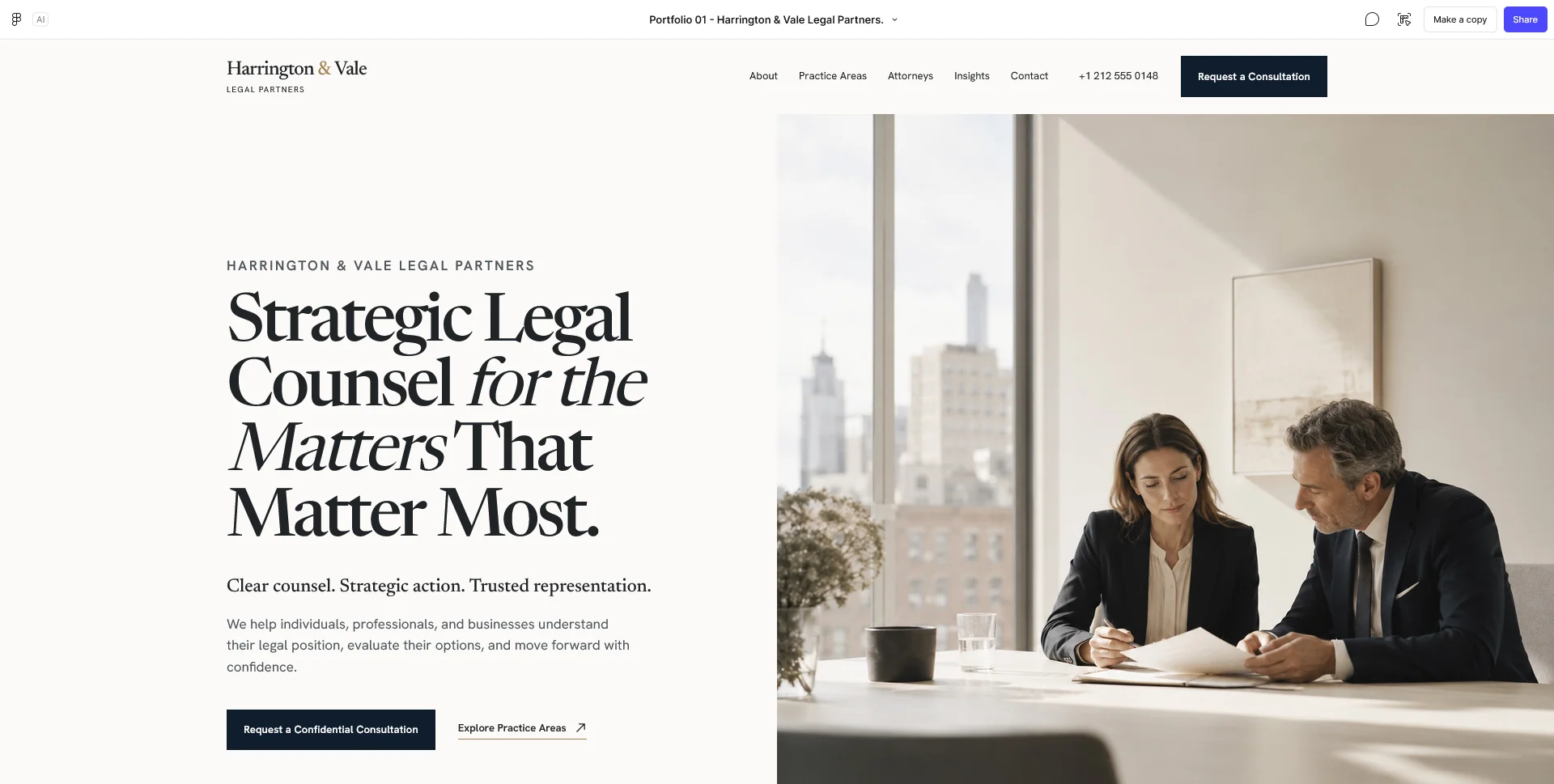
Law Firm — Website Design
A fictional law firm website concept for Harrington & Vale, exploring editorial design, clear navigation and a visual identity built around trust.
 Let’s talk
Decide whether your dental website needs a refresh or rebuild. Review content, navigation, editing and enquiry routes before choosing the scope of the project.
Refresh a dental practice website when its structure and platform still support the job but content or presentation needs improvement. Consider a rebuild when the underlying organisation, implementation or maintenance setup prevents reliable use. An ageing appearance alone does not tell you which investment is appropriate.
Start with the journeys people need: understanding the team, finding relevant service information and making the right kind of contact. A polished new interface will not solve inaccurate qualifications, a misleading booking button or an enquiry that reaches an unattended inbox.
Choose a realistic task and follow it from entry to outcome. For example, a new visitor wants to learn about the practice and request an initial appointment. Can they identify the location, understand the next step and tell whether their request has been received?
Repeat the task on a phone and with keyboard navigation. Check the contact destination, not only the appearance of the button. Ask the practice to confirm what happens after a message reaches its team.
Record each problem with a page, an observation and its consequence. “The appointment button opens a general email with no explanation” is more useful than “the website feels old”.
Different causes need different fixes. Rewriting a confusing paragraph does not require a new CMS, while replacing a theme may not resolve an unclear service structure.
| Observation | First area to investigate | Possible scope |
|---|---|---|
| A professional profile lists an outdated role | Content ownership | Correct the profile and establish an update process |
| Service pages imply personal suitability without assessment | Content and review | Revise the explanation with the practice’s clinical reviewer |
| Visitors cannot distinguish enquiries from confirmed bookings | Journey and wording | Clarify actions, acknowledgements and the external handoff |
| Navigation duplicates or hides important services | Information structure | Regroup pages and revise labels |
| Staff cannot maintain essential information reliably | Platform and workflow | Evaluate editing improvements or a replacement setup |
Use this classification to avoid buying a broad rebuild for a focused problem, or funding repeated cosmetic changes when the foundation needs attention.
A dental service page should make its role clear. It can introduce an available service and the process for discussing it. It should not turn general descriptions into a conclusion about the individual reader.
Look for headings, quizzes or calls to action that jump from a common concern to a definite treatment recommendation. Ask the dental team to review what those elements imply, including the wording surrounding the button.
The NHS standard for creating health content provides a useful reference for documented approval, clinical review and planned updates. It is a content-process reference here, not a claim that following one checklist certifies a practice website for every jurisdiction.
A refresh may be appropriate when useful pages already exist, the platform remains maintainable and important journeys can be repaired without replacing the whole system.
The scope might include clearer headings, updated team information, improved mobile layouts, more visible contact actions and revised form feedback. Keep the work tied to the observed problems and define what improvement should be visible at review.
For the relationship between presentation and usefulness, read whether a business website needs an award-winning design. Familiar patterns can serve a practice well when the content and actions are carefully considered.
A rebuild becomes more relevant when the site’s page model no longer fits the practice, essential changes require fragile workarounds or the current implementation cannot support an agreed editing and maintenance process.
Examples include several locations squeezed into one ambiguous contact page, duplicated service content that cannot be maintained consistently, or a platform whose operational responsibilities have become unclear. Have the responsible technical provider assess the underlying condition rather than assuming age alone makes the software unsuitable.
Use the essential dental website pages guide to define the target structure. Then compare it with what the existing setup can reasonably support.
Before replacement, inventory the pages, files, images and contact routes people already use. Note pages linked from external directories, emails or printed materials. Separate assets that can be reused from those needing a new version or approval.
Prepare a mapping from each important old URL to the relevant new destination where one exists. Redirects should help a visitor reach equivalent information; sending every retired page to the homepage can leave the original question unanswered.
Keep migration, launch checks and account access in the proposal. The dental website quote-comparison guide helps make those tasks visible rather than burying them under “website redesign”.
The Harrington & Vale concept uses a clear progression from a professional firm’s positioning to service areas, people and consultation. It is a personal concept from another sector, useful for examining information hierarchy.
For a dental practice, judge the proposed direction with its own content: can someone locate a professional, understand the scope of a service and reach the correct contact channel? Attractive images should support that route rather than substitute for missing information.
Review the existing and proposed journeys on equivalent screens and with the same task. A presentation should make the improvement understandable without relying on dramatic before-and-after styling alone.
Agree who approves content, who handles technical work and who checks enquiries during the transition. Record the current contact method and the fallback if an external tool is temporarily unavailable.
Schedule content review, redirect preparation, deployment and final checks as distinct steps. The dental website project-timeline guide explains these dependencies. If the wider rebuild cannot be completed immediately, use a phased launch to prioritise the information and contact route that need attention first.
Do not postpone a straightforward correction to inaccurate information merely because a future redesign is planned. Resolve it through the existing publishing process where possible.
No. Traffic, demand, service availability and response handling also matter. Review the journey and measurement before attributing the outcome to visual design.
Often, if it can support the agreed structure and maintenance needs. Ask for an assessment of the actual constraints before choosing a replacement.
No. Retain accurate, useful material after review. Identify what needs correction, consolidation or a new purpose rather than replacing content solely because the design is changing.
Send the current URL, examples of the problems and the intended enquiry process. SavianoDesign’s Website Design service can help define the design work and implementation needs for a focused update or a new site.
Web Design
A fictional law firm website concept for Harrington & Vale, exploring editorial design, clear navigation and a visual identity built around trust.
Web Design
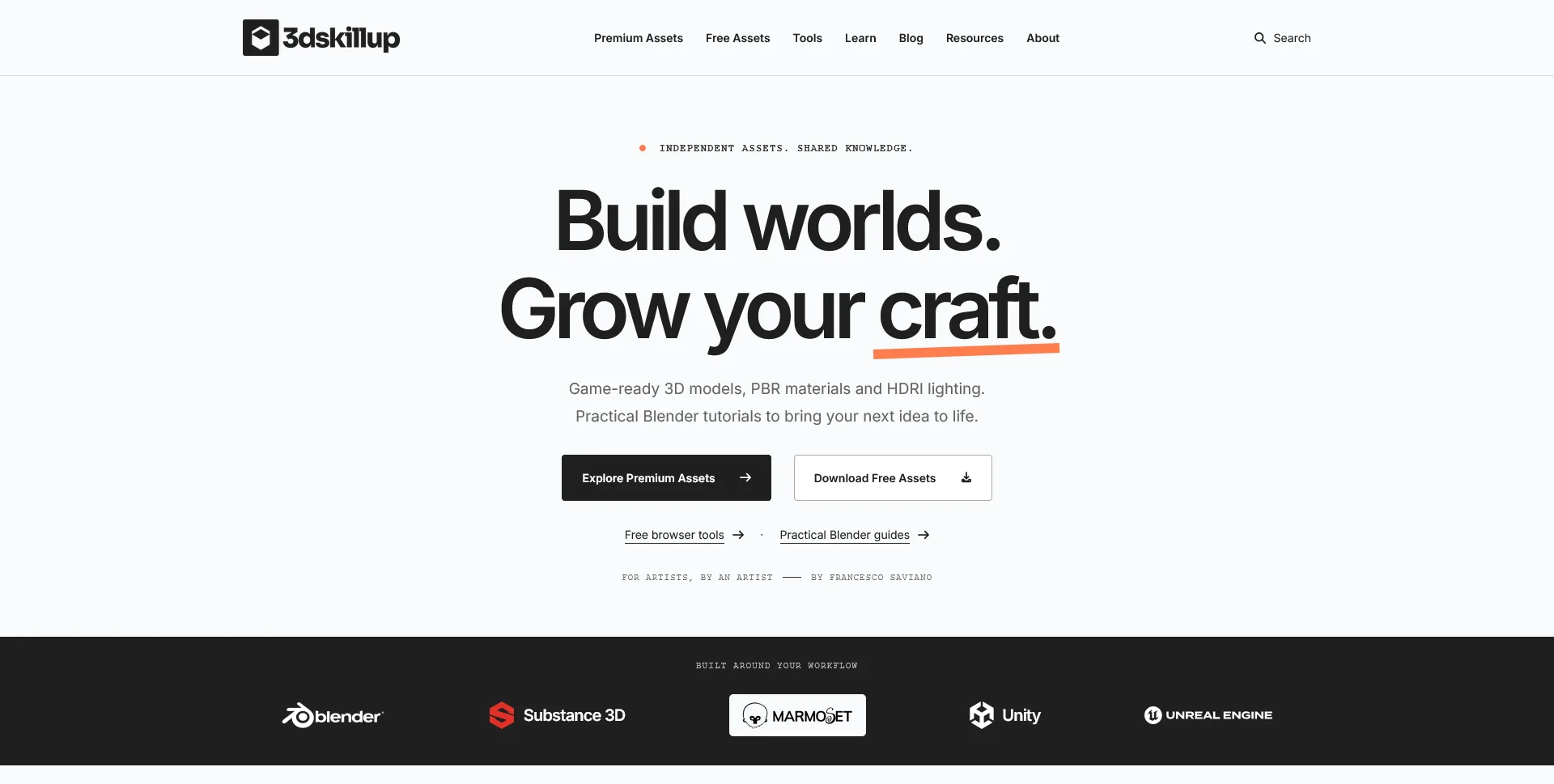
A separate creative platform bringing together game-ready 3D assets, practical tutorials and resources for artists.
Web Design
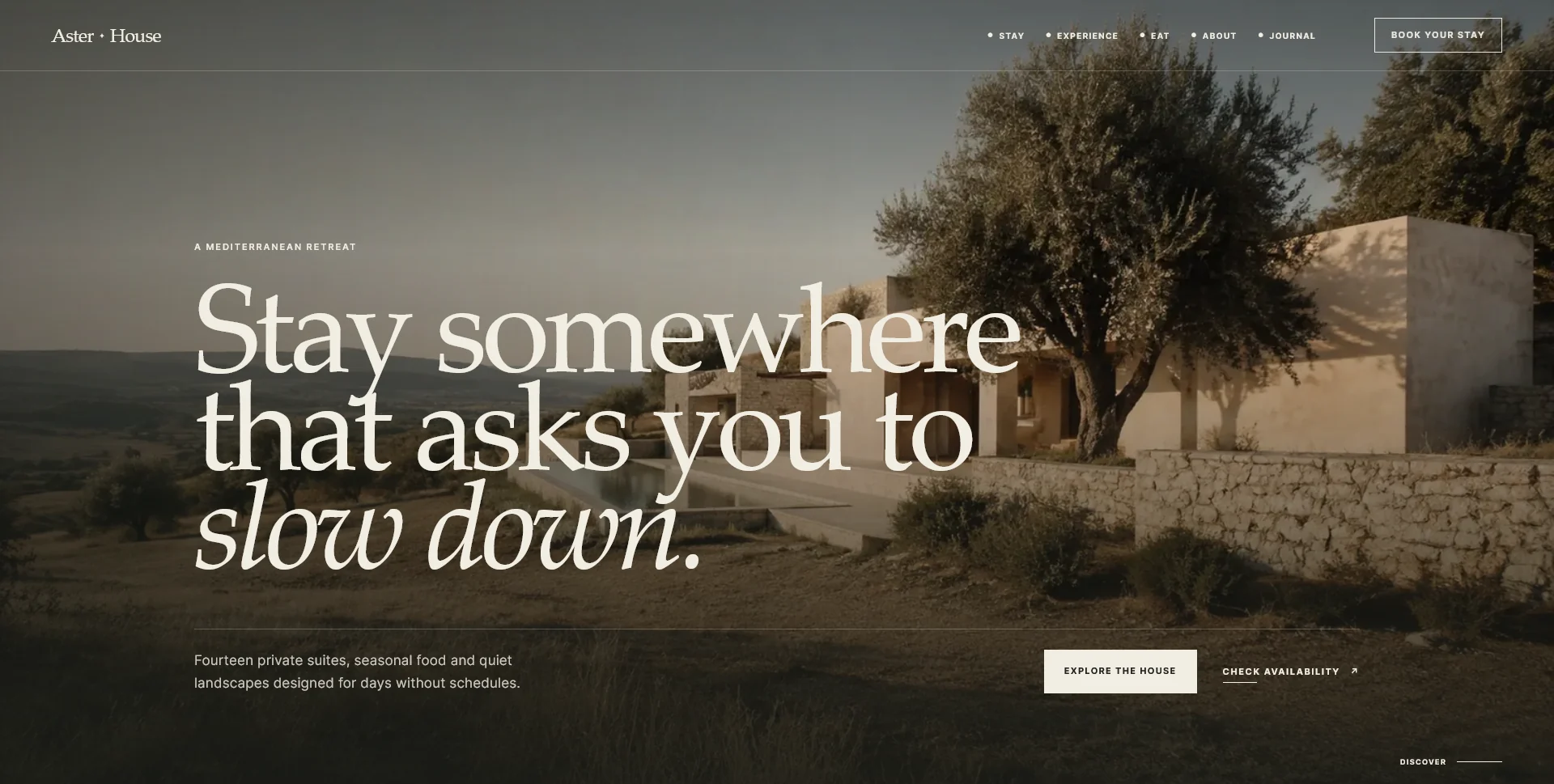
An editorial hospitality concept, combining a Mediterranean visual direction with responsive front-end development.
Web Design · 6 min read
Plan the essential pages for a dental practice website: team, services, visit information and contact. Build a route from questions to appointment requests.
Web Design · 6 min read
Compare dental website quotes through deliverables, content, CMS and enquiry handling. Separate initial costs from recurring services and plan the scope.
Web Design · 6 min read
Plan a dental website timeline around content, approvals, design, development and external providers. Set milestones and launch checks without false promises.
Have a website in mind?
A short outline is enough to start a conversation.
Discuss your project View my 99designs profile5.0 / 5 from 25 reviews on 99designs. Read client feedback.