Law Firm — Website Design
Web Design

Explain emergency plumbing callouts with clear website copy about phone coverage, attendance, response times, service areas and fees, plus practical examples.
An emergency plumbing callout section should explain what help is offered, when the phone is monitored, when a technician may attend, which locations are covered, what charges may apply and how the customer gets confirmation. The word “emergency” does not answer those questions by itself.
For a plumbing business, this is a communication problem before it is a button-design problem. A visitor may need to act quickly, while the team still needs to confirm the location, type of work and availability. The website should make that sequence clear without suggesting that a call or message automatically books a visit.
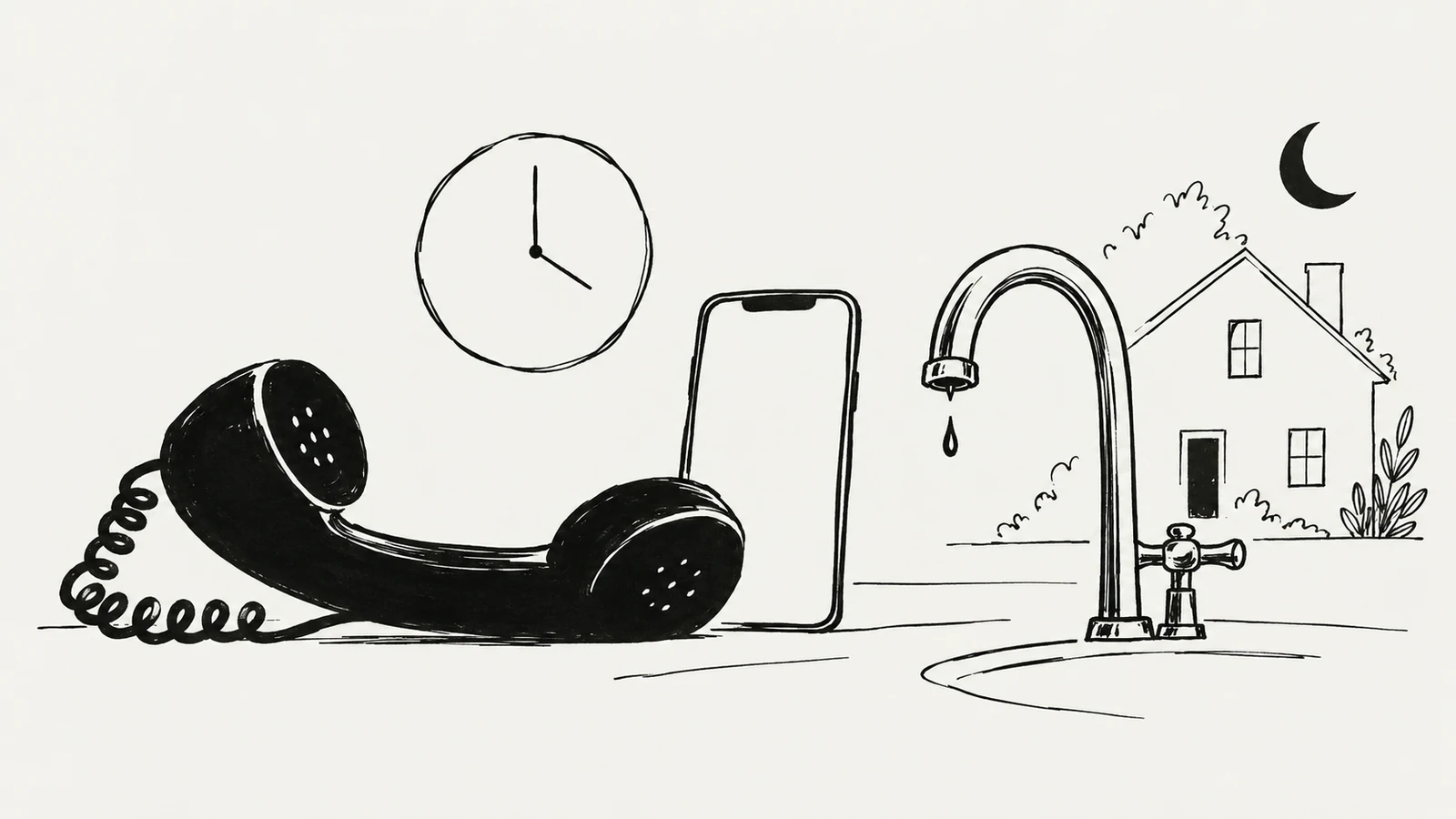
Start with the actual service, not a competitor’s headline. Ask the owner or person handling calls which problems the team accepts, whether attendance is available outside normal hours and what prevents a visit from being offered.
A business might provide urgent repairs only during working hours, maintain a genuine after-hours rota, or accept messages for the next opening period. These are different offers. The website needs to describe the one the business can deliver.
Name the types of work you handle in familiar language, with relevant exclusions. Do not imply that an urgent plumbing service also handles unrelated utilities or specialist systems unless that is an established part of the offer. This page is about helping visitors contact the correct service, rather than diagnosing their problem through marketing copy.
For the broader opening message, read which questions a plumbing homepage should answer first.
Three promises are often compressed into one badge: someone can take the call, a technician may be available, and a technician will arrive within a particular period. Keep them separate in the copy and in the business brief.
| Statement | What the visitor may assume | What the business needs to confirm |
|---|---|---|
| “24/7 phone line” | A person answers at any hour | Whether calls are answered live, routed elsewhere or recorded |
| “Emergency callouts” | A visit can be arranged urgently | Operating hours, accepted work, coverage and availability |
| “Same-day service” | A visit today is assured | Whether this is guaranteed, conditional or only sometimes available |
| “Arriving in 30 minutes” | A reliable arrival commitment | The evidence, area and operational conditions supporting that promise |
Do not use the strongest interpretation when only the weakest is true. An answering service does not prove that a technician can attend overnight. A broad historical average does not establish an arrival time for the person currently reading the page.
If the team confirms an estimate during the call, say that. Avoid a countdown, “technician nearby” indicator or live availability label unless the website receives accurate operational data and someone maintains the process behind it.
The following are illustrative copy templates, not claims about a real plumbing company. Replace the bracketed details and use only the option that accurately describes the service.
For a genuine round-the-clock attendance service:
Emergency plumbing callouts in [confirmed area], available 24 hours a day. Call [phone number] to discuss the issue. We’ll confirm technician availability, the expected arrival window and any applicable callout charge before arranging a visit.
For limited after-hours availability:
Need urgent plumbing help outside office hours? Call [phone number] to check availability in [confirmed area]. After-hours attendance depends on the on-call schedule. A visit is arranged only after we confirm it with you.
For a business without emergency attendance:
Plumbing appointments are handled during [business hours]. Messages received outside those hours are reviewed when the office reopens. We do not provide an out-of-hours emergency callout service.
The last option is still useful customer service: it gives an honest answer instead of leaving someone waiting for help that is not coming. Place a critical qualification next to the main statement, not only in a distant FAQ.
A customer should be able to check whether their property is covered before calling. If the after-hours territory is smaller than the normal service area, say so in the emergency section and on the coverage page. The guide to service-area placement on plumbing websites explains how these two pages can support each other.
Explain the role of any callout or diagnostic fee in plain language. If further labour or parts are additional, make that distinction visible. Where a fee changes by time or location, describe the conditions or explain that the applicable charge will be confirmed before attendance is arranged.
Avoid “free quote” language that leaves customers unsure whether the visit itself is free. A pricing explanation does not need invented precision: it needs to describe what is charged, what is included and when the customer can make an informed decision.
A phone-first emergency journey benefits from a visible number, a clear label and a short availability explanation. A telephone link should use the correct international number format behind the button while displaying a readable number to the visitor.
Choose a label that matches the action. “Call to check availability” is suitable when the next step is a conversation. “Confirm emergency visit” implies that an actual booking can be completed and should not be used for a simple phone link.
On a mobile layout, check that the call control is easy to tap without covering page content. A labelled button is clearer than an isolated phone icon. Keep a readable number available for people who need to copy it or use another device.
The navigation planning guide can help you give emergency information a clear place without turning every menu item into an urgent banner.
An enquiry form or email link can support non-urgent work. It should not become the default emergency route unless the business monitors it and can provide the response described on the page. If an existing third-party booking service is involved, review its actual confirmation steps rather than assuming it schedules a technician automatically.
Distinguish three outcomes:
A static success message should never announce the third outcome merely because the visitor submitted a form. The guide to clear loading, error and confirmation states explains why interface messages need to reflect what actually happened.
Decide what visitors should do if they cannot reach the business, and describe only options the team genuinely offers. A website cannot compensate for an unattended channel by making the button more prominent.
Review the header, emergency page, footer, contact page and any enquiry confirmation. “Open 24 hours” in one place and “Replies on the next working day” in another may refer to different channels, but the difference needs to be explained.
If the company uses Google Business Profile, check its published information when hours change. Google provides instructions for updating business hours; the website should also clearly distinguish normal office hours from any separately described emergency service.
Assign someone to maintain the copy when a rota, service area or fee policy changes. An accurate page today can become misleading if nobody owns the update.
Read the emergency section as if you were unfamiliar with the business. Can you identify the correct number, understand whether it is monitored, check your location and explain whether a visit is confirmed? Ask a colleague to do the same without help.
Then test the actual link on a phone and inspect the rest of the journey. Verify the number, any third-party destination and the wording after an enquiry. Review the layout at a narrow width and with enlarged text, especially if a sticky call bar is present.
For search clarity, use a descriptive page title and headings that reflect the real service and location. Do not optimize for an emergency offer the company does not provide. Clear wording should support an accurate customer journey rather than exaggerate it.
A voicemail inbox being available is different from round-the-clock assistance. Describe when messages are reviewed and whether someone can actually arrange attendance. Avoid wording that implies live help when there is none.
Publish a confirmed fee and its conditions when the business can state them reliably. Otherwise explain the fee structure and when the applicable amount will be confirmed. Do not imply that attendance is free if it is chargeable.
Not necessarily. A clear phone route may fit the real workflow better. Add online booking only when its availability, confirmation and operational responsibilities are understood and agreed.
SavianoDesign’s Web Design service can help organize your emergency-service content, mobile contact route and responsive page layout. Start with how your team actually handles enquiries, then turn that process into clear information and useful page interactions.
Discuss your plumbing website with Francesco, sharing how calls are handled, the hours and areas covered, and what customers should know before a visit is arranged.
Web Design · 8 min read
Plan a plumbing website homepage that answers questions about services, coverage, availability, costs and trust, with a clear route to contact your team.
Web Design · 8 min read
Show plumbing service areas where customers need them: the homepage, service pages and contact route. Plan useful coverage pages without repetitive city content.
Web Design · 6 min read
Design useful empty, error and loading states for web apps. Learn what each message should explain, which action to offer and how to review recovery.
Have a website in mind?