3DSkillUp
Web Design

Choose the right role for a logistics catalog and accessible overview pages, helping buyers compare the offer, find key details and share useful documents.
For most logistics company websites, clear HTML overview pages are a useful starting point for evaluating the offer, with a downloadable catalog available when it serves a separate task. Buyers should be able to understand the main services or products before deciding whether they need a document to save or share.
Here, “product” might mean a defined service package, a handling option or a physical item the company supplies. Use the language that matches the business. A provider of tailored transport or storage services does not need to pretend its offer is a conventional shop catalog.
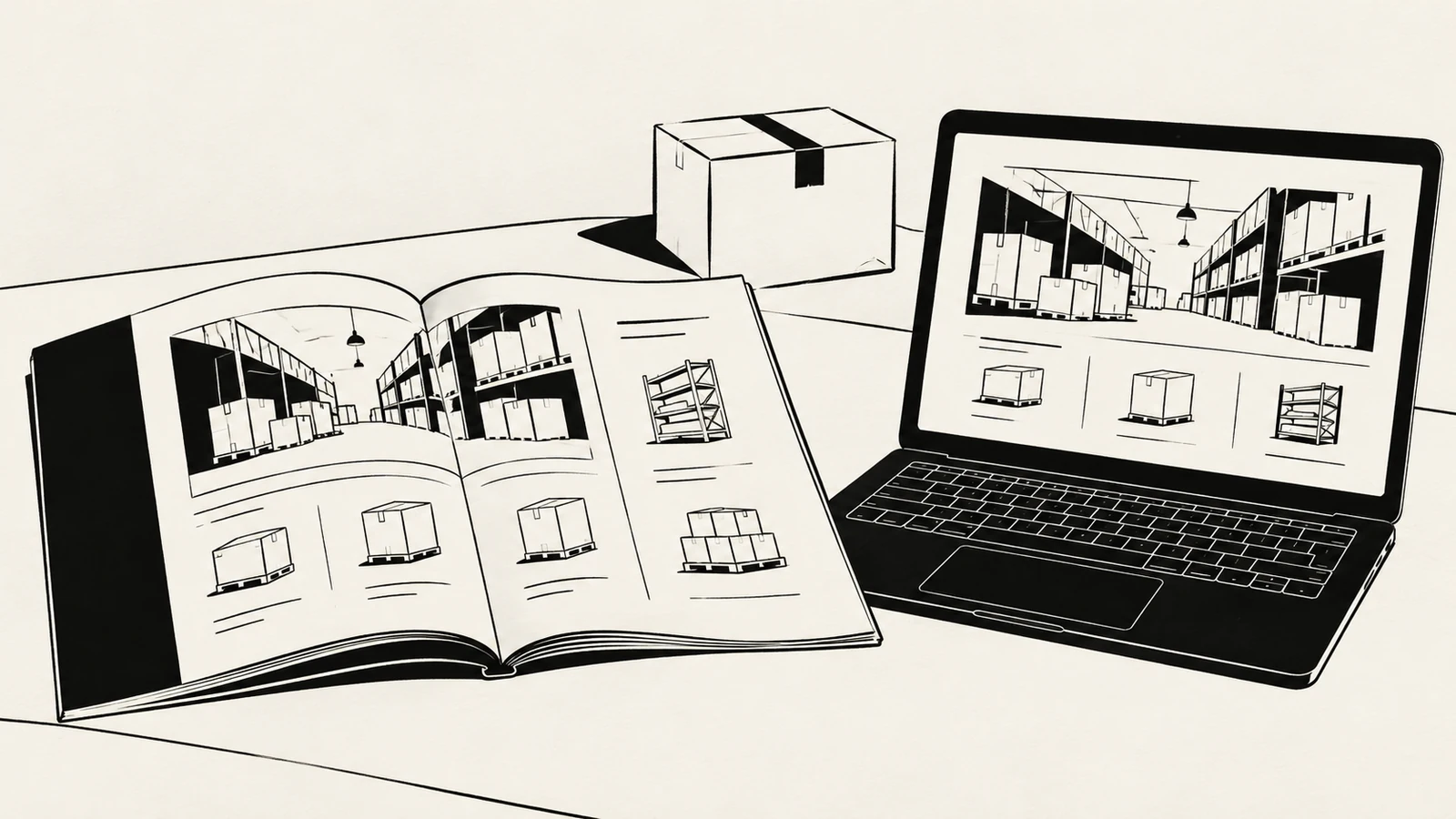
A company may already have a polished brochure, but that does not establish that a download is the best first step for a website visitor. Ask what someone needs to do at each stage.
An initial visitor may be checking whether the company handles a particular requirement. A colleague comparing suppliers may need a link to one service. A procurement team may want a dated document to circulate internally. Those tasks can justify different formats within one content plan.
The guide to explaining logistics capabilities clearly helps identify the information the offer needs to communicate. Decide where that information belongs after its purpose is clear.
An overview should identify what is offered, who or what it is suitable for, important conditions and the next step. It should provide enough information to assess relevance without requiring a download.
If there are several distinct services or product groups, use short summaries with meaningful links to detail pages. If the range is small, one well-structured page may be sufficient. Do not create a separate page for every minor variation unless each page helps the buyer make a real distinction.
Include a clear explanation of what needs individual assessment. A static overview does not need live pricing, stock or capacity to be useful. It does need to distinguish published information from availability that has yet to be confirmed.
Use this table to make the publishing decision explicit. The formats can complement each other when each has a clear purpose.
| Buyer task | Useful starting format | Why it helps |
|---|---|---|
| Understand the offer on a phone | Responsive HTML overview | The page can adapt to the screen and expose the key information directly |
| Compare a few service options | Consistently structured web pages or a simple comparison | Readers can inspect equivalent facts and follow relevant links |
| Share one capability with a colleague | A focused page with a stable URL | The link preserves the subject of the discussion |
| Retain an approved overview for procurement | A dated, accessible document where needed | The recipient can keep a defined version for reference |
| Review detailed specifications | An appropriate supporting page or document | The depth of detail is available without overwhelming the introduction |
| Ask about suitability | A visible enquiry route beside the relevant offer | The buyer does not need to reconstruct which service prompted contact |
This is a publishing framework, not a reason to duplicate every paragraph in every format. Start with the tasks your actual buyers need to complete.
Avoid making a buyer open a large file to discover the service area, the basic scope or an important restriction. Those facts determine whether further investigation is worthwhile.
A short page that says only “Download our catalog” creates an extra step without explaining what the visitor will find. Replace it with a useful introduction, an outline of the relevant offer and a clearly labeled download where one is available.
If the document contains details that frequently answer first-contact emails, consider moving a concise version of those answers onto the relevant web page. The guide to missing information that creates avoidable sales emails provides a method for finding those gaps.
HTML provides a flexible foundation, but accessibility still depends on the implementation. Use meaningful headings, readable text, clear links and a sensible reading order. Present information as text rather than embedding the only explanation inside a graphic.
If a comparison needs a table, use proper column and row relationships and review how it behaves on a small screen. Do not rely on color alone to distinguish included and optional features. Keep important conditions visible without requiring a hover interaction.
The UK Government Digital Service’s accessible document guidance recommends HTML wherever possible and emphasizes clear structure and meaningful links. For a commercial overview, the practical lesson is to make the main content usable in the browser while considering any document as an additional publishing format.
Test the result with a keyboard and appropriate accessibility checks. Choosing a file type or a page template is not, by itself, proof that the finished content is accessible.
A catalog can be valuable when it provides a coherent document that a buyer needs to retain. Give it a descriptive title, a real issue or revision date and a clear link back to the current website information.
Prepare it from a structured source. Check headings, reading order, text alternatives where needed, table structure and meaningful link labels. A scanned page or a collection of images is a poor substitute for usable document text. Review the exported file rather than assuming that an attractive source layout guarantees a good reading experience.
Label the website link with the document’s subject and format, and show the actual file size where helpful. A label such as “Storage and dispatch overview — PDF, [actual file size]” sets a clearer expectation than “Click here.” The bracketed text is a content pattern to fill with verified information, not a value to publish unchanged.
Decide who owns the underlying content and which source the team updates. Otherwise, a new web page and an older brochure can make contradictory statements about coverage, scope or contact details.
Use a simple release routine: review the changed facts, update the relevant pages, regenerate the document if necessary and check the links that distribute it. If the document is intended as a fixed historical edition, label it clearly and direct current enquiries to current information.
Avoid silently removing a widely shared document URL. Review how an existing link should behave when a new edition replaces it. The website navigation guide explains why the destination needs to match the expectation set by the link.
Do not choose HTML because someone says search engines cannot read PDFs. Google’s documentation on indexable file types includes PDF among the formats it can index. Indexability does not mean a particular file will appear in search or rank for a chosen query.
The stronger reason to publish an HTML overview is control over the page’s structure, surrounding context, navigation and next action. Give each page a title that accurately identifies the offer, and use descriptive links between related services and supporting material.
Likewise, creating many short pages is not automatically an improvement. Separate pages when the subjects have distinct information and a useful role. A clear overview with substantial detail can be more helpful than a collection of nearly identical pages that exist only to repeat search terms.
Publishing useful introductory information does not mean exposing every commercial detail. Explain the offer and the factors affecting suitability, while reserving tailored pricing or a specific operating proposal for an appropriate conversation.
For example, this is illustrative copy for a fictional service overview:
Storage and dispatch for [supported goods]
Review the activities included, the relevant location and the information needed to assess your volumes. Download the dated overview if you need to share the service internally, or send an outline of your requirements for discussion.
This gives the visitor a reason to use either route. Gating basic capability information behind a form can create questions that the page could have answered directly. Evaluate any gated document against a real business need and the contact process the team can support.
Ask a reviewer to find a relevant service, explain its important conditions and send the information to a colleague. Then ask them to identify how to discuss a specific requirement.
Check whether they can complete the task from the page and, where relevant, from the downloaded file. The document should not become a dead end with outdated contacts or no route back to the current offer.
Review on a phone as well as a larger screen. Note whether text requires awkward zooming, whether the download size is reasonable and whether the page remains useful if the visitor chooses not to open the file.
Not automatically. Keep it when it serves a clear need, is maintained and is prepared for accessible use. Give visitors useful web content as well, so the download is a choice rather than the only route to basic information.
Yes, if the term accurately describes defined offers. If the company primarily provides tailored services, use service or capability labels that buyers understand rather than forcing the range into a shop-style structure.
No. Public overview pages can be built as a static website. How the content will be updated, and whether any external catalog or enquiry system is involved, should be agreed before implementation.
SavianoDesign’s Web Design service can help turn existing service material into clear public pages, consistent overview layouts and useful links to supporting documents.
Explore the Web Design portfolio and contact Francesco about your logistics website. Share the current catalog, service list and update process so the design and front-end scope reflect how the content will be used and maintained.
Web Design · 8 min read
Explain logistics capabilities with clear service descriptions, practical limits and evidence so buyers can assess fit before contacting your sales team.
Web Design · 9 min read
Audit a logistics website for missing scope, coverage and enquiry details, then place useful answers where buyers need them before contacting sales.
Web Design · 8 min read
Plan website navigation with clear menu labels, useful page groups and mobile behaviour. Includes a practical route map and a checklist for testing.
Have a website in mind?