Aster House
Web Design

Explain architectural design stages on your practice website: what clients can expect, what they prepare and how the first meeting leads to an agreed scope.
An architecture practice website should explain design stages through the purpose of each stage, what the client can expect to review, what information they contribute and how the next step is agreed. Before the first meeting, a visitor mainly needs to understand how a conversation begins and where it fits into a longer process.
A row of labels such as “Discover, Create, Deliver” introduces a sequence, but leaves most practical questions unanswered. A useful process page gives enough detail to prepare an enquiry while making clear which services depend on the project and the appointment.
Explain what happens when someone contacts the practice. Will the team review a short enquiry, arrange an introductory call, suggest a paid consultation or request more information first? Use the route the practice actually follows.
The website should distinguish that first contact from an agreement to undertake architectural services. A visitor should not have to guess whether submitting a message books a meeting, commissions a concept or simply asks the team to respond.
Describe any initial meeting in concrete terms: its purpose, usual format, whether it is charged and what the visitor should prepare. Publish durations or fees only where the practice has confirmed them. A clear description of the next step can be useful even when the full project scope cannot yet be known.
A consistent structure makes a process page easier to scan. For every stage you present, answer the following:
Use the practice’s real process and confirmed scope. Do not imply that every client receives the same number of options, drawings or meetings if that depends on the appointment. A process page can explain the shape of the work while leaving project-specific deliverables to the proposal.
For a broader review of the language, read the guide to explaining architectural expertise without homepage jargon.
A first-time client may understand “exploring layouts” before they understand a formal stage name. A professional client may want both. Put a plain-language explanation beside the terminology your practice actually uses.
For example, the RIBA Plan of Work organizes building projects into eight stages, with outcomes, tasks and information exchanges. It is one established framework, rather than a reason to assume every practice, country or appointment follows identical steps.
The table below is an illustrative website content outline, not a replacement for that framework, an architectural appointment or a project programme. Adapt it to the practice’s services and terminology.
| Part of the journey | The client’s likely question | What the website can explain |
|---|---|---|
| Understanding the brief | Can this practice help with what I need? | Initial discussion, information gathering and how scope is considered |
| Exploring possibilities | What options might be worth developing? | The purpose of early studies and how the client reviews a direction |
| Developing the proposal | How does the chosen direction become more defined? | Further decisions, coordination and the relevant application process where included |
| Preparing detailed information | What information is needed for the next agreed step? | The role of technical information and the team’s stated responsibilities |
| Work during construction | What involvement will the practice have while work is built? | The services actually included in the appointment and how communication is organized |
| Completion and follow-up | What happens when the agreed work reaches completion? | Handover or review activities where they form part of the scope |
Do not suggest that a practice is appointed for every row simply because the whole journey appears on the website. Identify the services offered and explain that their inclusion is agreed for the individual project.
Process descriptions often concentrate on the architect’s actions. Clients also need to understand when their information and decisions matter.
At the beginning, useful material may include the project location, a description of the property or site, priorities, a realistic budget discussion and the reason for any timing requirement. Some visitors will have drawings or a detailed brief; others will only have an early idea. Explain what is needed for the first conversation and what can follow later.
During design, describe how feedback is gathered and what a review is intended to decide. “Review the proposed arrangement of the main spaces” conveys more than “Client checkpoint.” If changes after an agreed decision need further discussion, explain that principle without attempting to reproduce all the appointment terms on the homepage.
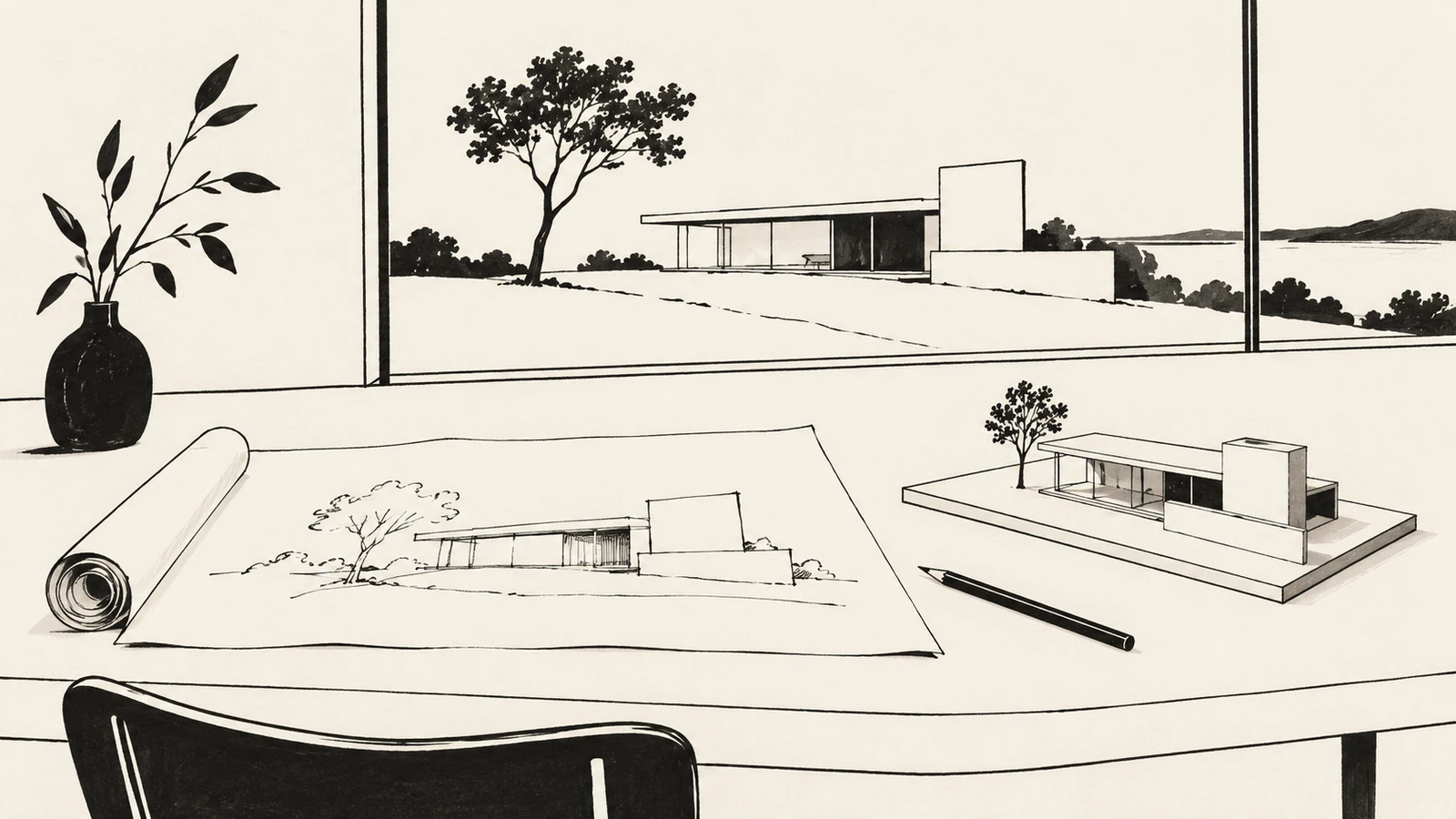
A sketch, a model and a technical drawing serve different purposes. Showing them side by side without context can imply that they are interchangeable stages of a polished presentation.
Explain what an example helps the client understand. A model might explore the relationship between volumes. A plan might support a discussion about how rooms connect. A detailed drawing may communicate information for a particular agreed purpose. Use accurate captions and distinguish a study from information intended for construction.
If a case study illustrates a stage, state what the practice actually did on that project. A completed building is not evidence that the practice delivered every service shown on a generic timeline. The guide to organizing architecture project types explains why role and status belong alongside the visual work.
A process can involve decisions by clients, consultants, contractors and relevant authorities. Explain where those inputs affect the next step, using language the visitor can understand.
For example, a practice can describe preparing information for an application where that service is offered. It should not present a third party’s approval as an outcome it can promise. Similarly, a provisional sequence should not become a fixed completion date simply because the timeline looks cleaner without qualifications.
If you publish indicative times, state what they refer to and which assumptions matter. The time spent developing a design is different from waiting for a decision or arranging construction. Keep the explanation proportionate and confirm project-specific expectations through the practice’s own appointment process.
The homepage can provide a short overview and link to a complete process page. Service pages can explain which parts relate to that offer. Project pages can show an example in context, while the contact page can focus on preparing the first conversation.
The homepage content checklist helps decide which questions deserve an early answer. Avoid placing the entire detailed process above selected work when a visitor is still establishing whether the practice is relevant.
Use headings and anchors that describe the stage or question. A visitor looking for meeting preparation should not have to interpret a purely decorative timeline. Keep the explanation available as text, with a reading order that works on a phone as well as a wide screen.
“Send a project enquiry” fits a message that the practice will review. “Book an introductory call” fits a working scheduling route with a defined meeting. “Start your project” is less precise if the immediate outcome is only opening an email application.
The confirmation message should also describe the real state. Receiving an enquiry does not establish that a meeting or commission has been accepted. The guide to clear interface feedback and confirmation states explains why that distinction matters to the user’s expectations.
Check the complete path: contact label, destination, instructions and any confirmation. If an external scheduling service is used, its availability and meeting description should agree with the practice website.
Ask a person unfamiliar with the practice to explain how they would begin, what they should bring and what would happen after the first discussion. Then ask them whether the website implies any service or outcome that the practice does not always provide.
Review the same page on a phone. Long stage names, tiny captions and an infographic with all the explanation embedded inside it can make a useful process difficult to read. A simple sequence of well-written sections may communicate more effectively.
Assign someone in the practice to review the page when services, meeting arrangements or terminology change. Good process copy needs to reflect the way the team currently works.
Only include the level of detail the audience needs. A plain-language overview can link to a fuller process explanation or a relevant framework. The project proposal and appointment define the specific services.
Only if that accurately reflects the practice’s offer. Explain whether the next step is an introductory conversation, a paid consultation or another arrangement, and make any confirmed charge clear before booking.
No. Describe the sequence, decisions and dependencies. Publish time estimates only with meaningful context, and agree project-specific expectations through the practice’s normal process.
SavianoDesign’s Web Design service can help your architecture practice connect its homepage, project stories, process explanation and contact route through thoughtful content structure and responsive design.
Contact Francesco about your practice’s website with your current URL, a short outline of how new enquiries are handled and the questions clients regularly ask. Together, those details can form the brief for a website that prepares a more useful first conversation.
Web Design · 8 min read
Explain your architecture practice’s expertise with clear homepage copy, relevant project evidence and a useful next step, without relying on jargon.
Web Design · 8 min read
Organize an architecture practice’s portfolio with useful project categories, clear status labels and consistent case studies that help clients find relevant work.
Web Design · 8 min read
Plan a clear homepage with this practical content checklist: positioning, services, proof, calls to action and useful links for a service business.
Have a website in mind?